

Dark Mode Support for BuddyX, Reign, BuddyBoss
The Contact form, inbox, and admin panels render correctly in dark mode out of the box on every Wbcom theme and the BuddyBoss Platform.
Themes supported
Section titled “Themes supported”- BuddyX and BuddyX Pro — the free and premium Wbcom theme pair.
- Reign and Reign BuddyPress — the Wbcom community theme.
- BuddyBoss Theme — bundled with BuddyBoss Platform.
- Any child theme of the above.
These themes ship a system-wide dark-mode toggle. The Contact Me styles read the same CSS custom properties (--bb-body-text-color, --bb-content-background-color, --bb-primary-color, etc.) the parent theme exposes, so when the theme switches, every Contact Me surface follows.
Surfaces that adapt
Section titled “Surfaces that adapt”- The contact form on member profiles (subject, message, captcha).
- The inbox listing rows (avatar, sender, subject, snippet, badges).
- The single-message view (header, body, action buttons, alerts).
- The Preferences sub-tab (per-member opt-out).
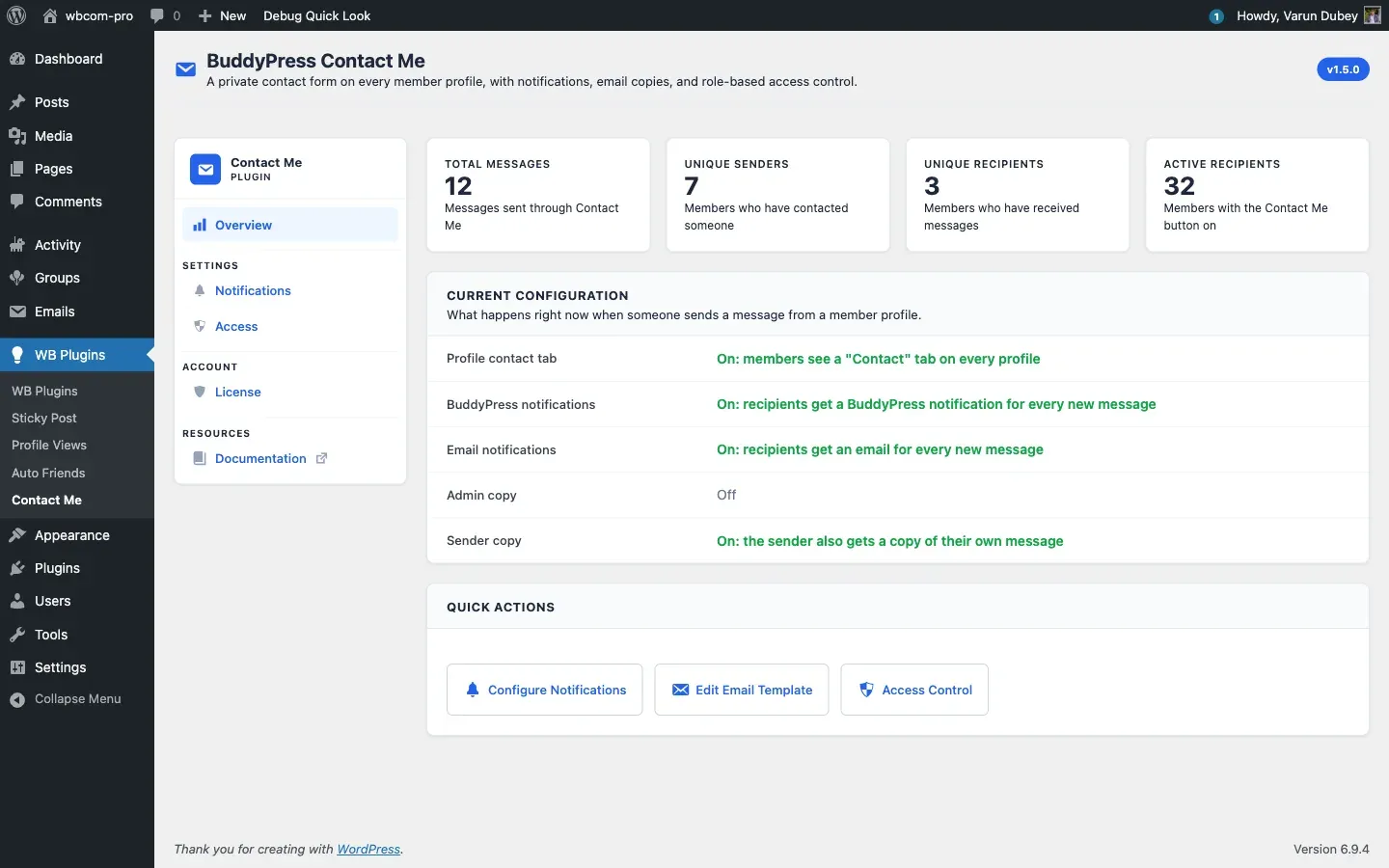
- The admin Overview, Notifications, Access, and License tabs — including hub cards and toast notifications.
How it works
Section titled “How it works”Instead of hard-coding hex colours for backgrounds, borders, and text, the plugin’s stylesheets reference the BB theme tokens directly. There is no JavaScript theme detection or class swap — the CSS Variables cascade does the work. This means:
- Dark-mode rendering does not depend on the user’s role.
- Site-wide dark-mode toggles take effect on the next page load with no plugin reconfiguration.
- A custom theme that defines compatible BB-style variables also gets dark-mode for free.
Custom themes
Section titled “Custom themes”If you run a non-Wbcom theme that also implements dark mode, the easiest path is to define the BuddyBoss-compatible CSS variables in your theme’s stylesheet (or theme.json for block themes). Once the variables resolve correctly, Contact Me follows automatically.
If you want different colours specifically for Contact Me without touching the theme, target the plugin’s body class wbcom-bp-contact (added by BCM_Frontend_Nav::body_class()) and override individual rules:
body.wbcom-bp-contact .bcm-message-view__subject { color: var(--your-accent-colour);}Known limitations
Section titled “Known limitations”- Email notifications use the BuddyPress email template, which has its own colour scheme controlled at Dashboard → Emails → Customize. That scheme is independent of the dark-mode toggle on the front of the site — change it from the BP Email customiser if your audience reads email in dark mode.
- The math captcha is plain text and inherits the form’s text colour, so it works correctly in both modes without any extra styling.