

Mobile App Overview
Mobile App Overview
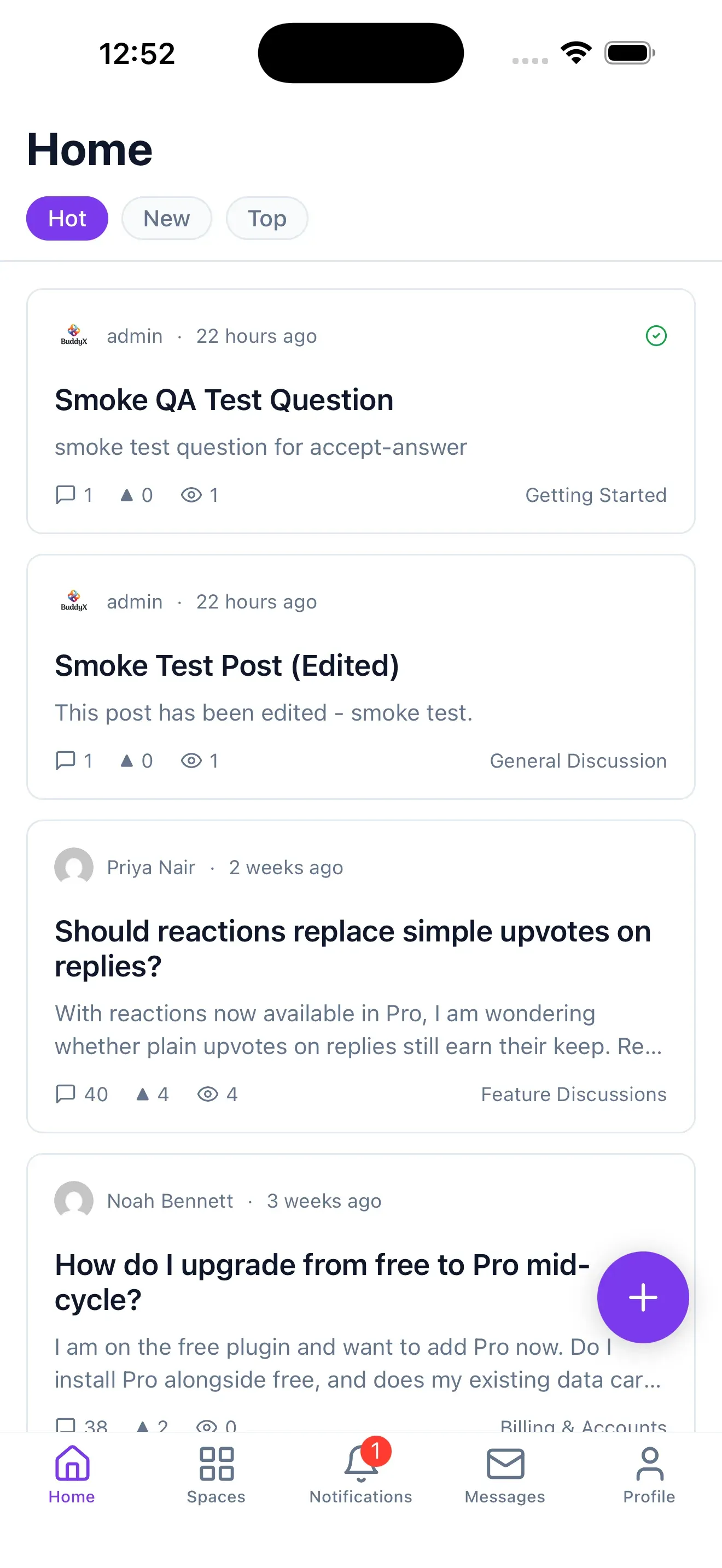
Section titled “Mobile App Overview”Jetonomy communities have a native iOS and Android app. Your members get a real mobile app for your forum - feed, topics, replies, votes, spaces, notifications, and (with Jetonomy Pro) messaging, reactions, polls, and badges - and it automatically shows your logo, color, and community name.
Requires Jetonomy 1.6.0 or newer for the per-site branding endpoint (
/app/config). Older sites still work with default styling.
What you will learn
Section titled “What you will learn”- What the mobile app is and how it connects to your site
- What it takes to ship your own branded app
- Where to set your branding and how members sign in
How it works
Section titled “How it works”The app connects directly to your WordPress site over the Jetonomy REST API (jetonomy/v1). There is no middleman server and no separate account system - members sign in with your site, and your data stays on your site.
Member's phone -> Jetonomy App -> Your WordPress site (jetonomy/v1 REST API)When the app opens your community it reads your branding from GET /wp-json/jetonomy/v1/app/config (logo, accent color, community name) and themes itself to match.
Two ways to ship it
Section titled “Two ways to ship it”| Option | Best for | What members see |
|---|---|---|
| Open-source Jetonomy app | Trying it out, smaller communities, members who belong to several communities | A generic app they point at your site; it themes itself with your branding |
| Your own branded app | Established communities that want their own store presence | Your icon and name in the App Store / Play Store, published under your own developer accounts |
Both use the same codebase. You set the in-app branding (logo, color, name) the same way in either case - see Brand Your App.
What members can do
Section titled “What members can do”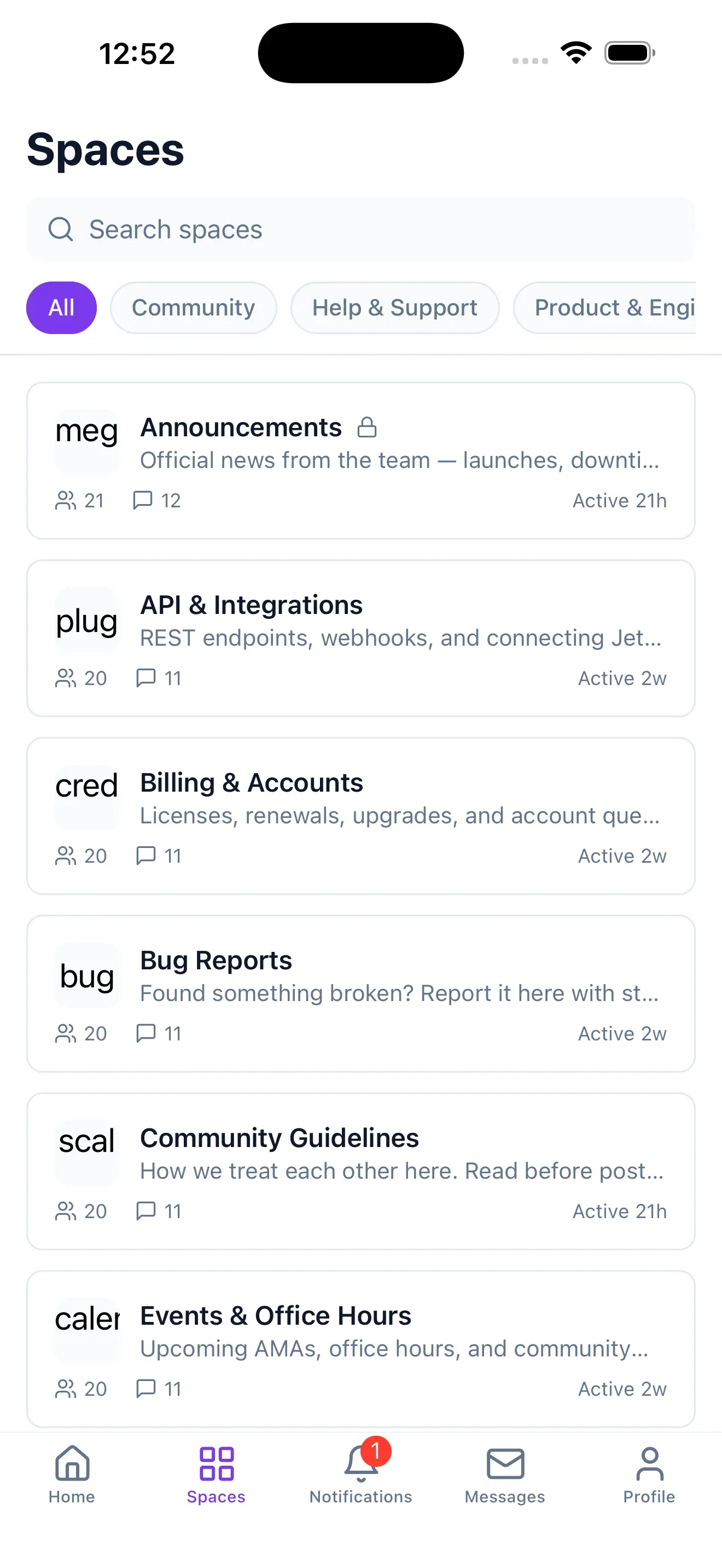
- Browse the feed across spaces (Hot / New / Top), post topics and questions, reply, and vote
- Join forums, Q&A, and idea spaces; get notifications; search
- With Jetonomy Pro: private messaging, reactions, polls, custom badges, custom fields, and native push
- Belong to several communities and switch between them in one app
- Read offline - the last-seen content is available without a connection
Next steps
Section titled “Next steps”- Brand Your App - set your logo, color, and community name
- Connect Members - how admins and members sign in
- Get the App - how to get a branded app of your own