

Earnings Dashboard
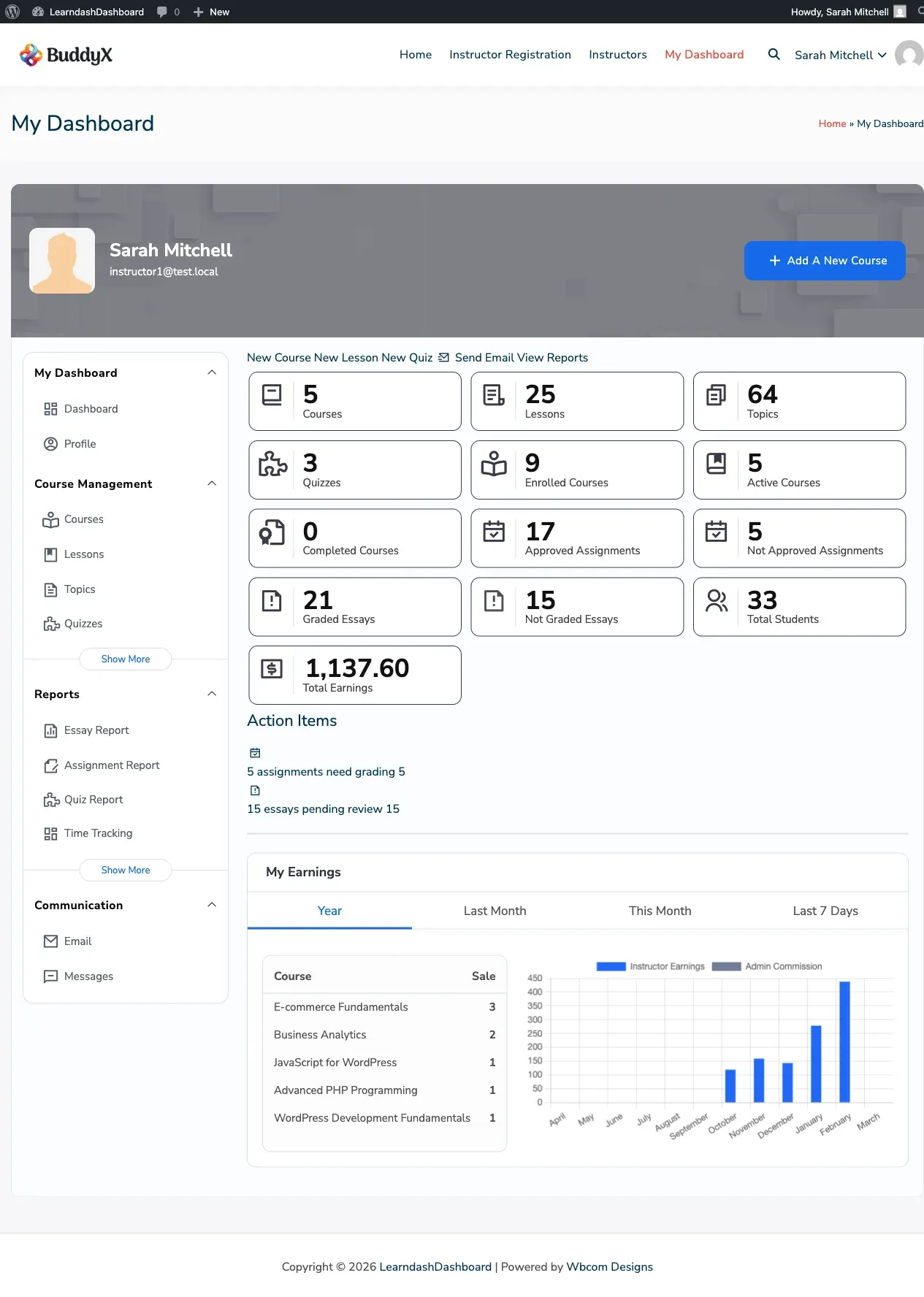
The Earnings tab gives instructors a complete view of their commission history. Every course sale that generated a commission appears here in one place.
How to Access
Section titled “How to Access”The Earnings tab is visible only when the site admin has enabled monetization and earning logs. Go to your dashboard and click Earnings in the sidebar menu.
Understanding Your Earnings Table
Section titled “Understanding Your Earnings Table”Each row in the table represents one course sale that generated a commission for you:
| Column | What it shows |
|---|---|
| Date | When the sale was recorded |
| Course | The course that was sold |
| Price | The full sale price paid by the student |
| Earning | Your commission after any platform fee deduction |
| % Share | Your revenue share percentage |
| Fee | Any platform fee that was deducted |
| Mode | Whether the sale came through LearnDash or WooCommerce |
| Reference | The order number from the payment system |
Filter Your Earnings
Section titled “Filter Your Earnings”Use the filter bar to find specific earnings records:
- Set a Start Date and/or End Date using the date picker
- If WooCommerce is active on your site, select a Payment Mode to filter by sales source
- Click Submit to apply
Export Your Earnings
Section titled “Export Your Earnings”Click Export CSV to download your earnings history as a spreadsheet. The export reflects whatever filters you currently have applied.
Earnings Chart
Section titled “Earnings Chart”When your site admin has enabled the earnings chart, a bar chart appears above your history table. It gives you a visual summary of your earnings over time.