

Near-Real-Time Updates
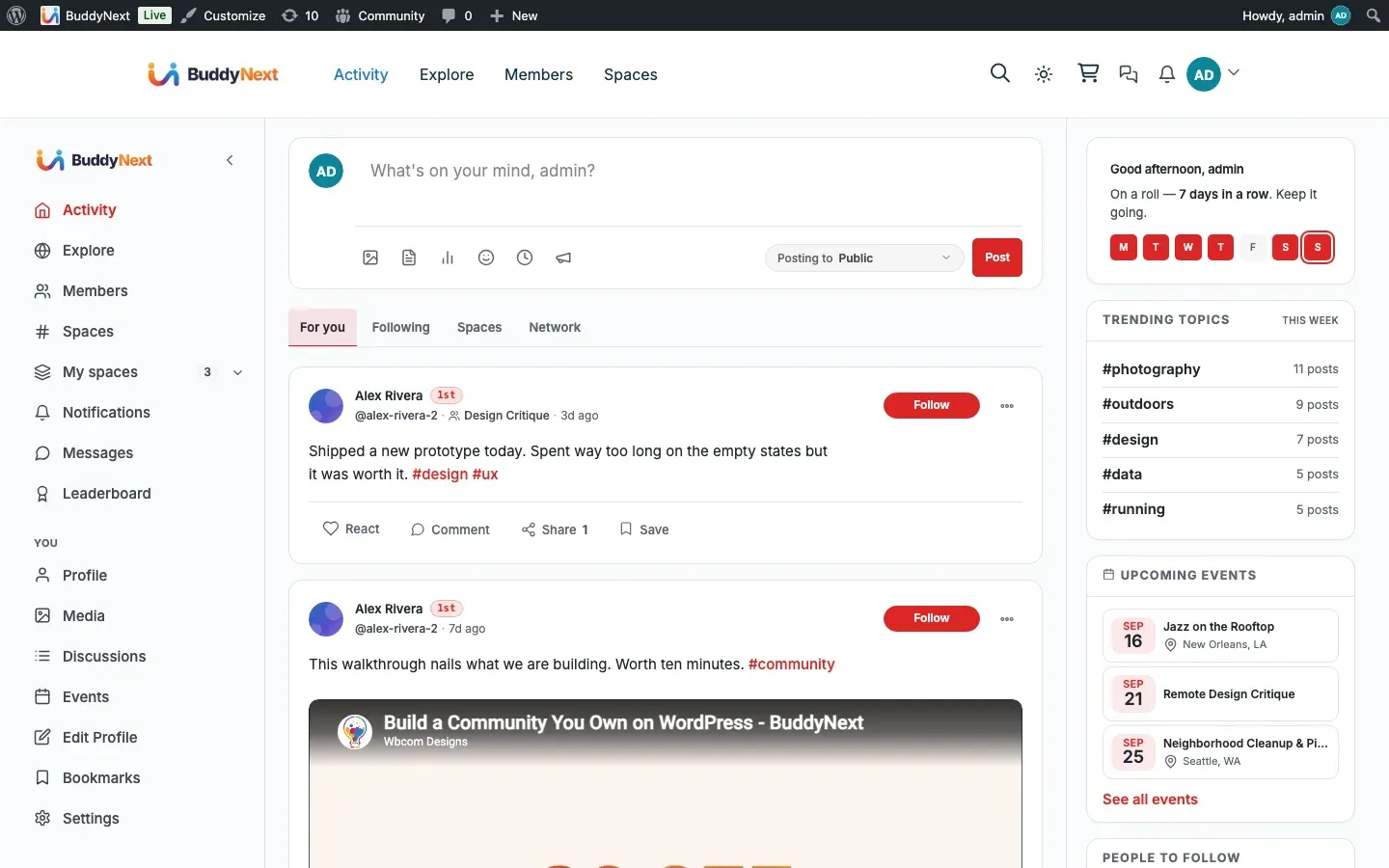
BuddyNext keeps key parts of your community current without a page refresh: the notification bell counts new alerts, a “new posts” pill appears at the top of the feed when fresh activity arrives, and online members show a presence dot. The free plugin does this with lightweight background polling on a short interval.
Why use it
Section titled “Why use it”A community feels alive when it reacts to people. If a member has to reload the page to find out someone replied, mentioned them, or posted something new, the conversation stalls and they leave. Timely updates close that gap: the bell nudges them back to a reply, the “new posts” pill tells them the feed has moved on, and the presence dot shows who is around to talk to right now.
This is on by default and needs no setup. As the owner you get the social-network feeling members expect from Facebook, X, or LinkedIn, without configuring anything. As a member, you stay in the flow of the community instead of manually refreshing to see if anything happened.
How it works (for members)
Section titled “How it works (for members)”Three surfaces update on their own while a member browses.
Notification bell
Section titled “Notification bell”The bell in the top navigation shows an unread count that refreshes in the background. It runs on an adaptive cadence:
- Every 30 seconds while the tab is idle.
- Every 5 seconds for the first minute after the member takes an action (a “hot” window), so a reply or reaction they just triggered is reflected quickly.
Polling pauses when the browser tab is hidden and resumes when the member returns, so it does no work in the background on a tab nobody is looking at. See Notifications for what generates an alert and how members manage their preferences.
The “new posts” pill
Section titled “The “new posts” pill”On the activity feed, BuddyNext checks for newer posts every 60 seconds. When activity has been added since the member last looked, a pill appears at the top of the feed. Clicking it loads the new posts without a full page reload. The member reads at their own pace and pulls in fresh content when they choose, rather than having the feed jump around under them.
Online presence
Section titled “Online presence”Each member’s “last active” time is recorded as they browse the community, so others can see who is around. Presence appears as an online dot on member cards, the direct-message rail, and profile headers, and powers the “Online now” filter and sort in the member directory. A member counts as online if they have been active in the last 5 minutes. Presence is recorded on every front-end page view, so it works even for members who have JavaScript disabled.
Setting it up (for owners)
Section titled “Setting it up (for owners)”Near-real-time updates are on by default with no admin screen to configure. The intervals above are fixed in the free plugin and chosen to stay responsive without putting load on the server. Presence updates are throttled so an active member is only recorded at most once per minute, regardless of how many pages they open.
There are no settings to enable or tune this feature. It activates automatically with the plugin.
Good to know
Section titled “Good to know”- Polling is paused on hidden tabs and resumes on return, so it does not run when no one is watching.
- The notification bell and “new posts” pill update in near-real-time, not instantly. Free uses polling on a short interval, so expect a new item to show within the poll window (up to 30 seconds for the bell when idle, up to 60 seconds for the feed pill) rather than the moment it happens.
- Presence has a 5-minute window. A member who closes the tab keeps showing as online until that window passes, then drops off. This matches how mainstream networks treat “recently active”.
- Direct-message live updates are handled by the messaging layer, not by this feature. See Messaging for how conversations stay current.
Free vs Pro
Section titled “Free vs Pro”The free plugin uses short-interval polling for the bell, the feed pill, and presence. That keeps the community feeling current with no extra infrastructure.
Pro adds a true live connection: updates are pushed the instant they happen, rather than waiting for the next check. With Pro, notifications, feed activity, and presence arrive immediately, and live messaging is delivered in real time. The same surfaces behave exactly as they do on the free plugin - they simply update faster. For the instant-delivery upgrade, see Realtime (Pro).
Related
Section titled “Related”- Notifications - the bell count these updates refresh
- Online Presence - the presence signal that stays current
- Real-time WebSocket - the Pro upgrade to instant push