

Installation
Installation & Activation
Section titled “Installation & Activation”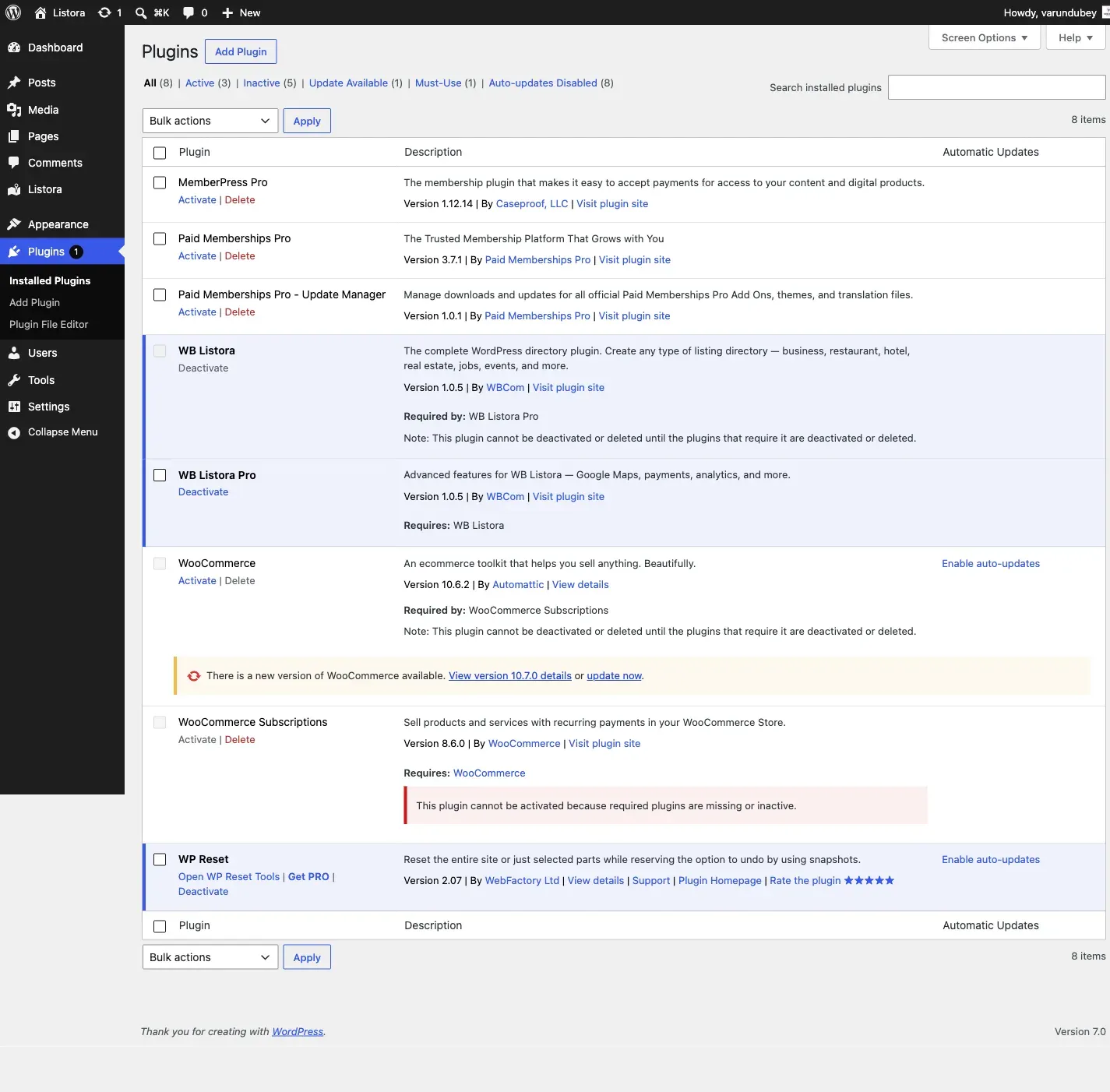
Requirements
Section titled “Requirements”- WordPress 6.4 or higher
- PHP 7.4 or higher
- MySQL 5.7+ or MariaDB 10.3+
Install from WordPress.org
Section titled “Install from WordPress.org”- Go to Plugins > Add New in your WordPress admin
- Search for “WB Listora”
- Click Install Now, then Activate
Install from ZIP
Section titled “Install from ZIP”- Download the plugin ZIP from wbcomdesigns.com
- Go to Plugins > Add New > Upload Plugin
- Choose the ZIP file and click Install Now
- Click Activate
After Activation
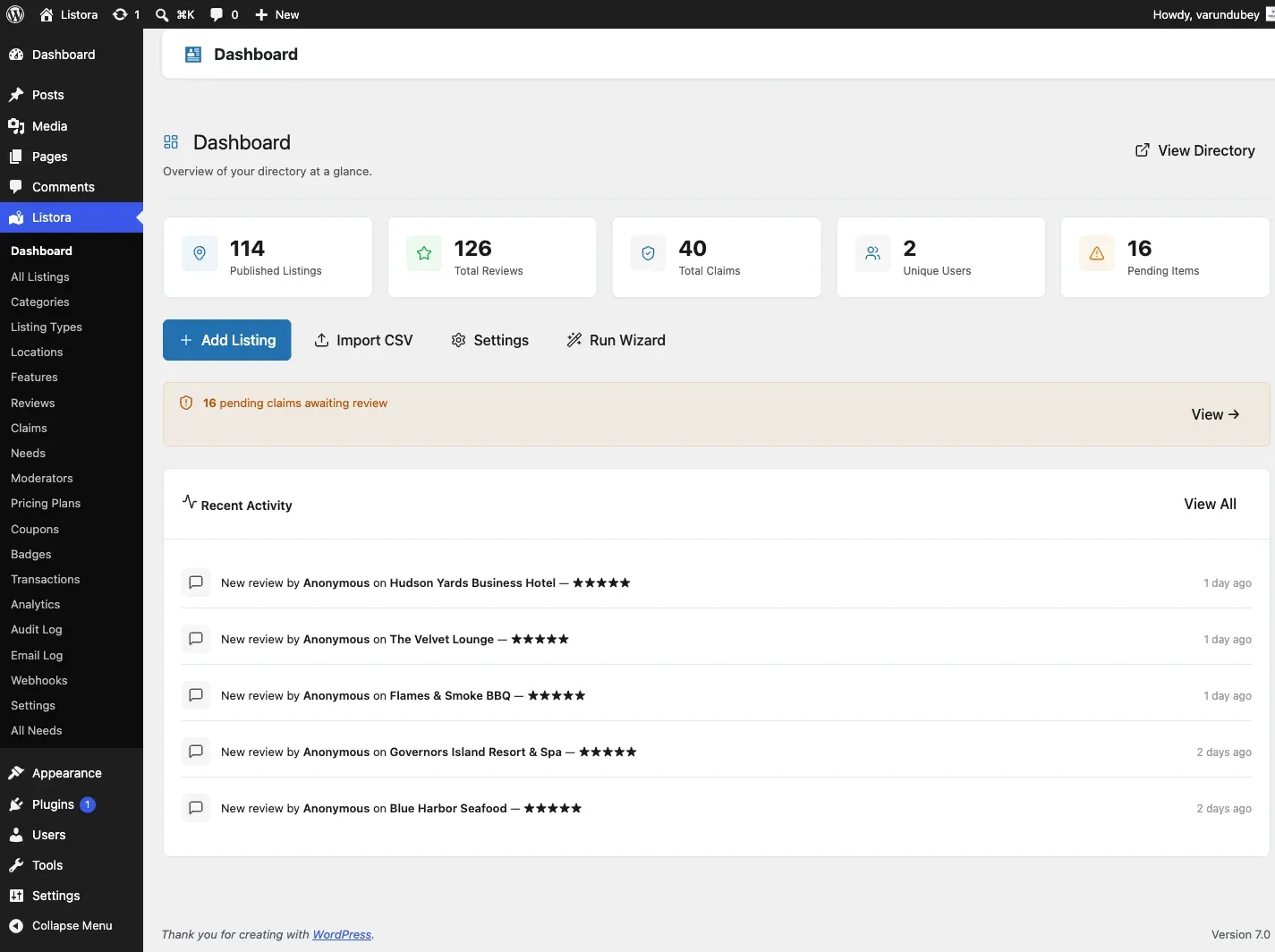
Section titled “After Activation”WB Listora automatically:
- Creates 10 custom database tables for fast queries
- Registers the
listora_listingpost type and taxonomies - Adds the Listora menu to your admin sidebar
- Redirects you to the Setup Wizard
Verify Installation
Section titled “Verify Installation”Check that everything is working:
- Go to Listora > Dashboard - you should see the main dashboard
- Go to Listora > Settings - verify settings are accessible
- Visit any page on your site - no errors should appear
Troubleshooting
Section titled “Troubleshooting”Plugin won’t activate:
- Ensure PHP 7.4+ is installed (
php -vin terminal) - Check for conflicts: deactivate other plugins temporarily
Database tables not created:
- Deactivate and reactivate the plugin
- Check your database user has CREATE TABLE permissions
Menu not appearing:
- Clear your browser cache
- Check your user role has
manage_optionscapability