

Essay Report
Overview
Section titled “Overview”The Essay Report lists all essay submissions from your LearnDash quizzes. You can read full essay responses, assign points, and mark essays as graded — all without leaving the dashboard.
Screenshots
Section titled “Screenshots”Admin View
Section titled “Admin View”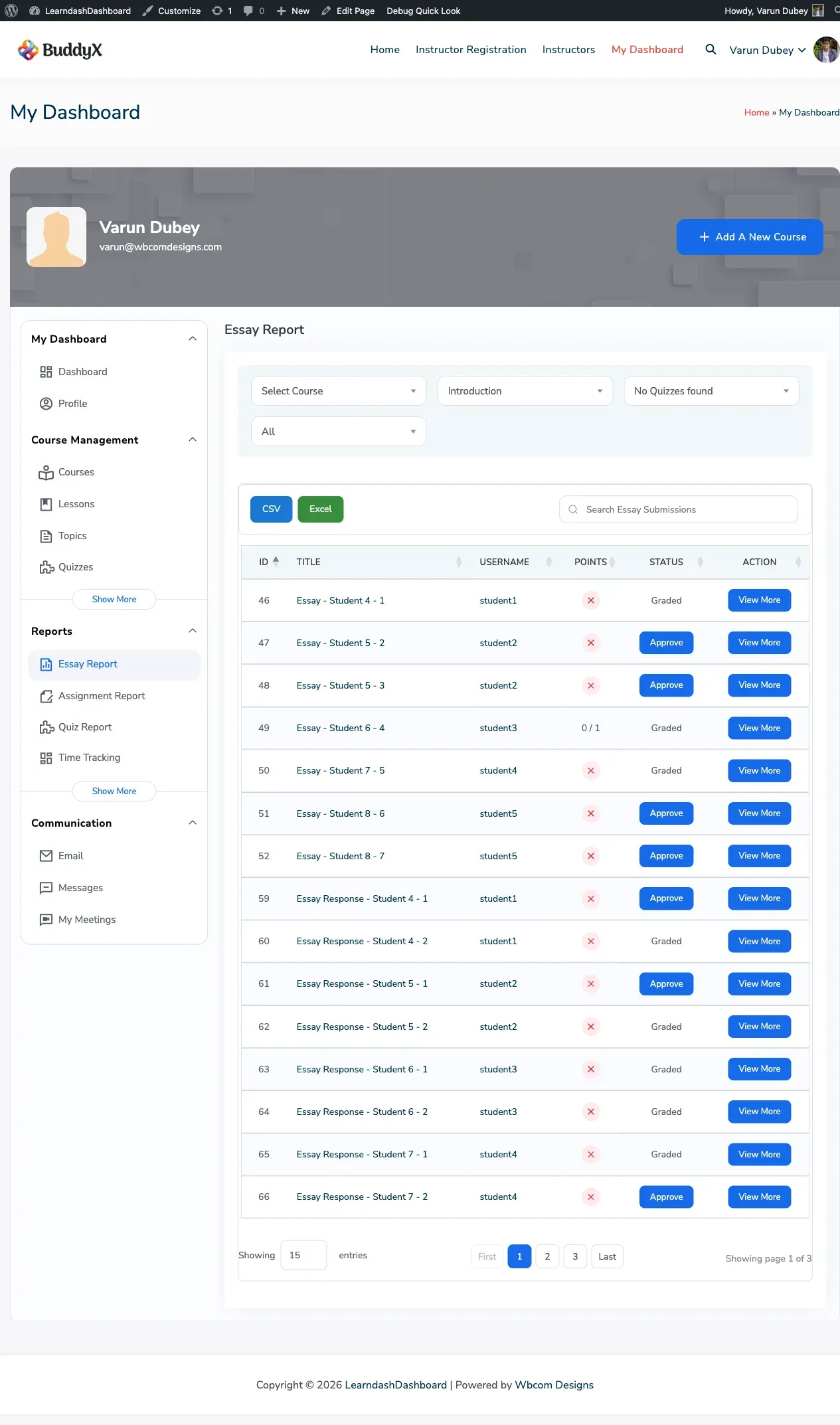
Instructor View
Section titled “Instructor View”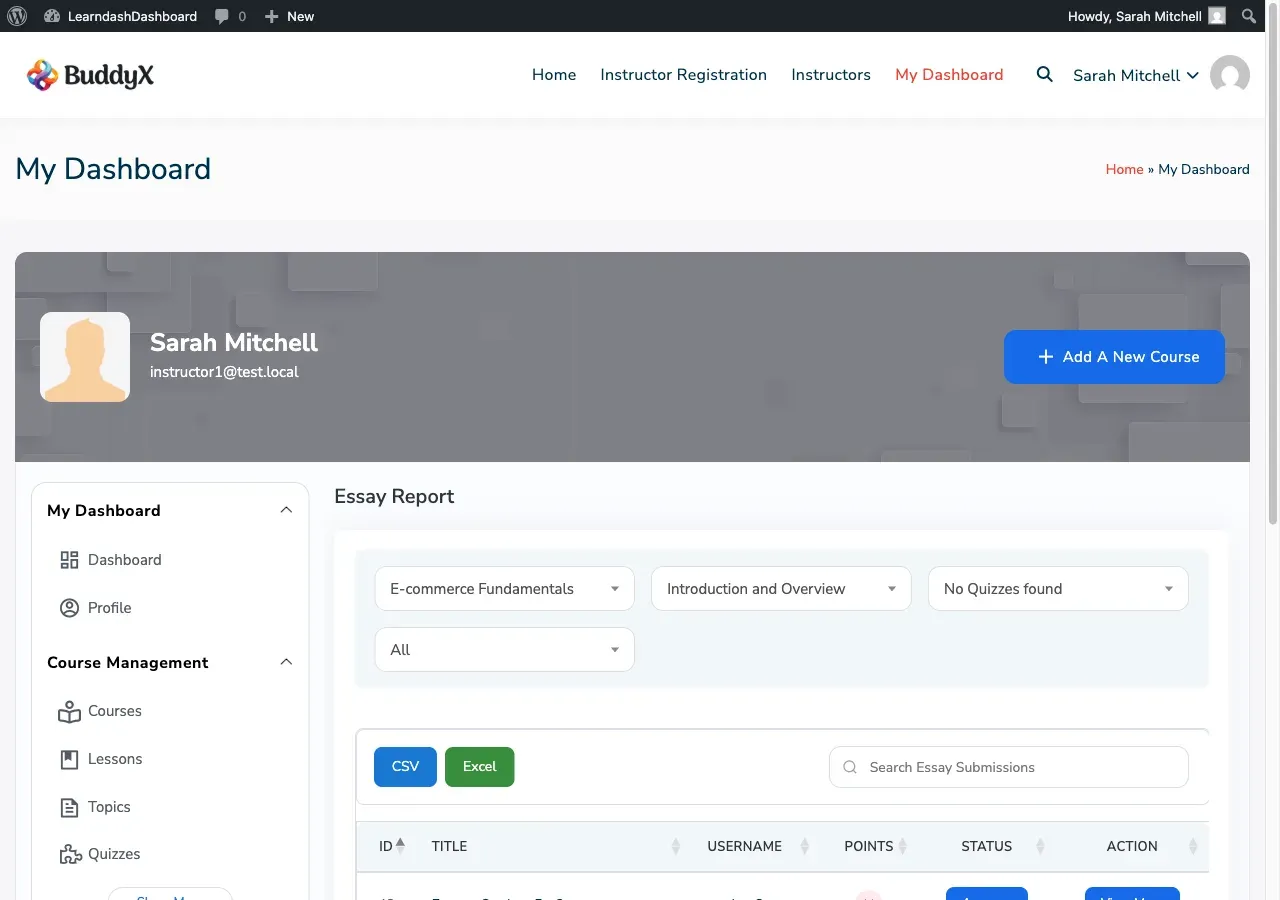
Group Leader View
Section titled “Group Leader View”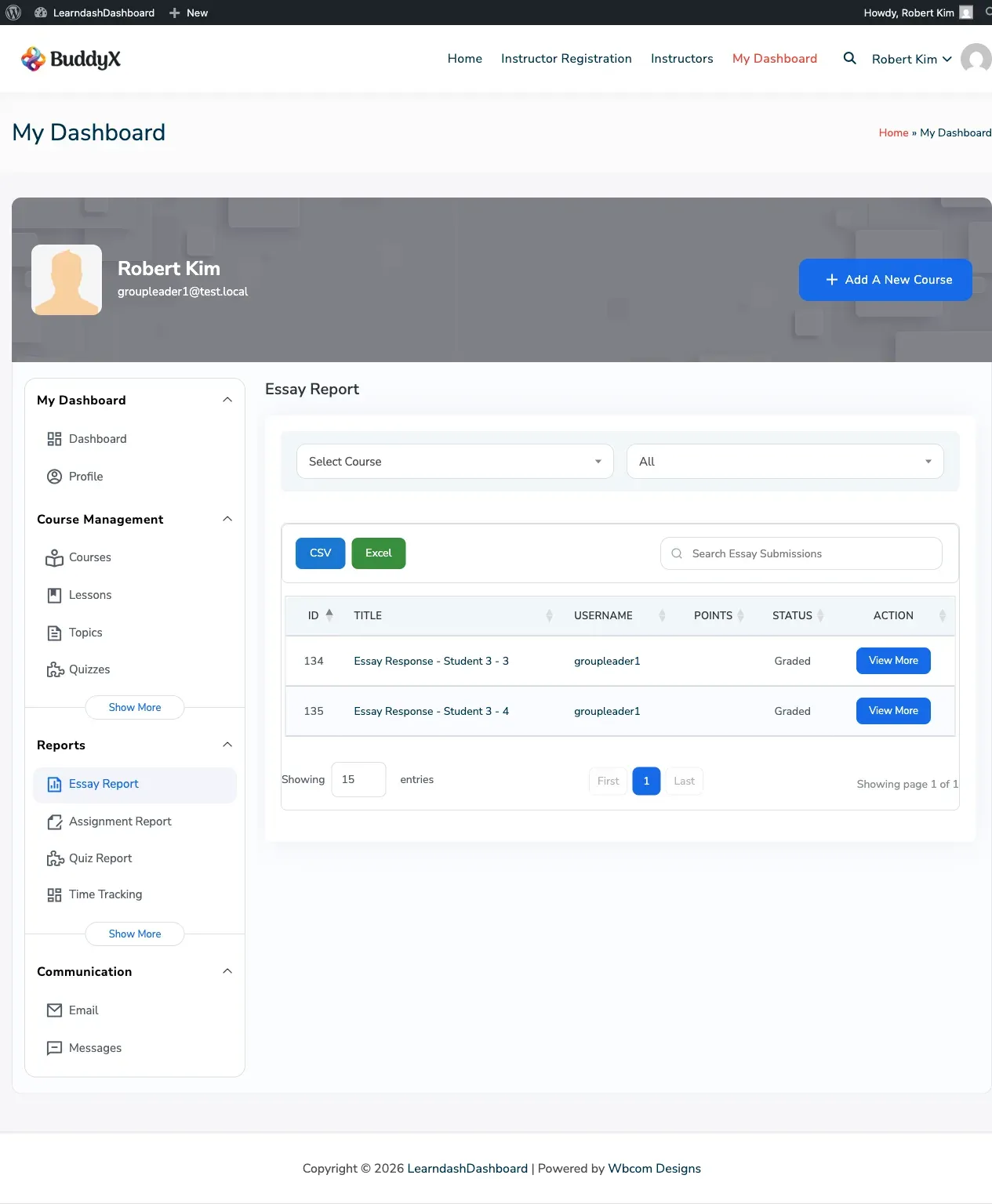
How to Access the Essay Report
Section titled “How to Access the Essay Report”Go to your dashboard and click Essay Report in the sidebar. This section is available to admins, instructors, and group leaders.
What You See in the Report
Section titled “What You See in the Report”Each row represents one essay submitted by a student.
| Column | Description |
|---|---|
| Title | The essay title |
| Username | The student who submitted the essay |
| Points | Points awarded out of the maximum. Ungraded essays show a points input field. |
| Status | Shows “Graded” or an Approve button for essays awaiting review |
| Action | View More button to read the full essay |
Additional columns (such as course, lesson, and quiz name) are available using the Column Visibility button.
Reading an Essay
Section titled “Reading an Essay”Click View More on any row to expand it and read the full essay. The expanded view shows:
- The original question the student was answering
- The student’s full written response
- The course, lesson, and quiz the essay belongs to
- A download link if the student uploaded a file with their submission
Grading an Essay
Section titled “Grading an Essay”Ungraded essays show an Approve button and a points input field.
- Enter the number of points to award (up to the maximum allowed for that question).
- Click Approve to save the grade and mark the essay as graded.
Once approved, the status changes to Graded and the Approve button disappears.
Filtering Results
Section titled “Filtering Results”| Filter | What it does |
|---|---|
| Course | Show essays from a specific course |
| Lesson | Filter by a lesson within the selected course |
| Quiz | Filter by a specific quiz |
| Student | Search by student name or username |
| Status | Show all, graded only, or ungraded only |
Who Can See What
Section titled “Who Can See What”| Role | Access |
|---|---|
| Admin | All essay submissions across all courses |
| Instructor | Submissions from students in your courses |
| Group Leader | Submissions from students in your assigned groups |
| Student | No access |
Exporting Essay Data
Section titled “Exporting Essay Data”- Apply any filters to focus on the essays you need.
- Use Column Visibility to select which columns to include.
- Click CSV or Excel to download the file.
The export includes all matching rows and can include columns such as course name, lesson name, question text, and full essay content.