

Shortcode for Embedding the Form Anywhere
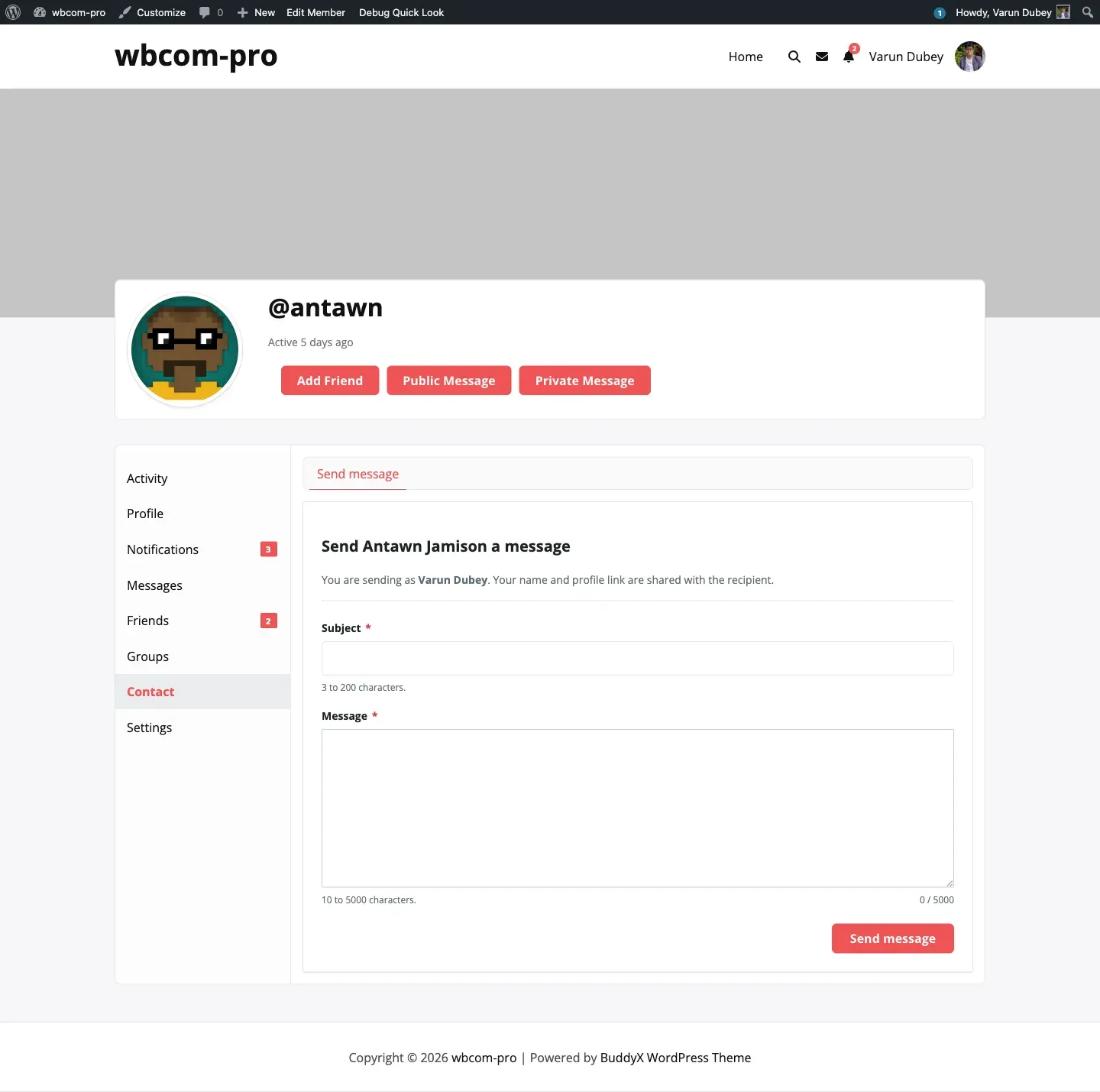
The [buddypress-contact-me] shortcode renders the contact form on any post, page, or widget area — useful for landing pages, “Contact the team” pages, or Elementor blocks where the form needs to live outside a member’s profile.
Basic syntax
Section titled “Basic syntax”[buddypress-contact-me]With no attributes, the shortcode targets the displayed BuddyPress user — useful inside member-profile templates. On non-profile pages with no displayed user, the shortcode renders nothing.
Target a specific user by ID
Section titled “Target a specific user by ID”[buddypress-contact-me id="42"]Renders the form addressed to user ID 42. Use this on a public-facing “Contact our founder” page where the recipient is fixed.
Target a specific user by login
Section titled “Target a specific user by login”[buddypress-contact-me user="varundubey"]Looks up the user by user_login and renders the form addressed to them. Useful when you want a stable identifier in the markup that does not change if the database is migrated to another environment with different IDs.
Attribute precedence
Section titled “Attribute precedence”When both attributes are provided, id wins. The resolution order is:
idif present and non-zero.user(looked up viaget_user_by('login', ...)).- The displayed BuddyPress user (
bp_displayed_user_id()).
If none of these resolve to a real user, the shortcode renders nothing.
Opt-out is respected
Section titled “Opt-out is respected”The shortcode runs the same BCM_Frontend_Nav::user_accepts_contact() check used by the profile tab. If the targeted user has opted out via BuddyPress Settings → General, or if their role is excluded from the Who can be contacted allow-list, the shortcode returns an empty string. There is no error — pages stay clean.
Visibility for senders
Section titled “Visibility for senders”The form itself respects the Who can send messages allow-list. A logged-out visitor on a page where Visitors are disallowed will see no form even if the recipient accepts contact. This keeps gating consistent with the profile-tab experience.
Putting it on a page
Section titled “Putting it on a page”- Create or edit any page or post.
- Add a Shortcode block (Block editor) or paste the shortcode directly into a Classic editor.
- Pick the recipient with
idoruser. - Save and visit the page — the form is fully wired up, including the math captcha for guests.
Caching plugins
Section titled “Caching plugins”The form uses a fresh nonce on every render. If you cache the page output aggressively, expired nonces will cause submission failures with “Session expired. Please refresh the page and try again.” Either exclude pages with the shortcode from caching, or use a fragment-cache that re-runs PHP for the form region.