

Multiple pinned posts
Pinning keeps a post at the top of a member’s profile so it is the first thing visitors see. Free BuddyNext lets a member pin one post to their profile. Pro raises that limit to up to 10 pinned posts per profile, so a member can keep several important posts at the top at once.
Why use it
Section titled “Why use it”One pinned post is rarely enough. A member who uses their profile well usually has more than a single thing worth keeping in front of visitors: their best work, an introduction, a current project, a link that matters. With a limit of one, they are forced to choose which single post matters most and let the rest scroll away. Raising the cap to 10 lets them keep a small, curated set of highlights at the top instead.
It is the same idea as a pinned section on the platforms people already use, just with room for more than one — so a first-time visitor sees the highlights immediately rather than whatever happened to be posted most recently.
Spaces feature important content a different way: through Announcements, which are admin-controlled, can carry an expiry, and can be dismissed per member. Pinning is a profile tool; announcements are the space tool. See Announcements.
How it works (for members)
Section titled “How it works (for members)”Pin a post
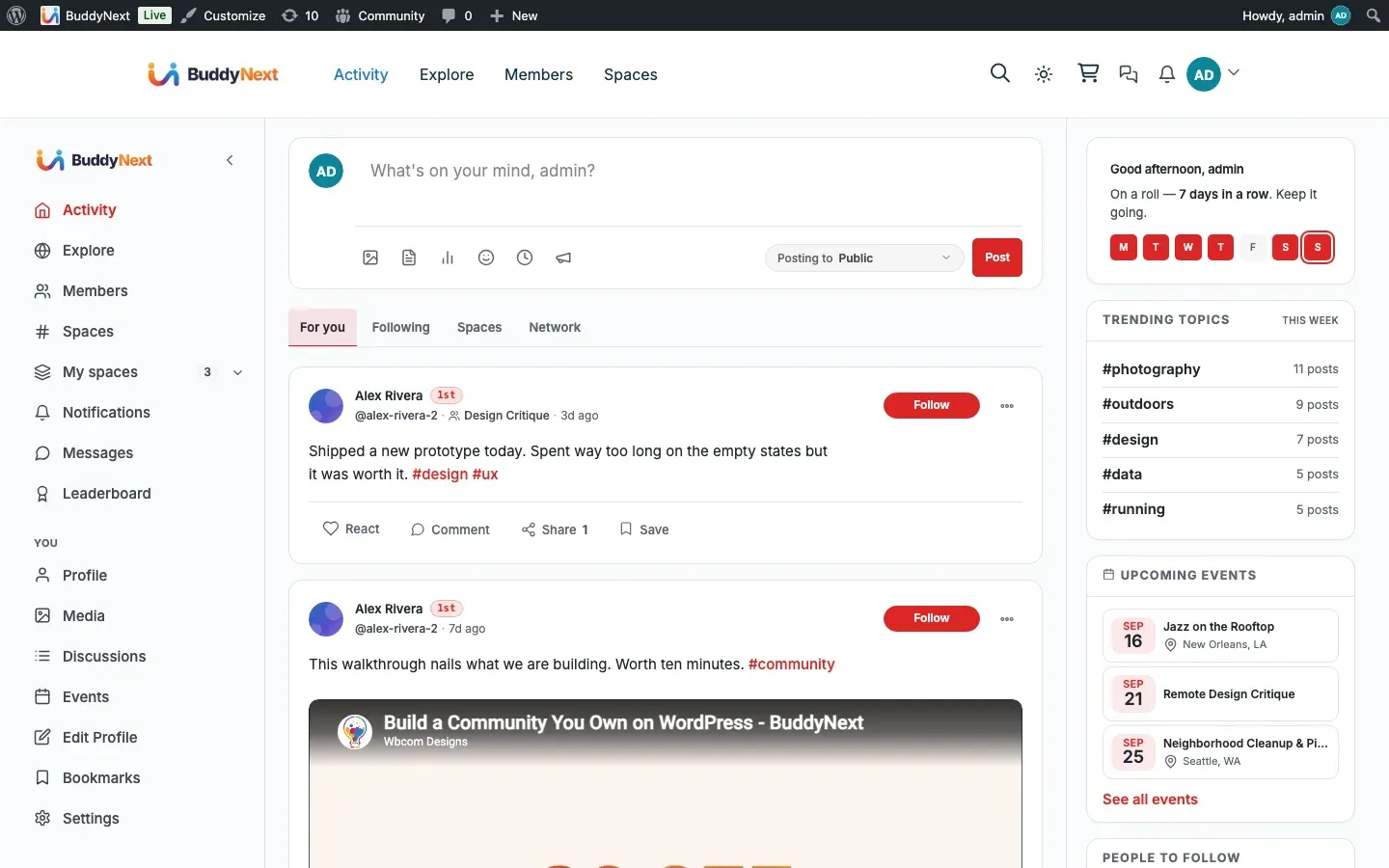
Section titled “Pin a post”On your own profile, open the options menu on one of your posts (the menu on the post card) and choose Pin. The post moves to the top of your profile feed and stays there above the regular, time-ordered posts. The menu label then switches to Unpin so you can reverse it.
Unpin a post
Section titled “Unpin a post”Open the same menu on a pinned post and choose Unpin. The post drops back into the normal feed in its usual chronological place and the top-of-profile slot it held is freed up for another post.
Where pinned posts show
Section titled “Where pinned posts show”Pinned posts sit at the top of the member’s profile feed. Each pinned post is marked as pinned on its card so visitors can see it is being held there on purpose rather than just being recent.
Setting it up (for owners)
Section titled “Setting it up (for owners)”There is nothing to configure. Once Pro is active, the profile pin limit is raised from 1 to 10 automatically. The pin and unpin actions, the limit check, and the pinned highlight are all part of the existing feed, so members simply find that they can now pin more than one post to their profile.
Good to know
Section titled “Good to know”- The maximum is 10 pinned posts on a profile. When a profile already has 10 posts pinned, pinning an 11th is refused and the member is told the limit has been reached. Unpin something first to make room.
- Unpinning frees a slot immediately, so as soon as one of the 10 is unpinned another post can take its place.
- Only a member can pin their own posts, and only on their own profile — an administrator does not pin to a member’s profile on their behalf.
- If Pro is later deactivated, the limit returns to the free default of 1 pinned post per profile. Already-pinned posts are not removed, but the member will not be able to pin a new one until the count is back under the free limit.
Free vs Pro
Section titled “Free vs Pro”Pinning itself — the Pin and Unpin actions, the top-of-profile placement, and the pinned marker on a card — is part of free BuddyNext, which allows one pinned post per profile.
Pro’s addition here is the higher cap: up to 10 pinned posts per profile. Nothing else about pinning changes, so the workflow members already know stays the same; there is simply room for more highlights.
Note: The profile pin cap is a plan perk. If you have turned Memberships on and chosen a default plan, each member gets the number of profile pins their plan grants (the shipped Free plan grants 1). With Memberships off (the default), every member gets the full 10. See Membership Plans.
Related
Section titled “Related”- Announcements - the space equivalent of pinning.
- Member Profiles - where pinned posts sit.
- Membership Plans - the profile pin cap can be a plan perk.