

Settings — License tab
The License tab is where you paste your purchase key and activate it for this domain. Activating the license enables automatic update notifications in the WordPress Plugins screen.
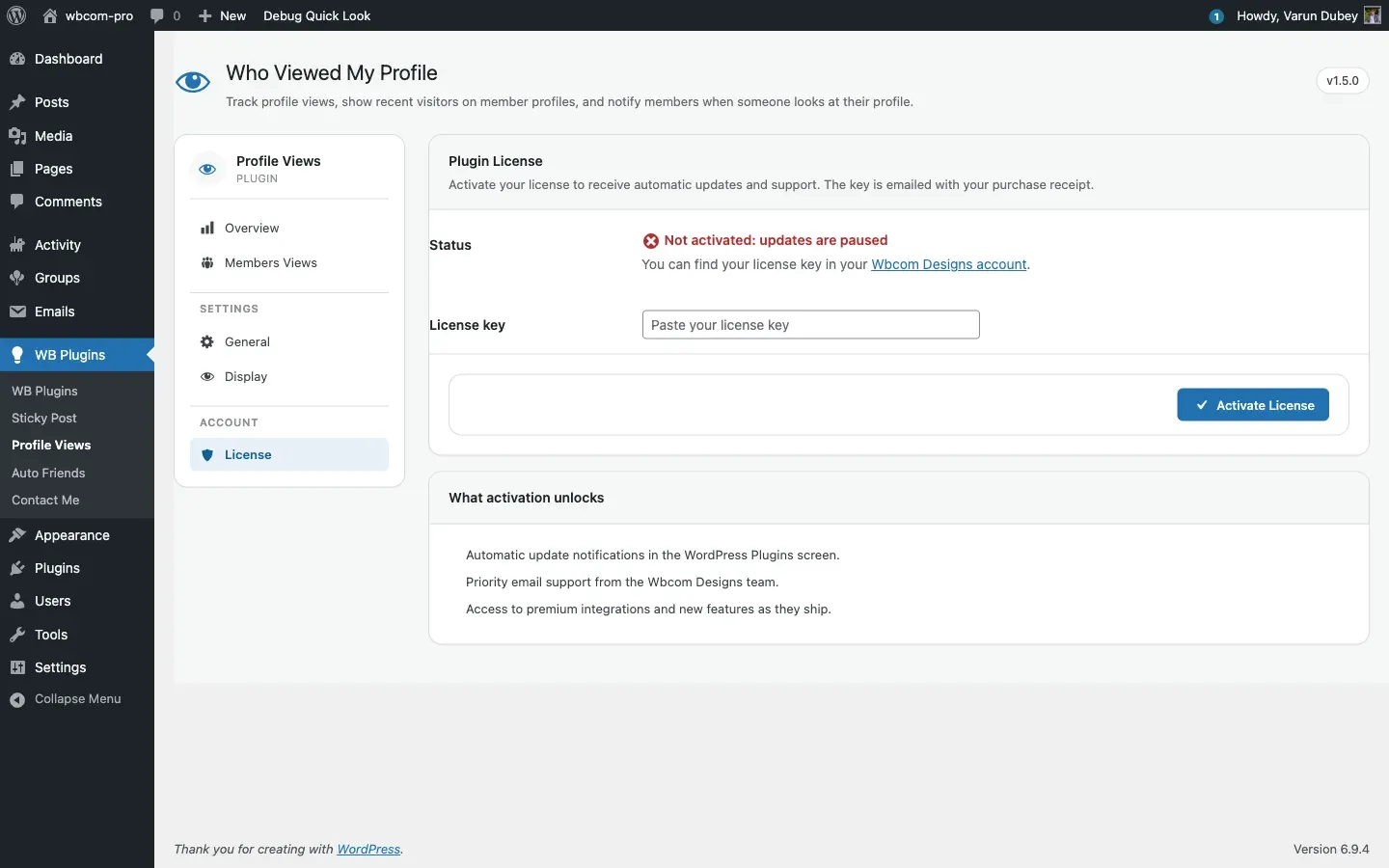
For the step-by-step activation walkthrough, see License activation.
Fields at a glance
Section titled “Fields at a glance”| Field | Notes |
|---|---|
| License key | Paste your key here. The field becomes read-only once the license is active. Click Deactivate License first to change the key. |
| Status | Reflects the current state returned by the Wbcom Designs licensing server. |
| Expires | Shown when the license has been activated at least once. Displays the expiry date or “Lifetime”. |
| Activations | Number of sites activated against the license limit (e.g., “1 of 3 sites”). |
| Activate License | Sends the key to wbcomdesigns.com and registers this site. |
| Deactivate License | Removes this site from the key’s activation count. |
Status values
Section titled “Status values”| Status | Meaning |
|---|---|
| Not activated | No key has been entered yet. |
| Saved, not activated | A key is stored but the Activate button has not been clicked. |
| Active | License is valid and this site is registered. Updates are enabled. |
| Expired | The license term has ended. Renew at wbcomdesigns.com. |
| Invalid | The key is not recognised by the store. Check for typos or that you are using the correct product key. |
| Site inactive | The key is valid but has not been activated for this domain. Click Activate License. |
A yellow “Renews in N days” notice appears when an active license expires within 30 days.
Where the values are stored
Section titled “Where the values are stored”| Option | Contains |
|---|---|
edd_wbcom_BPPV_license_key |
The license key string. |
edd_wbcom_BPPV_license_status |
Latest status: valid, expired, invalid, disabled, site_inactive. |
edd_wbcom_BPPV_license_expires |
Expiry date string or lifetime. |
edd_wbcom_BPPV_license_key_data |
Transient caching the full API response for 12 hours. |
Constants
Section titled “Constants”These values are defined in edd-license/edd-plugin-license.php and tied to the product on the storefront. Do not change them manually.
| Constant | Value |
|---|---|
EDD_BPPV_STORE_URL |
https://wbcomdesigns.com/ |
EDD_BPPV_ITEM_NAME |
Who viewed my profile |
EDD_BPPV_ITEM_ID |
1451882 |
Common questions
Section titled “Common questions”Moving to a new domain? Deactivate the license on the old site first (freeing the activation slot), then activate on the new domain.
Updates not appearing after activation? WordPress caches update checks for roughly 12 hours. To force a fresh check:
wp plugin update --dry-run --all
wp plugin update --dry-run --all --network  # multisite
“Activation limit reached”? Log in at wbcomdesigns.com, go to your account, find the license under Licenses, and remove a stale entry to free a slot.
For more help, see License activation or Common issues.