

Text Image Polls
Text and image polls are the most commonly used poll formats in WB Polls. Text polls work for any simple choice, while image polls add visual context to each option for higher engagement.
Text Polls
Section titled “Text Polls”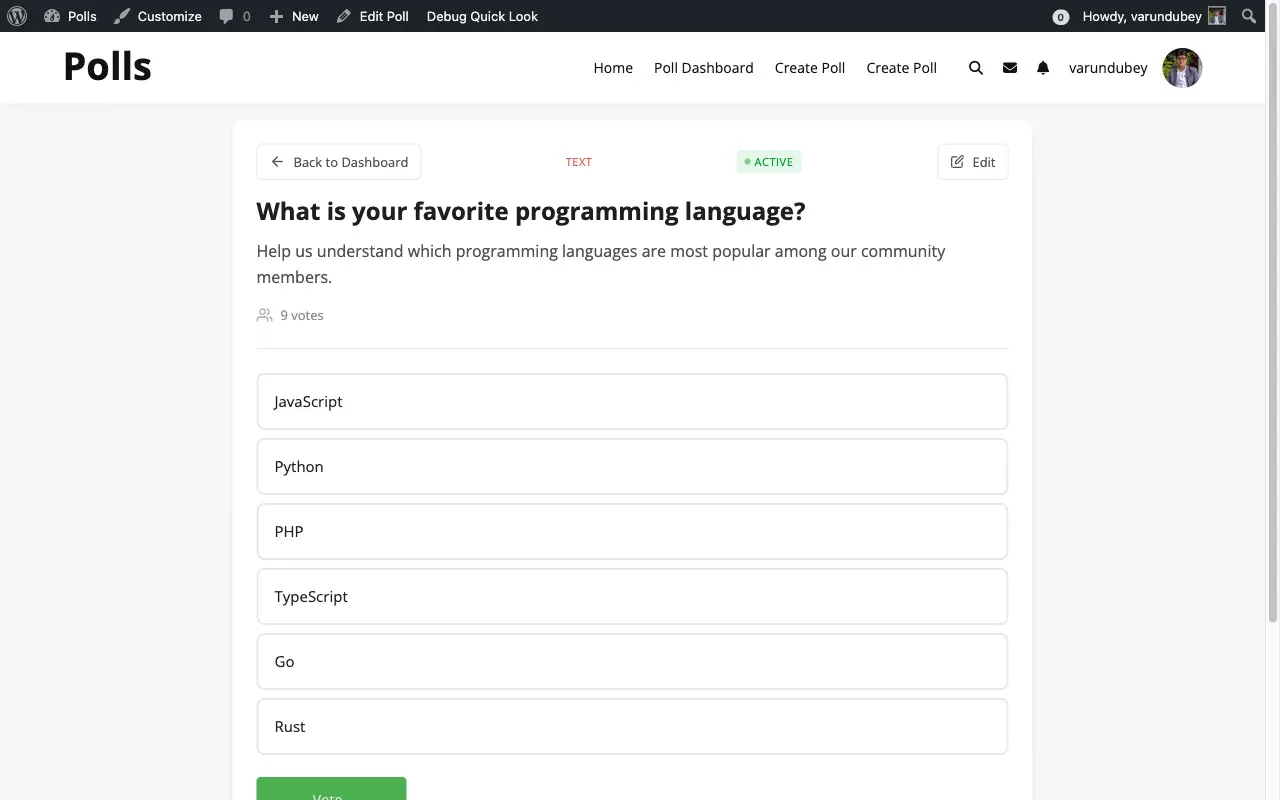
Text polls are the default format. They are simple, clean, and work in every situation where visual representation is not needed.
When to Use Text Polls
Section titled “When to Use Text Polls”- Quick community feedback and opinion gathering
- Multiple choice questions with clear text options
- Feature prioritization and scheduling decisions
- Any poll where the options speak for themselves
Creating a Text Poll
Section titled “Creating a Text Poll”Activity Polls: Click the Poll icon in the activity composer, enter your question, add text options, and post.
Standalone Polls: Open the Create Poll form, select “Text Only” as the poll type, enter your question and options, then submit.
Example Text Polls
Section titled “Example Text Polls”Simple Choice:
- What day works best for the community call? Options: Monday, Wednesday, Friday
Feature Request:
- Which feature should we prioritize next? Options: Dark mode, Mobile app, API access, Advanced analytics
Image Polls
Section titled “Image Polls”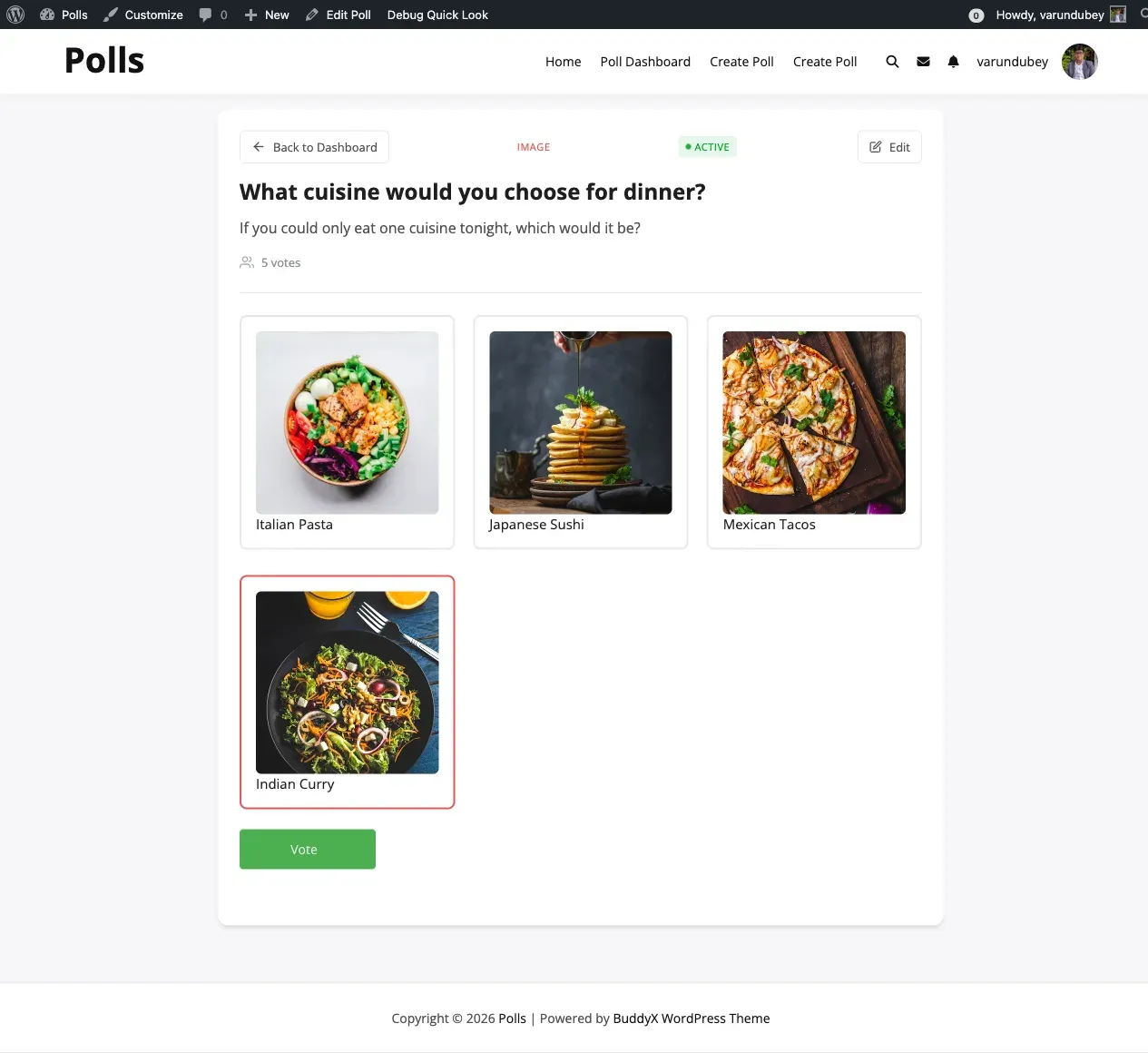
Image polls attach a visual to each option. They drive higher engagement for design-related decisions and visual comparisons.
When to Use Image Polls
Section titled “When to Use Image Polls”- Logo or design selection where visuals matter
- Product comparisons showing physical differences
- Photo contests and before/after comparisons
- Any “which do you prefer” question with visual options
Enabling Image Polls
Section titled “Enabling Image Polls”Activity Polls: Navigate to WB Polls > Community and enable the Images setting. Configure the max upload size and URL input mode as needed.
Standalone Polls: Navigate to WB Polls > Polls Settings and enable Image Polls.
Creating an Image Poll
Section titled “Creating an Image Poll”- Start creating a poll (activity or standalone)
- Select the image poll type
- For each option, enter a text label and attach an image
- Upload from your device, select from the media library, or enter an image URL
- Submit the poll
Image Poll Best Practices
Section titled “Image Poll Best Practices”- Use consistent image dimensions across all options
- Keep file sizes under 1MB for fast loading
- Ensure images are clear at small sizes on mobile devices
- Always include descriptive text labels alongside images