

Career Board
Career Board is the companion plugin that turns your community into a place where careers move. Members post jobs, others apply, and candidates can publish a resume. Run it alongside BuddyNext and that activity comes to life inside the community - new jobs and resumes appear in the feed and in community search, and everyone involved stays in the loop through the BuddyNext notification center.
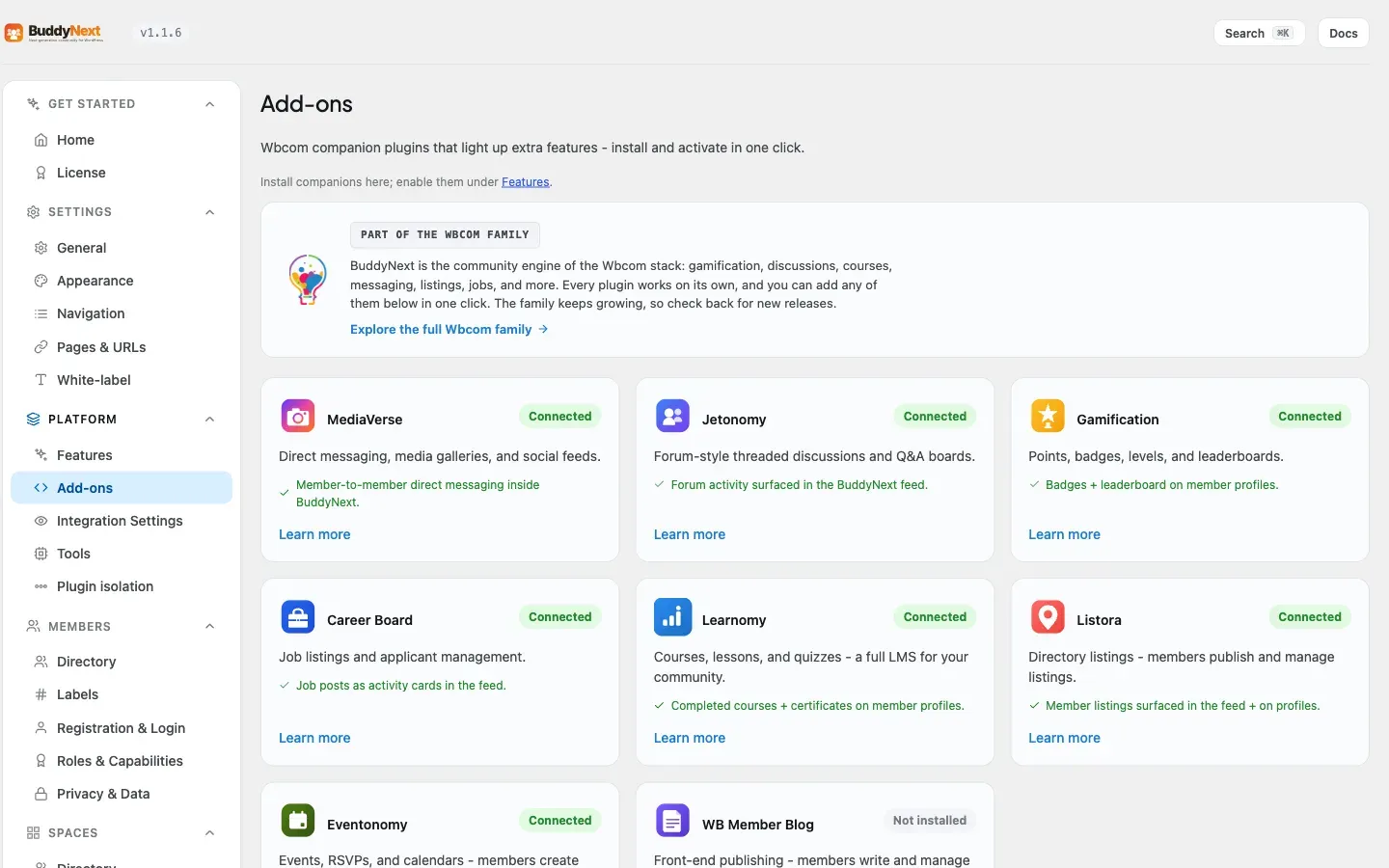
Bringing Career Board into your community needs BuddyNext Pro. The Career Board plugin works on its own without Pro - you simply will not get the community surfacing described below until Pro is active.
Why use it
Section titled “Why use it”A professional community is more valuable when it helps members do business, not just talk. A job board is the most direct version of that: someone hiring meets someone looking, inside a community they already trust.
You add Career Board when you want to:
- Let employers in your community post roles and reach members directly.
- Give members a reason to keep their profile and resume current and to check in regularly.
- Turn a discussion community into a place where careers actually move - referrals, openings, and “open to work” signals that members act on.
- Add a revenue or membership-perk angle, since job posting is something people will pay for.
The jobs live in Career Board, which owns the listings, applications, and resumes. BuddyNext adds a community layer on top so jobs do not sit in a silo - they appear where members already are.
How it works (for members)
Section titled “How it works (for members)”The job board itself - submitting a job, browsing listings, applying, withdrawing an application, and publishing a resume - is handled by Career Board. Members use Career Board’s own screens for those actions. BuddyNext surfaces the activity in the community:
- A new job appears in the feed. When a member publishes a job, BuddyNext posts a feed activity announcing it and linking out to the job’s Career Board page. Members can see new openings as they scroll the feed.
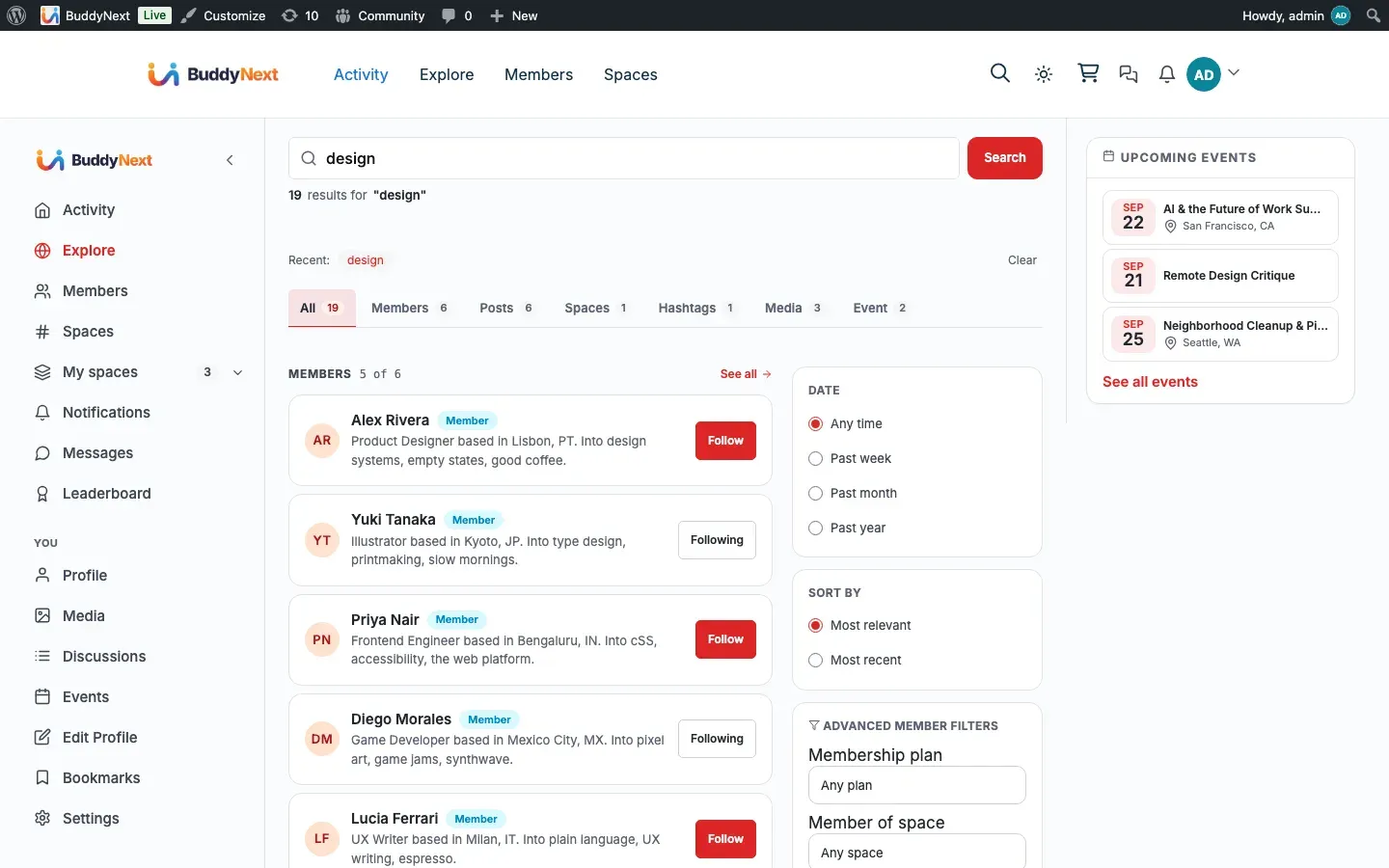
- Jobs are searchable in the community. Each published job is added to community search, so a member searching for a role or skill finds open jobs alongside people and spaces.
- “Open to work” resumes appear in the feed. When a member publishes a resume and marks it public, BuddyNext posts an “open to work” activity linking to their resume. Private resumes are never broadcast. (Resumes are a Career Board Pro feature - with the free Career Board there are no resumes to surface.)
- Job notifications land in one place. Career Board’s own notifications (an application received, a status change, and so on) are mirrored into the BuddyNext notification center, so a member has a single bell for everything across the community. Career Board’s own notifications and emails keep working too. (Notification mirroring needs Career Board Pro.)
- Jobs and resumes show on the profile. A member’s jobs appear as a portfolio panel on their BuddyNext profile, and with Career Board Pro their public resume does too, linking out to the Career Board pages, so a profile reflects their professional activity.
Note: Job posting and its feed/profile/search surfacing work with the free Career Board. Resumes, the “open to work” card, and notification mirroring require Career Board Pro (alongside BuddyNext Pro).
When a job posting expires, its feed activity is removed automatically, so the feed only shows live openings.
Note: Applying to a job, withdrawing an application, and managing listings happen on Career Board’s screens. BuddyNext does not replace those - it surfaces the results in the community.
Setting it up (for owners)
Section titled “Setting it up (for owners)”- Make sure BuddyNext Pro is active. The community surfacing is a Pro integration.
- Install and activate Career Board alongside BuddyNext.
- Set up your job board in Career Board as usual - the job submission, application, and resume settings live there.
As soon as both plugins are active, jobs and public resumes start appearing in the feed, search, and the notification center. There is nothing you have to fill in.
Display settings
Section titled “Display settings”Career Board gets a card on the Platform > Integration Settings tab, with the same switches every integration has:
| Setting | What it does | Default |
|---|---|---|
| Show in navigation | Whether Career Board’s tabs appear in member navigation. Career Board adds more than one (Jobs and Resume), so each sub-tab can be switched individually. | On |
| Post to the activity feed | Whether a published job and a public “open to work” resume post a feed activity. | On |
| Include in search | Whether published jobs are found in community search. Switching it off also removes the jobs already in the search index. | On |
The job board’s own behavior - who can post, application rules, resume options - is configured in Career Board, not here. These switches only decide where the results show up inside your community.
Good to know
Section titled “Good to know”- Job posts and public resumes can appear in the feed. A published job and a public “open to work” resume each post a feed activity that links out to Career Board. Private resumes are never broadcast.
- Notifications are collect-only. BuddyNext gathers Career Board’s notifications into its center for convenience but does not re-send them by email. Career Board owns its own emails, so members are not notified twice.
- Inert when Career Board is not installed. Without the Career Board plugin, the integration does nothing - no feed activity, no search entries, no profile panels. BuddyNext checks for Career Board before wiring anything in, so a site without it sees no errors and no empty surfaces.
- Career Board owns the data. All jobs, applications, and resumes live in Career Board. BuddyNext reacts to events from it and links out to its pages; it does not store or edit the listings.
Free vs Pro
Section titled “Free vs Pro”The Career Board community integration is part of BuddyNext Pro. The Career Board plugin itself is separate and runs on its own, but surfacing its jobs and resumes inside the BuddyNext community - the feed activity, community search, notification mirroring, and profile panels described above - requires BuddyNext Pro.
Related
Section titled “Related”- Integrations Overview - how every companion plugin connects.
- Activity Feed - where new jobs and resumes appear.
- Search - where published jobs become findable.
- Member Profiles - the profile the jobs and resume panels join.