

User Blocking & Reporting
Included in Free - This feature is available in the free version of MediaVerse.
MediaVerse includes a blocking system that prevents specific users from interacting with you and a reporting system that lets users flag abusive content or accounts for moderator review.
Blocking a User
Section titled “Blocking a User”You can block a user from two places:
- From their profile page - Open the action menu on the user’s profile card and select Block User.
- From the report flow - After submitting a report against a user, you are offered the option to also block them.
What Blocking Does
Section titled “What Blocking Does”When you block a user, they cannot:
- View your media items (media items are hidden from them on all browse pages and their direct URLs return a 403)
- Send you direct messages (your profile shows no Message button for them; any existing conversation is locked)
- Follow you (the Follow button is removed for them)
- Comment on your media
- React to your media
Blocking is one-directional. You can still view the blocked user’s public media unless you also choose to hide it.
Blocks are stored per-user and do not require any admin action.
Unblocking a User
Section titled “Unblocking a User”Go to Account Settings > Blocked Users to see your full block list and remove individual blocks. You can also unblock via the REST API.
User Reporting
Section titled “User Reporting”Reporting a user notifies the site moderators. It does not automatically take any action on the reported account.
To report a user, open the action menu on their profile card and select Report User. Choose a reason from the dropdown and optionally add details.
Report Reasons
Section titled “Report Reasons”The same reason whitelist applies to both user and media reports:
| Value |
|---|
spam |
harassment |
nudity |
violence |
copyright |
misinformation |
other |
Reports appear in Media > Media Moderation under the Users tab. Moderators with the moderate_mvs_media capability can review, dismiss, or act on reports.
Media Reporting
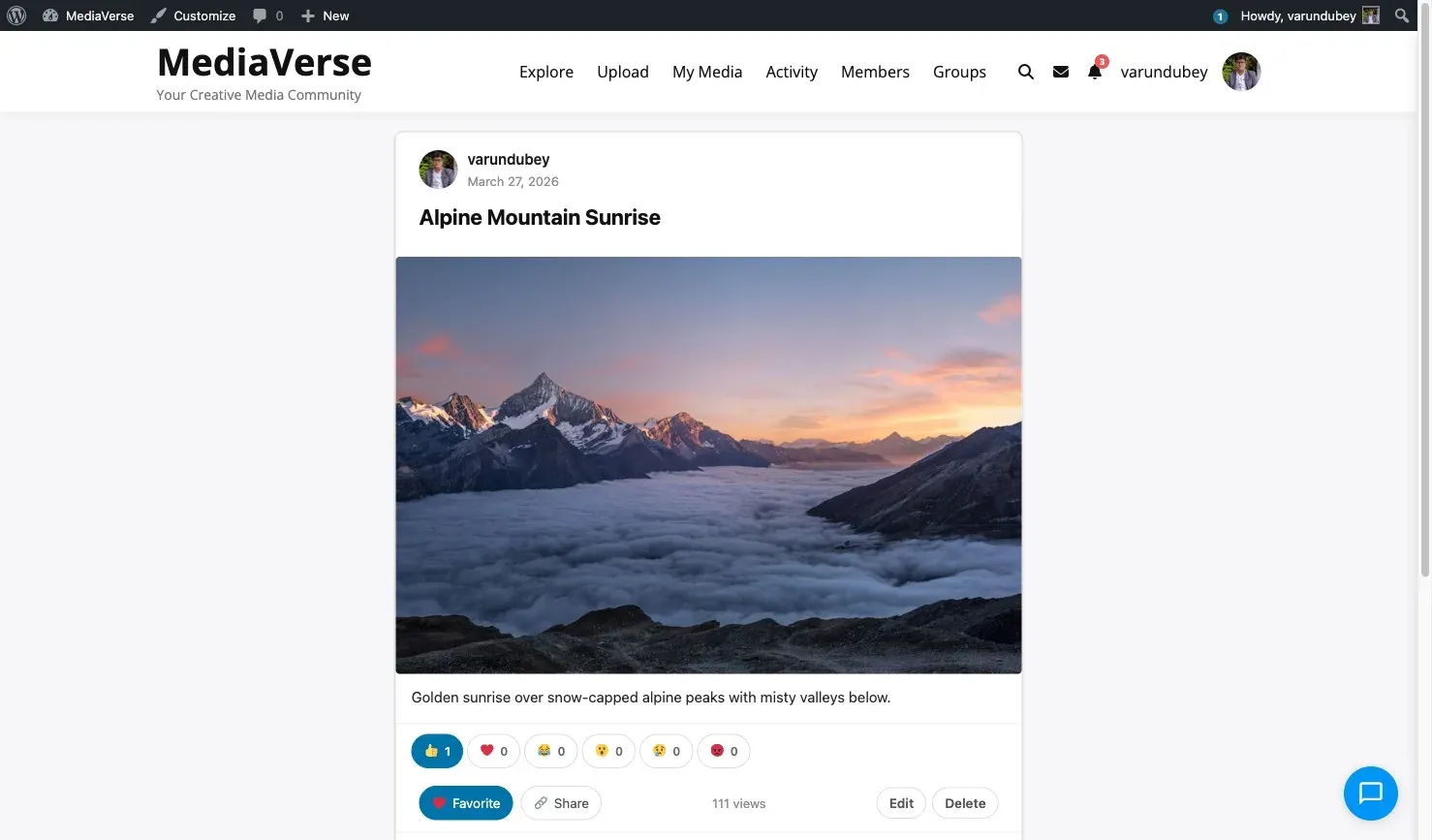
Section titled “Media Reporting”Any logged-in user can report a media item from the media card or the media detail page using the flag icon.
Report Reasons
Section titled “Report Reasons”Media reports use the same whitelist as user reports: spam, harassment, nudity, violence, copyright, misinformation, other.
When a media item accumulates reports equal to the Auto-Hide Threshold set in Media > Settings > AI & Moderation, it is automatically hidden and added to the moderation queue.
REST API
Section titled “REST API”Base URL: /wp-json/mvs/v1/
All endpoints require a logged-in user. Pass the X-WP-Nonce header with a nonce from wp_create_nonce( 'wp_rest' ).
POST /users/{id}/block
Section titled “POST /users/{id}/block”Block a user.
Response: 200 OK
{ "blocked": true }DELETE /users/{id}/block
Section titled “DELETE /users/{id}/block”Unblock a user.
Response: 200 OK
{ "blocked": false }GET /me/blocked
Section titled “GET /me/blocked”List users blocked by the current user.
Parameters:
| Parameter | Type | Default | Description |
|---|---|---|---|
per_page |
int | 20 |
Blocked users per page |
page |
int | 1 |
Page number |
Response: Array of user objects with id, name, and avatar_url.
POST /users/{id}/report
Section titled “POST /users/{id}/report”Report a user account.
Body:
| Field | Required | Description |
|---|---|---|
reason |
Yes | One of: spam, harassment, nudity, violence, copyright, misinformation, other |
details |
No | Optional free-text note visible to moderators |
Response: 200 OK
{ "reported": true }POST /media/{id}/report
Section titled “POST /media/{id}/report”Report a media item.
Body:
| Field | Required | Description |
|---|---|---|
reason |
Yes | One of: spam, harassment, nudity, violence, copyright, misinformation, other |
details |
No | Optional free-text note |
Response: 200 OK
{ "reported": true }Actions and Filters
Section titled “Actions and Filters”mvs_user_blocked
Section titled “mvs_user_blocked”Fires after a user is blocked.
add_action( 'mvs_user_blocked', function( $blocker_id, $blocked_id ) { // Perform additional cleanup or logging.}, 10, 2 );mvs_report_submitted
Section titled “mvs_report_submitted”Fires after a report (user or media) is submitted. The $target_type is user or media.
add_action( 'mvs_report_submitted', function( $report_id, $reporter_id, $target_type, $target_id, $reason ) { // Notify a Slack channel, send to an external moderation service, etc.}, 10, 5 );