

Embedding Video and External Content
Embedding Video and External Content
Section titled “Embedding Video and External Content”Learnomy turns a pasted link into a clean, responsive player inside your lesson. Use the Embed lesson content type, or the embed tool in the lesson body, and paste a URL – Learnomy renders the provider’s player. When a link cannot be embedded, you get a tidy link-preview card instead of a broken frame.
What you can do
Section titled “What you can do”- Embed video and rich media from the sites WordPress already knows – YouTube, Vimeo, and the other built-in oEmbed providers – by pasting the page URL.
- Embed video from the Fediverse (PeerTube) from any instance, with no per-site setup – paste a
/w/,/videos/watch/, or/videos/embed/link and it plays inline. - Fall back gracefully: a link Learnomy cannot embed becomes a clean card with the site name and an Open button, never a broken iframe.
- Keep every embed looking the same across the lesson editor, the front-end builder, and the student player – one renderer handles all three.
- Add an embed either as a whole lesson (the Embed content type) or inside a text lesson’s body (the embed tool).
How to use it
Section titled “How to use it”Step 1 – add or edit a lesson
Section titled “Step 1 – add or edit a lesson”Open a course, add or edit a lesson, and find the Content type dropdown in the lesson editor.
Step 2 – choose how to embed
Section titled “Step 2 – choose how to embed”- For a whole-lesson embed, set Content type to Embed and paste the URL in the media URL field.
- To place an embed inside a text lesson, keep the content type on Text and use the embed tool in the lesson body, then paste the URL.
Step 3 – paste the link
Section titled “Step 3 – paste the link”Paste the page URL (not an iframe snippet). For a PeerTube video, any of these forms work:
https://your-instance.example/w/aBcD1234...https://your-instance.example/videos/watch/aBcD1234...https://your-instance.example/videos/embed/aBcD1234...
Step 4 – save and check the player
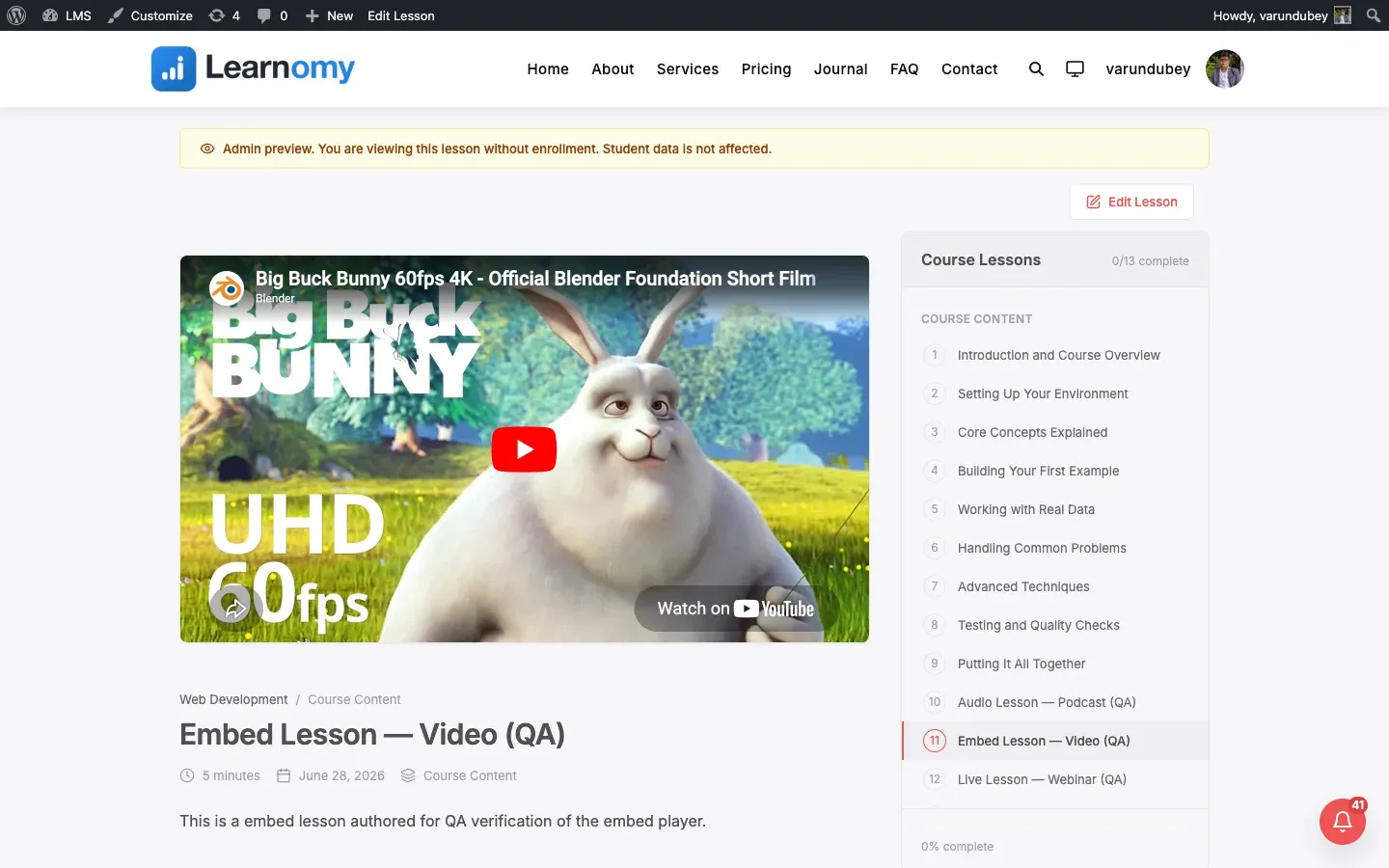
Section titled “Step 4 – save and check the player”Save the lesson and open it in the student player. The video appears in a responsive 16:9 frame. If you see a link card instead of a player, the source does not support embedding (see below).
Settings and options
Section titled “Settings and options”- Aspect ratio. Embeds render in a responsive 16:9 frame by default; 4:3 and 1:1 are also supported by the renderer.
- Fediverse embedding is on by default. Safe hosts only – any URL that resolves to a private or internal network address is never fetched and falls back to a link card. Nothing to configure per instance.
- Link-card fallback. Any URL that is not a known provider, not a recognised Fediverse platform, and does not advertise oEmbed shows a link-preview card with the host name and an Open button.
Why some links show a card instead of a player
Section titled “Why some links show a card instead of a player”Learnomy resolves an embed in this order:
- WordPress core oEmbed providers (YouTube, Vimeo, and the rest of the built-in list).
- Known Fediverse platforms (PeerTube) by URL shape – no network request, works for every instance.
- Safe oEmbed discovery for any other source that advertises oEmbed, after a safety check that blocks private and internal hosts.
- A link-preview card, if none of the above produced a player.
So a card means the source did not offer an embeddable player – or the host failed the safety check.
For developers
Section titled “For developers”The one renderer is \Learnomy\Content\Embed::render( $url, $opts ). Provider HTML is sanitised through the content render floor, and results are cached per URL. Extension points:
learnomy_embed_platform_adapters– register acallable( $url, $host, $path ): ?stringthat turns a recognised URL shape into sandboxed iframe HTML, so a whole platform works with no per-domain list (PeerTube ships built in).learnomy_embed_fediverse_enabled– filter (default from thelearnomy_embed_fediverseoption, on) to turn safe oEmbed discovery on or off.learnomy_embed_blocked_hosts– a host deny-list for moderation. Not an allow-list.learnomy_embed_oembed_args– filter the args passed towp_oembed_getfor the core-provider pass.learnomy_embed_html– filter the final wrapped embed markup.
Safe oEmbed discovery is gated by \Learnomy\Security\Webhook_URL_Validator::is_safe(), the same guard used for outgoing webhook URLs, so an author-supplied link that resolves to a private or reserved address is never fetched server-side.