

Application Pipeline - Overview
The Application Pipeline replaces the free version’s simple three-status system (Submitted / Reviewed / Closed) with a fully customizable ATS-style stage workflow.
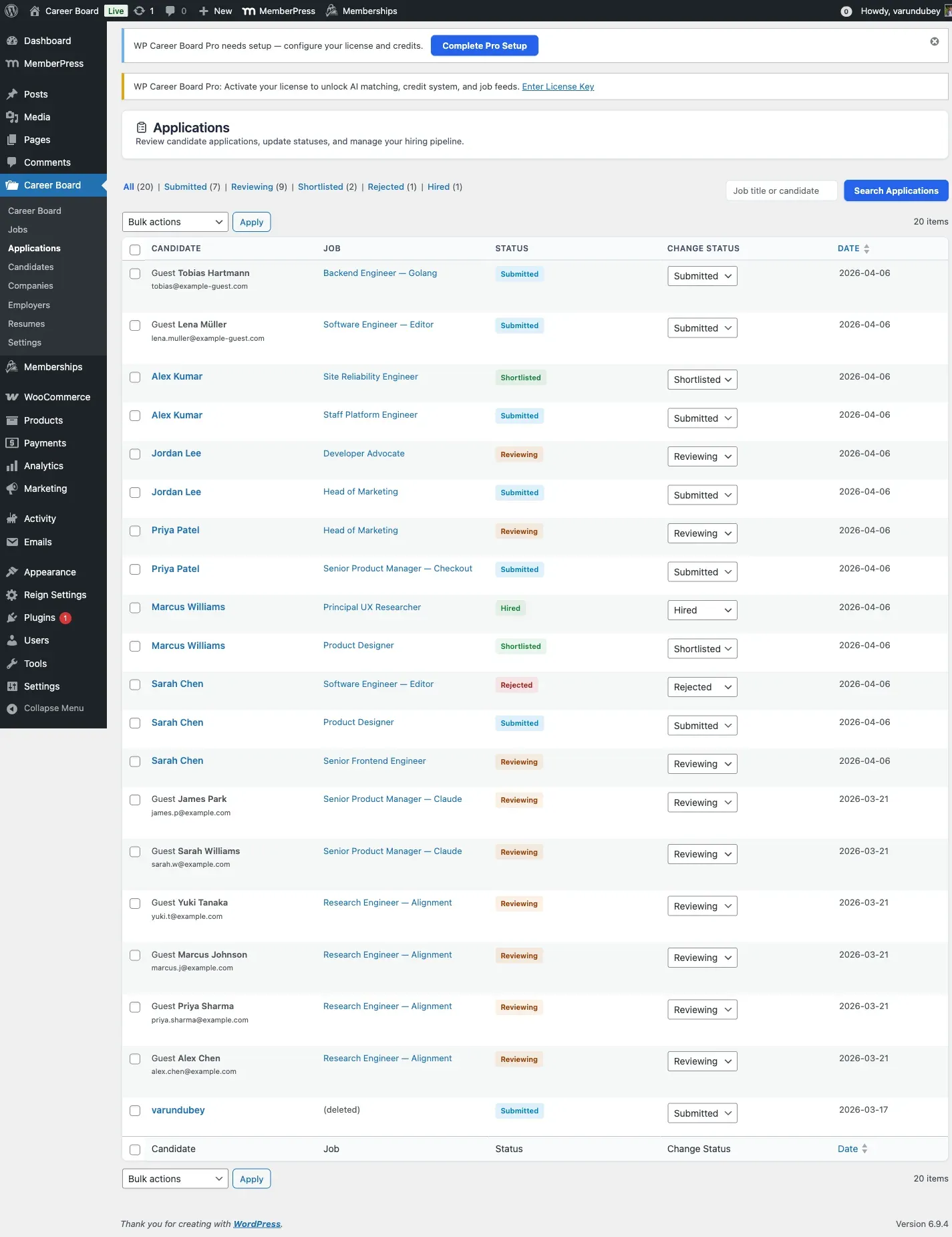
What You Get
Section titled “What You Get”- Custom stages per board - define as many stages as your hiring process needs (for example Screening, Phone Interview, Technical Test, Final Interview, Offer, Hired). Stages are scoped to each Pro job board, so different boards can run different pipelines.
- Kanban board view - the Application Kanban block (
wcb/application-kanban) renders one column per stage and lets reviewers drag applicant cards between stages. - Terminal stages - mark a stage as terminal with an outcome of “Hired” or “Rejected”. When an application reaches a terminal stage, its core status is automatically set to Closed.
- Stage badge color - each stage carries a color used for its Kanban column and badges.
How It Compares to the Free Version
Section titled “How It Compares to the Free Version”| Free | Pro | |
|---|---|---|
| Application statuses | Submitted, Reviewed, Closed | Custom stages you define, per board |
| Pipeline view | List only | Kanban board (drag-and-drop) |
| Terminal outcomes | Closed | Hired / Rejected (terminal stages auto-close to Closed) |
Stages Are Created by You
Section titled “Stages Are Created by You”Pro does not ship a pre-seeded set of stages. A new board starts with no stages, and you add the stages your process needs. A typical set is:
- Submitted (first stage)
- Screening
- Interview
- Offer
- Hired (terminal - outcome: Hired)
- Rejected (terminal - outcome: Rejected)
You can add, rename, recolor, reorder, or delete stages at any time.
How a Terminal Stage Works
Section titled “How a Terminal Stage Works”When an application is moved into a stage marked as terminal:
- Its core application status (
_wcb_status) is set to closed. - The
wcb_application_status_changedaction fires so other features and any addons can react (for example sending a notification).
The terminal outcome value (hired or rejected) is stored on the stage so reporting and addons can tell the two terminal types apart.