

Gamification: points, badges, and levels
Gamification rewards members with points, badges, and levels for taking part in your community. Members earn points for everyday actions like posting, reacting, connecting, and joining spaces, and that score builds into badges, levels, and a place on the leaderboard.
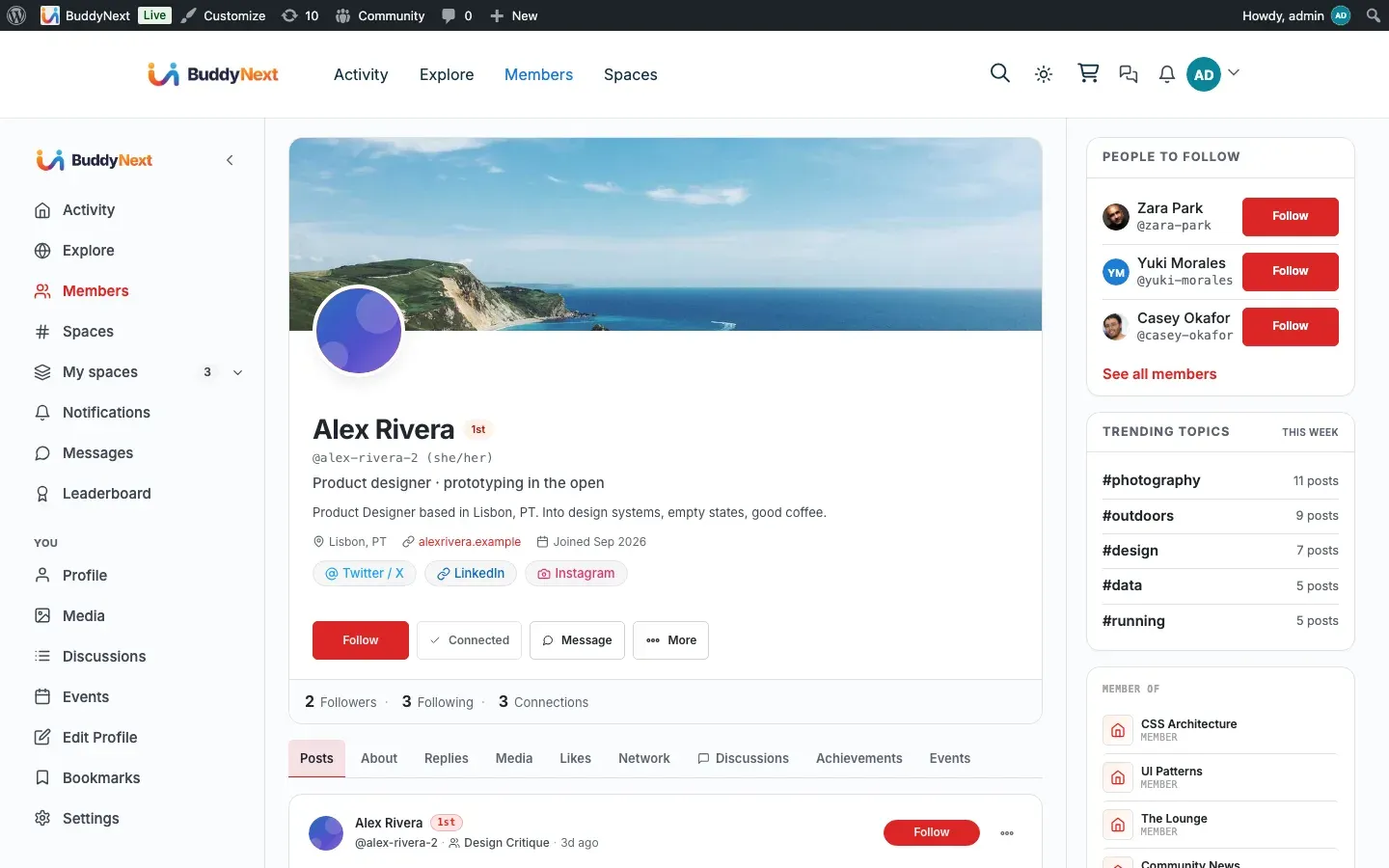
Gamification in BuddyNext is provided by the WB Gamification companion plugin. BuddyNext awards the points by sending each member action to that plugin, which owns the scoring, badges, and levels. When WB Gamification is not installed, the gamification surfaces stay quiet and nothing breaks.
Why use it
Section titled “Why use it”A community grows when members come back and contribute, not just read. Points and badges turn ordinary participation into visible progress, so members have a reason to post that first update, react to a neighbor’s photo, or finish their profile.
Owners reach for gamification when activity is flat or new members lurk without engaging. A few well-placed rewards nudge people from watching to doing: a new member who earns points for completing their profile and making a first connection feels welcomed and invested. Over time the leaderboard and badges give your most active members public recognition, which keeps them around and sets an example for everyone else.
It works best as a light touch on top of a healthy community, not a scoreboard that overshadows real conversation. See the note on keeping it healthy in The community leaderboard.
How it works (for members)
Section titled “How it works (for members)”Members do not configure anything. They earn points automatically as they use the community, and their badges, level, and rank appear on their profile.
How members earn points
Section titled “How members earn points”Each social action a member takes is sent to WB Gamification, which adds the points. The default actions and point values are below. The owner can change every point value in WB Gamification, so treat these as starting values.
| Action | Who earns the points | Default points |
|---|---|---|
| A member follows you | The member being followed | 5 |
| A connection request is accepted | The member who sent the request | 10 |
| You create a post | The author | 5 |
| You join a space | The member who joins | 5 |
| Your profile is updated | The member | 2 |
| Your profile reaches 100 percent complete | The member | 25 |
| Someone reacts to your content | The content owner | 2 |
| You write a comment | The commenter | 3 |
A few rules keep scoring fair:
- A connection awards its points to the member who sent the request, paid out when the other person accepts it. (Site owners who want to reward both members can wire that up in WB Gamification.)
- A reaction rewards the owner of the content, not the person who tapped the reaction. Reacting to your own post does not award points.
Where badges and levels show
Section titled “Where badges and levels show”- Profile. A member’s profile shows their points, level, leaderboard rank, current streak, and an earned-badges grid, with a “View leaderboard” link. Since 1.0.7 these live together on a single Achievements tab on the profile, instead of being spread across three separate tabs. The tab appears only when WB Gamification is active and the member has earned something to show.
- Leaderboard. The ranked board lists top members with their points and badges, and shows the viewer their own rank, level, streak, and next milestone. See The community leaderboard for the full walkthrough.
- Notifications. When WB Gamification awards a badge or moves a member up a level, BuddyNext drops a notification in the member’s bell so the win does not pass unnoticed.
Setting it up (for owners)
Section titled “Setting it up (for owners)”Gamification is an integration, so setup is two steps: install the companion, then point members at the leaderboard hub page.
1. Install the WB Gamification companion
Section titled “1. Install the WB Gamification companion”From the BuddyNext admin, open the integrations area and install WB Gamification with one click. BuddyNext handles the download and activation for you; you do not upload a zip or search the plugin directory. Once it is active, BuddyNext starts sending member actions to it and the gamification surfaces come to life. See the Gamification integration page for the install walkthrough and what each surface lights up.
2. Set the gamification hub page
Section titled “2. Set the gamification hub page”WB Gamification publishes a hub page that hosts the leaderboard and badge views. BuddyNext links to that page from member profiles (the “View leaderboard” link). The hub page is stored as the gamification hub page setting in WB Gamification.
| Setting | What it does | Default |
|---|---|---|
| Gamification hub page | The page BuddyNext links to for the leaderboard and badge views. Set this to the page WB Gamification creates so the profile “View leaderboard” link resolves. | None set until you choose a page |
Tip: Point values, badge rules, and levels all live in WB Gamification, not in BuddyNext. After installing the companion, open its settings to tune how generous each action is and which badges exist. BuddyNext only decides which member actions are reported and where the results show.
Good to know
Section titled “Good to know”- The activity streak is BuddyNext’s own. The “N days in a row” card in the sidebar is the one exception to everything above: BuddyNext works it out itself, from the member’s own posts, comments, and reactions. It keeps working whether or not WB Gamification is installed. (Point values, badges, and levels do come from the companion.)
- Inert without the companion. If WB Gamification is not installed or not active, points, badges, and levels do nothing and no errors appear. The profile tiles, badge grid, and leaderboard hide themselves, and member actions are simply not reported. Installing the companion later turns everything on with no further setup on the BuddyNext side.
- Self-reactions do not earn points. Reacting to your own content awards nothing, so members cannot farm points by reacting to themselves.
- The owner controls the numbers. The point values above are BuddyNext’s defaults. Every value, badge, and level threshold is editable in WB Gamification, so your community’s economy is yours to balance.
- Nothing to back-fill. Points accrue from the moment the companion is active. Actions taken before install are not retroactively scored.
Free vs Pro
Section titled “Free vs Pro”Gamification works the same whether or not BuddyNext Pro is active. It depends on the WB Gamification companion, not on the Pro license. The actions BuddyNext reports, the profile tiles, the leaderboard, and the badge and level notifications are all available in the free plugin once WB Gamification is installed.
Related
Section titled “Related”- The community leaderboard - the ranked board that reads these points
- WB Gamification - the companion plugin that owns scoring
- Reactions - one of the actions that awards points