

Getting Started for Developers
This page orients you to a local BuddyNext checkout: the runtime requirements, where the code lives, the WP-CLI commands you will use during development, and how to run the quality gates before you commit.
Requirements
Section titled “Requirements”| Requirement | Minimum |
|---|---|
| WordPress | 6.9+ (the Abilities API is required) |
| PHP | 8.1+ (strict types everywhere) |
| Autoloader | PSR-4 via a hand-rolled spl_autoload_register (BuddyNext\ -> includes/) |
| Dependencies | Vendored - production deps are committed under vendor/ and libs/, so there is no build command to run a working plugin |
The Pro plugin has the same WordPress and PHP floor and extends Free, so develop both against the same site. Pro boots after Free (plugins_loaded:20 vs :15) and depends on Free being active.
Note: BuddyNext targets a no-build runtime. JavaScript is authored as WordPress Interactivity API stores (plain ES modules), CSS uses custom-property tokens, and both ship ready to enqueue. You only need a toolchain to run the quality gates below, not to run the plugin.
Where code lives
Section titled “Where code lives”Every feature owns its full stack in one folder under includes/{Feature}/. The map below is the layer model at a glance (the bootstrap is Layer 0; features are Layer 2).
includes/  Core/            Layer 0 - bootstrap, DI container, installer, routing, permissions, icons    Plugin.php       boots at plugins_loaded:15, wires every service, fires buddynext_loaded    Container.php    DI container (buddynext_service('x') resolves a binding)    Installer.php    dbDelta() schema for the bn_* tables    PageRouter.php   hub routing + shell composition inside theme chrome    PermissionService.php  buddynext_can( $user_id, 'ability-slug', $context )  Bridges/         Layer 1 - adapters to BuddyX, Jetonomy, WPMediaVerse, Gamification  Auth/  SocialGraph/  Feed/  Profile/  Spaces/  Search/  Notifications/  Reactions/  Comments/  Hashtags/  Moderation/  Outbound/  Messages/  ...                   Layer 2 - one folder per feature, each with up to four canonical files:                     {Feature}Service.php     business logic + DB queries (the feature's API)                     {Feature}Controller.php  REST endpoints (thin wrappers over the Service)                     {Feature}Listener.php    add_action registrations (implements ListenerInterface)                     {Feature}Cache.php       wp_cache_* wrappers + invalidation hooks  REST/            Router + BaseRestController (shared auth/admin guards)  Admin/           wp-admin pages, settings, the AdminHub menu  Theme/           TokenService (injects --bn-* tokens), Appearance, template loader  Demo/  Cert/     WP-CLI command classes (6 commands total - see 38-wp-cli.md)
templates/         theme-overridable PHP - hubs, parts/, shell/ (override via {theme}/buddynext/)assets/            css/bn-{feature}.css (token-only) + js/{feature}/store.js (Interactivity API)blocks/            19 registered Gutenberg blocks (bn-activity-feed, bn-member-directory, ...)docs/website/       this developer guide
The code is the contract. Free ships no spec files and no machine-readable inventory - earlier revisions of this guide cited both, and neither exists in the plugin you downloaded. To answer “what surfaces are there”, read the source: grep
register_rest_route(for routes,do_action(/apply_filters(for hooks, andFeatureRegistry::catalog()for features. The per-domain hooks pages (25-33) are the curated version of the same thing.
The rules that hold this together: Core never imports from a feature, a Service never echoes template output, and a template never runs $wpdb directly. Features talk to each other only through hooks, filters, or container lookups. See the Developer Overview for the contract-first philosophy and the seven extension surfaces.
WP-CLI commands
Section titled “WP-CLI commands”BuddyNext registers six wp buddynext command namespaces at boot (only when WP_CLI is defined), all wired in includes/Core/Plugin.php: demo, cert, repair-space-owners, repair-discussion-visibility, handles, and qa-fixtures (the last is dev-tree only and absent from a packaged install). The two you reach for daily are covered below; see the WP-CLI Commands page for the full reference.
wp buddynext demo - demo seeder
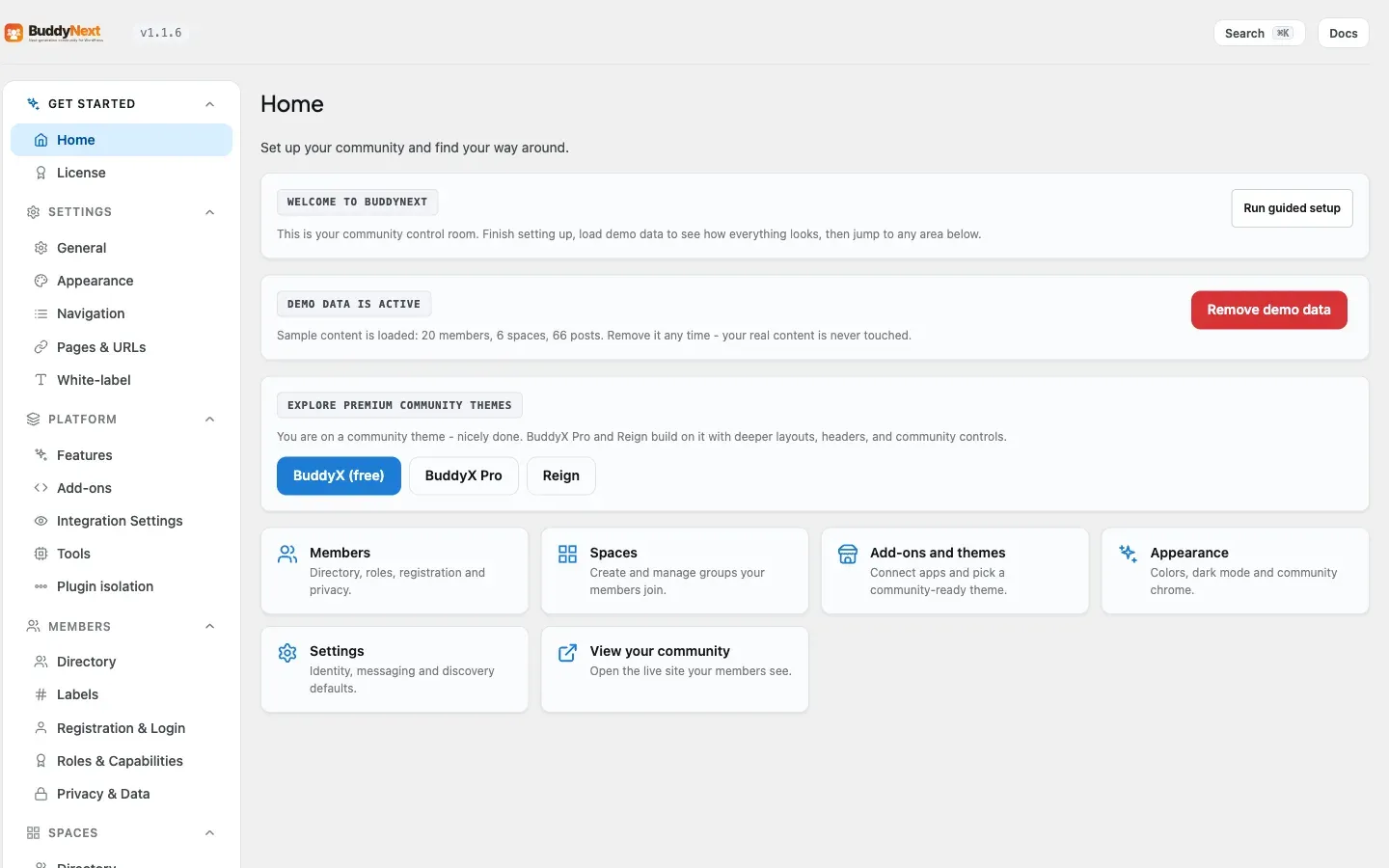
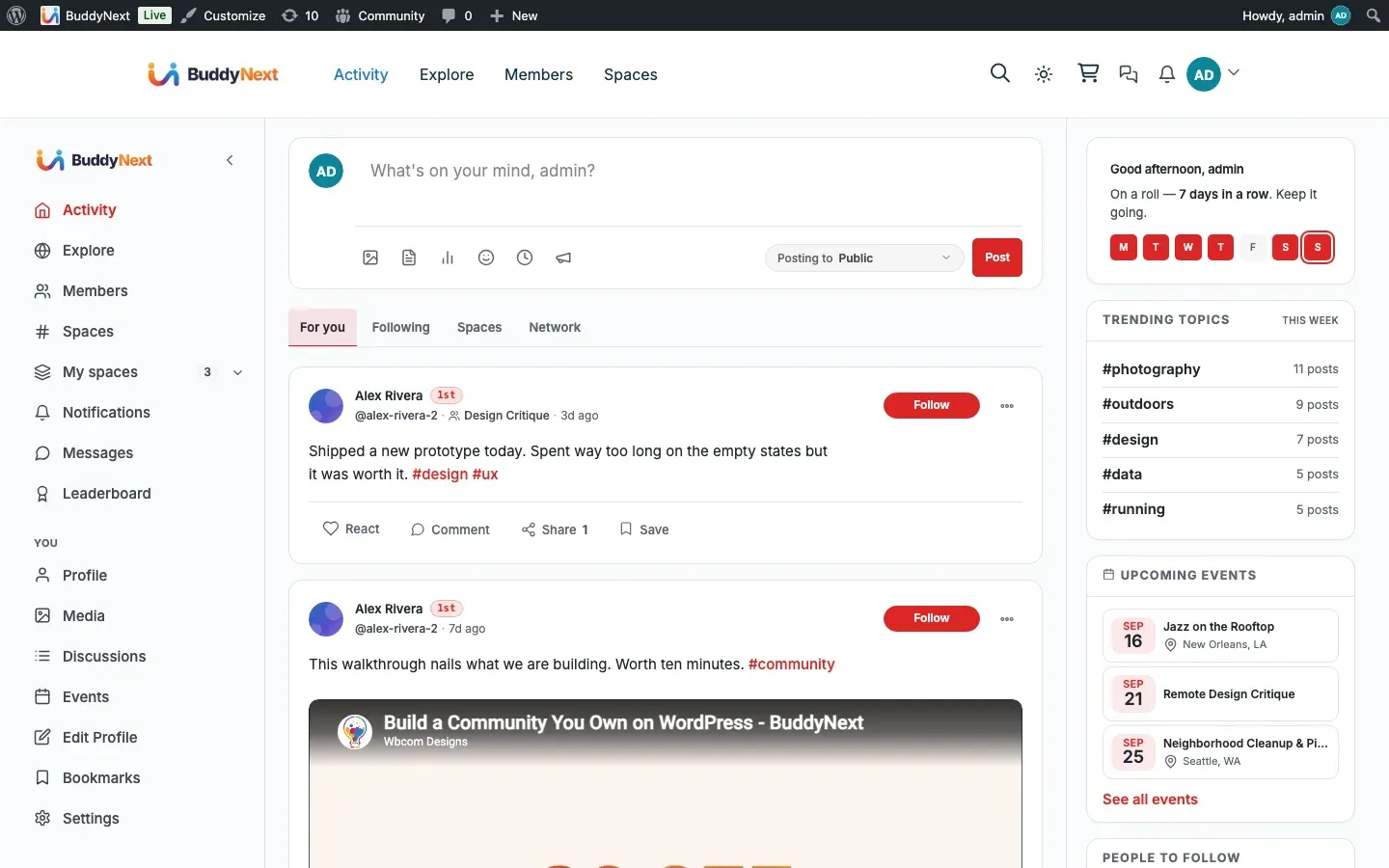
Section titled “wp buddynext demo - demo seeder”Seeds, inspects, and removes a realistic demo dataset so you can develop and test against populated screens instead of an empty install.
# Seed the demo community (members, follows, posts, spaces, and more)wp buddynext demo seed
# Show what is currently seededwp buddynext demo status
# Remove the seeded datawp buddynext demo cleanup
wp buddynext cert - certification harness
Section titled “wp buddynext cert - certification harness”Runs the functional-certification engine: a suite of behaviour checks that confirm the plugin’s features actually work end-to-end. It is invoked by bin/check.sh and by CI, and exits non-zero on any failure.
# Run all functional certification checks (exit 1 on any failure)wp buddynext cert
# Run only the dead-toggle / behaviour-flip contract checkwp buddynext cert contract
Tip: Run
wp buddynext certafter a change that touches feature behaviour, andwp buddynext cert contractwhen you have added or changed a setting toggle - the contract check catches settings that are saved but never applied.
Running the quality gates
Section titled “Running the quality gates”The repository vendors its own CI-parity gate. Run it from the plugin root before pushing.
# Full gate: PHP lint, WPCS, PHPStan level 5, and the UX auditbin/check.sh
# Same gate scoped to staged files only - fast pre-commit signalbin/check.sh --staged
# Skip the UX audit when iterating on PHP onlybin/check.sh --skip-audit
What each gate enforces:
| Gate | What it checks | How it runs |
|---|---|---|
| PHP lint | Every changed PHP file parses | php -l |
| WPCS | WordPress Coding Standards clean | vendor/bin/phpcs --standard=phpcs.xml |
| PHPStan | Static analysis at level 5 against includes/ |
vendor/bin/phpstan analyse |
| UX audit | Token + primitive compliance (no raw hex/px, no inline <style>/<script>, no native alert()/confirm()) |
bin/ux-audit.sh |
| REST boundary | All frontend data flows through REST, never admin-ajax |
bin/check-rest-boundary.sh |
Set the pre-commit hook once per clone so the staged gate runs automatically:
git config core.hooksPath .githooksThe hook runs bin/check.sh --staged --skip-audit. Use git commit --no-verify only in an emergency.
Warning: A gate failure is part of “not done.” Fix WPCS and PHPStan findings on every file you touch before committing - the gates run in CI as well, so an unaddressed failure blocks the build there too.
Next steps
Section titled “Next steps”With a seeded site and green gates, move on to the contract pages: the REST API reference for the buddynext/v1 and buddynext-pro/v1 routes, the Hooks and Filters reference for extension seams, and Templates and Theming for the override mechanism.