

Installation
This page covers installing and activating Who Viewed My Profile, the post-activation checklist, multisite notes, and how to uninstall cleanly. For license activation, see License activation.
Install methods
Section titled “Install methods”From the WordPress admin (recommended)
Section titled “From the WordPress admin (recommended)”- Go to Plugins → Add New → Upload Plugin.
- Choose
who-viewed-my-profile.zipand click Install Now. - Click Activate.
- You’ll be redirected to WB Plugins → Profile Views so you can configure it.
Via FTP
Section titled “Via FTP”- Unzip the package.
- Upload the
who-viewed-my-profile/folder intowp-content/plugins/. - Activate from Plugins → Installed Plugins.
Via WP-CLI
Section titled “Via WP-CLI”wp plugin install who-viewed-my-profile.zip --activateAfter activation — what you should see
Section titled “After activation — what you should see”- A new sidebar entry WB Plugins → Profile Views (the WB Plugins hub is shared by every Wbcom plugin you have installed).
- A new database table
{prefix}bp_profile_viewsis created. - A default settings array is stored under the option
bp_profile_views_general_optionswith these defaults:save_count_by=sessionchart_style=lineview_member_count=10show_in_directory=noshow_recent_members=noallow_user_settings=noexclude_logout_user_count=yes
- On the first admin page load after activation, every existing user who has no
visitor_settinguser meta gets it set to'yes'. This backfill is gated by thebp_profile_views_visitor_setting_seededoption, so it runs once per install — not on every request. The gate usesadmin_init, so the backfill only runs when an admin visits a dashboard page (not on frontend page loads).
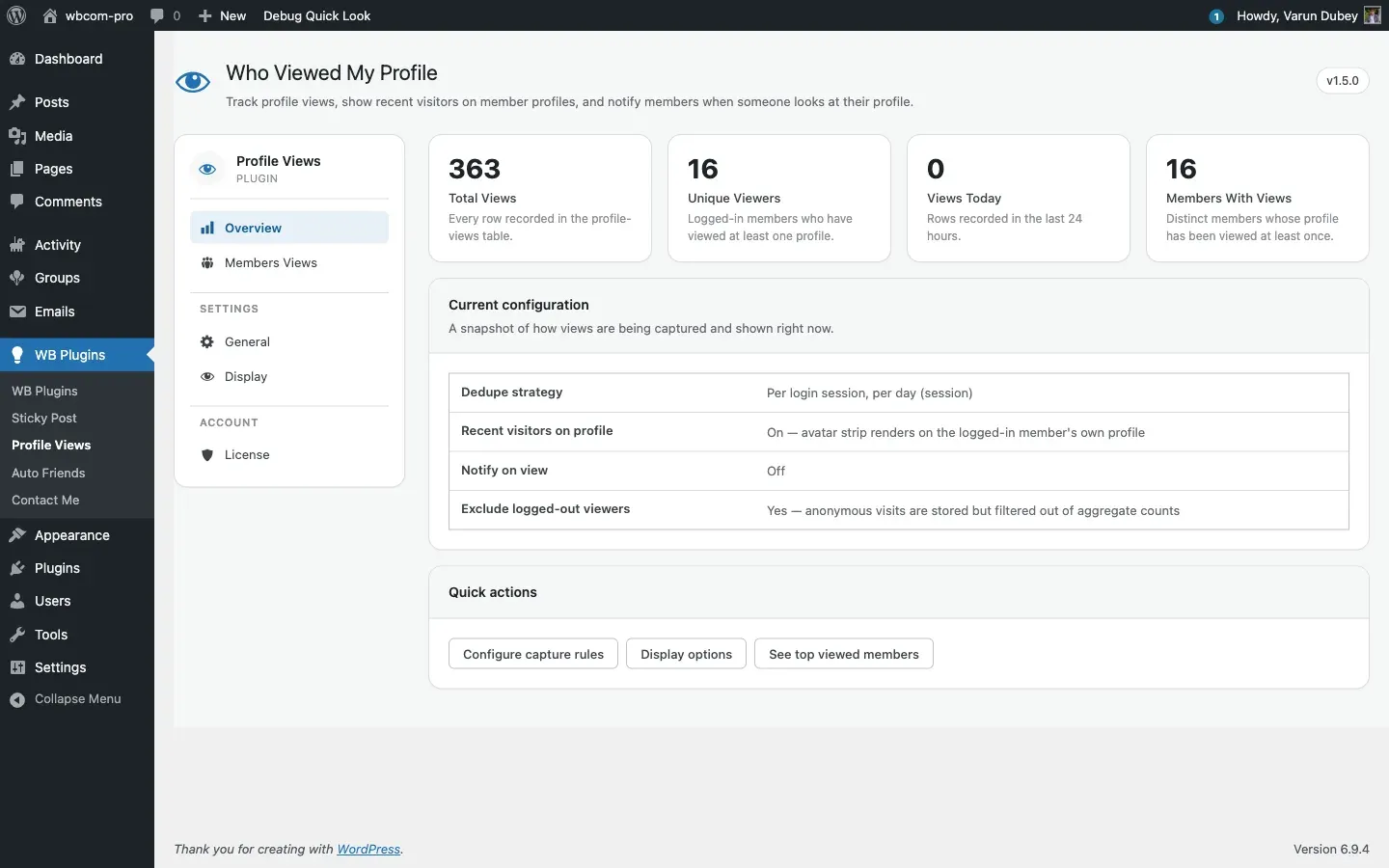
If any of these don’t appear, re-check that BuddyPress is active and look at wp-content/debug.log for PHP errors.
Multisite
Section titled “Multisite”The plugin supports multisite. Each site has its own {prefix}bp_profile_views table and its own settings — there is no network-level configuration. Network Activate the plugin if you want every sub-site to share the same plugin version; otherwise activate per-site.
Uninstalling
Section titled “Uninstalling”By default, deleting the plugin from Plugins → Installed Plugins wipes everything it created:
- Drops the
{prefix}bp_profile_viewstable. - Deletes the option
bp_profile_views_general_options. - Deletes the option
edd_wbcom_BPPV_license_key. - Deletes the user meta
visitor_settingandbp_profile_views_user_login_sessionfor every user. - Clears related transients.
- Deletes any BuddyPress notifications under
component_name = 'bp_profile_view_notifications'.
If you want to keep historical visit data after uninstall — for example, to re-install later or migrate environments — set the BPV_KEEP_DATA_ON_UNINSTALL constant. See Uninstall.
Theme integration
Section titled “Theme integration”The recent-visitors header strip auto-detects the active theme and picks the right hook target — you don’t need to configure anything. Override behaviour and theme template paths are documented in Theme overrides.