

Comments
Comments let members reply to a post in a threaded conversation - posting their own comment, replying to other comments, and reacting to comments they like. Threads nest up to five levels deep.
Why use it
Section titled “Why use it”Reactions tell an author that people saw a post; comments are where the actual conversation happens. They turn a one-way broadcast into a discussion, and they are what keeps members coming back to a post over hours and days rather than scrolling past it once.
Threaded replies matter because real conversations branch. When someone can reply directly to a specific comment instead of to the post as a whole, two people can go back and forth on one point while a separate group discusses something else - all under the same post, without the thread turning into an unreadable flat list. The reply you are answering stays visible right above your own, so context is never lost. This is the structure members already know from every mainstream social platform, and it is what makes a busy thread feel organised instead of chaotic.
For an owner, comments work on every post the moment the feature is on, with a running comment count for authors and the moderation controls you need to keep threads healthy - including pinning the one comment that matters most to the top.
How it works (for members)
Section titled “How it works (for members)”Post a comment
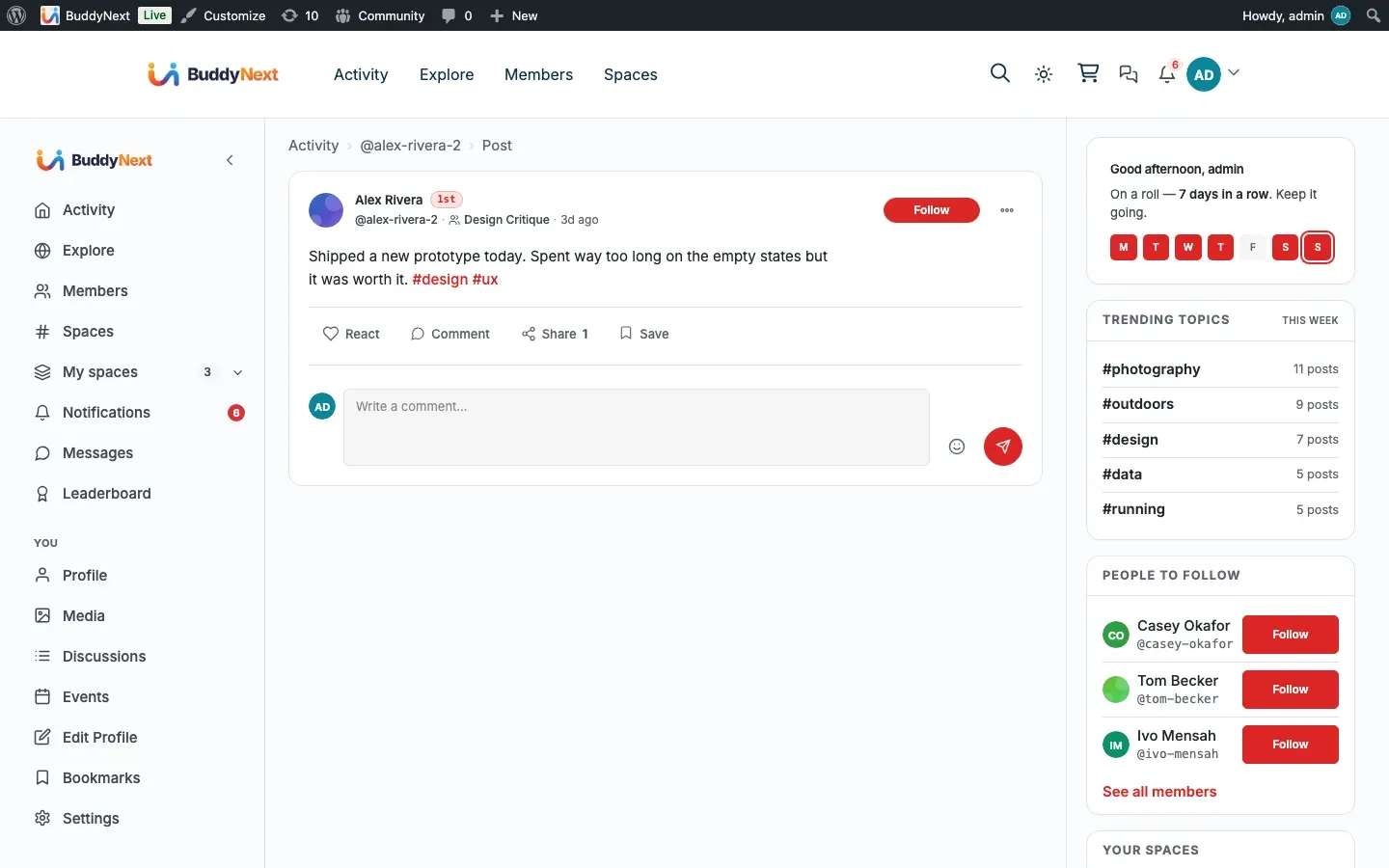
Section titled “Post a comment”Open the comment area on a post, type your comment, and submit. It appears in the thread right away and the post’s comment count goes up.
Reply to a comment
Section titled “Reply to a comment”Use the reply control on any comment to answer it directly. Your reply nests underneath the comment you answered, keeping the back-and-forth together. Replies can nest up to five levels deep. A reply that would go past the fifth level is declined with a message (“This thread has reached its maximum reply depth”), so a single thread never marches off the side of the screen.
Edit your own comment
Section titled “Edit your own comment”You can edit a comment you wrote. The updated text replaces the original, and the comment is marked as edited so the conversation stays honest.
Delete your own comment
Section titled “Delete your own comment”You can delete a comment you wrote. The comment text is removed and shown as deleted, but its place in the thread is kept so that any replies underneath it stay attached and readable.
React to a comment
Section titled “React to a comment”Comments support the same reactions as posts. Open the reaction picker on a comment to react, swap, or remove your reaction. See Reactions for how reactions behave.
How it works (for moderators)
Section titled “How it works (for moderators)”Pin a comment
Section titled “Pin a comment”A moderator (a user with site management rights) can pin one comment to the top of a thread - useful for an official answer, a correction, or the most helpful reply. Pinning a second comment replaces the first; there is one pinned comment per post. Moderators can unpin at any time.
Setting it up (for owners)
Section titled “Setting it up (for owners)”Comments are on by default. You can turn the whole feature off, and you can set how many comments a member may post per minute.
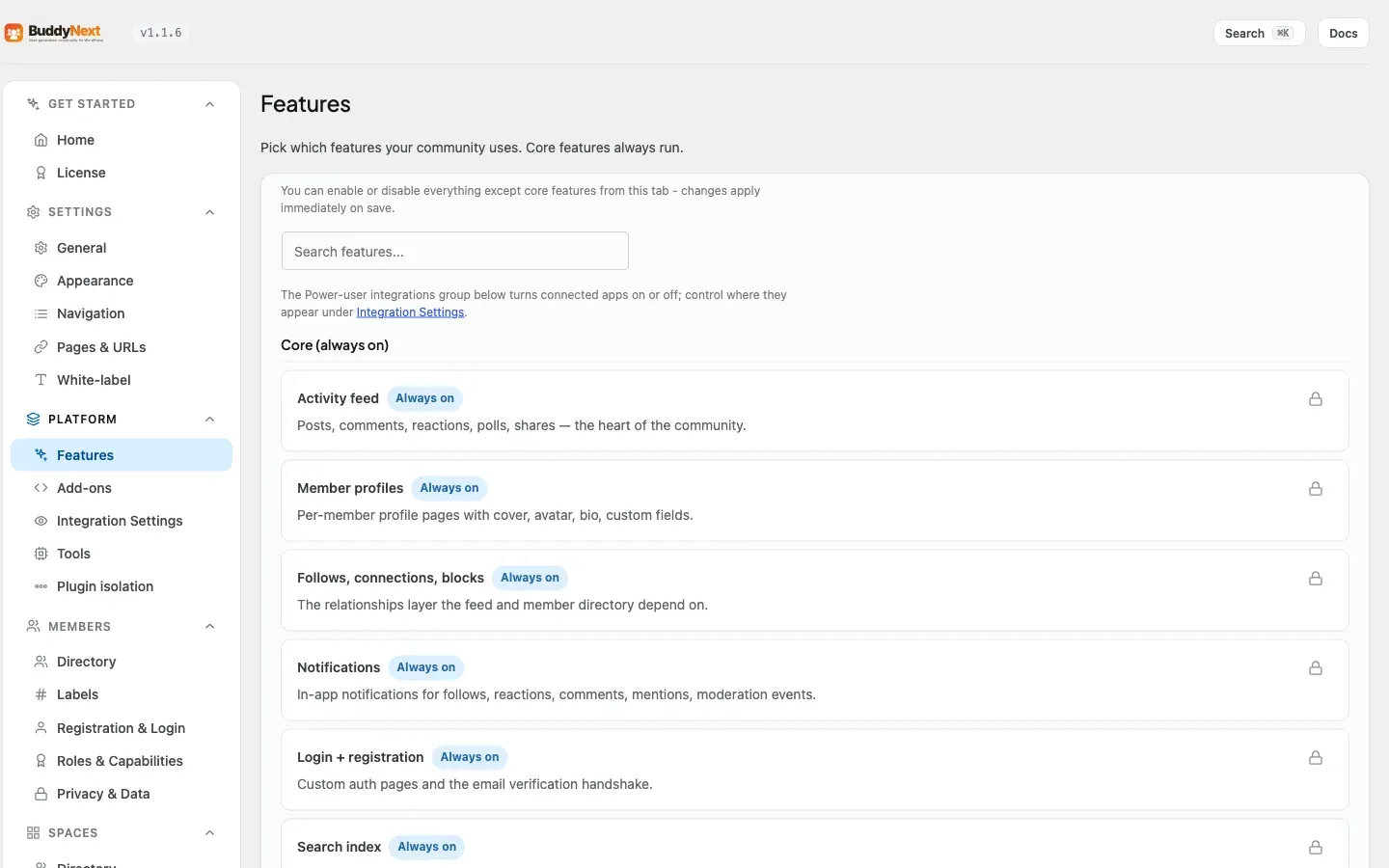
The feature toggle lives under Platform > Features. The comment rate limit lives under the Moderation settings.
| Setting | What it does | Default |
|---|---|---|
| Comments feature | Master on/off switch for comments. When off, the comment area is removed from posts everywhere - on the page and over the API. Found under Platform > Features. | On |
| Comment rate limit (per minute) | The maximum number of comments a member can post in one minute. Untick the box to turn rate limiting off. | 30 |
Tip: The comment rate limit is your first line of defence against comment spam and flooding. Lowering it slows down anyone trying to bury a thread, without affecting normal members who comment at a human pace.
Good to know
Section titled “Good to know”- Soft delete keeps the thread shape. Deleting a comment does not pull its replies down with it. The comment is blanked and shown as deleted, and the replies underneath it stay where they are. This is why a busy thread never collapses when someone removes a comment mid-conversation.
- Depth is capped at five levels. Replies nest up to five deep. A reply that would exceed the fifth level is not accepted - the member is told the thread has reached its maximum reply depth - and in the thread view the deepest level is flattened so it stays readable rather than marching off the side of the screen.
- Suspended members cannot comment. If a member has been suspended through Moderation, their attempt to comment is blocked with a clear message. See Moderation for how suspensions work.
- Restricted members are hidden from others. If a post owner has restricted a member, that member’s comments are hidden from other viewers on the owner’s own posts, while still visible to the owner, admins, and the member themselves.
- Editing and deleting are limited to your own comments, plus moderators. A member can only edit or delete what they wrote; a moderator can act on any comment.
- The comment count includes replies. The number shown on a post counts every comment in the thread, including nested replies, so it can be higher than the count of top-level comments you see at a glance.
Free vs Pro
Section titled “Free vs Pro”Posting comments, threaded replies up to five levels, editing and deleting your own comments, reacting to comments, moderator pinning, the comments feature toggle, and the comment rate limit are all part of free BuddyNext.
Related
Section titled “Related”- Reactions - reacting to a comment the same way as a post
- Post Composer - where the comment rate limit is set
- Moderating a Member - how suspensions block commenting