

Creating Directory Page
Creating Your Directory Page
Section titled “Creating Your Directory Page”WB Listora uses WordPress blocks to build directory pages. You can combine blocks in the block editor to create any layout.
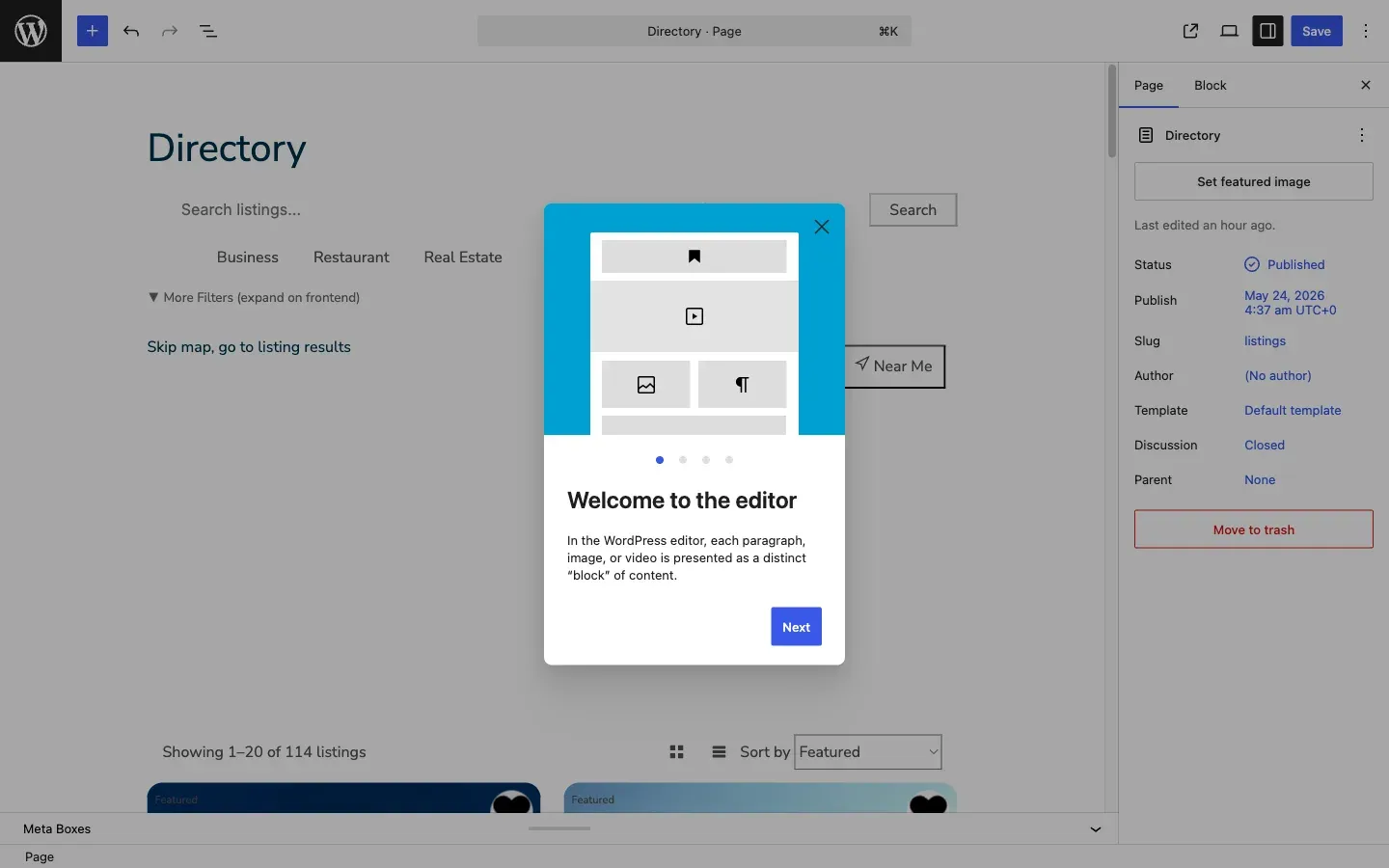
Quick Start: Full Directory Page
Section titled “Quick Start: Full Directory Page”- Create a new page (or edit the one the wizard created)
- Add the Listing Search block - provides the search bar with filters
- Add the Listing Grid block below it - displays the listing cards
- Set both blocks to Wide alignment for full-width layout
- Publish the page
Available Blocks
Section titled “Available Blocks”| Block | Purpose |
|---|---|
| Listing Search | Search bar with keyword, location, type filters, and advanced filters |
| Listing Grid | Responsive card grid with sort, view toggle, and pagination |
| Listing Map | Interactive map with markers and clustering |
| Listing Card | Single listing card (for custom layouts) |
| Listing Detail | Full listing detail page (auto-used on single listings) |
| Listing Reviews | Review list with submission form |
| Listing Submission | Frontend listing submission form |
| Listing Categories | Category grid with icons and counts |
| Listing Featured | Featured listings carousel |
| Listing Calendar | Event calendar view |
| User Dashboard | User’s listing management dashboard |
Layout Examples
Section titled “Layout Examples”Search + Grid (Simple)
[Listing Search - wide][Listing Grid - wide, 3 columns]Search + Grid + Map (Split)
[Listing Search - wide][Columns: 65% / 35%][Listing Grid - 2 columns] | [Listing Map - 600px]Category Landing Page
[Listing Categories - wide][Listing Featured - wide][Listing Search - wide][Listing Grid - wide]Setting as Homepage
Section titled “Setting as Homepage”- Go to Settings > Reading
- Select A static page
- Set Homepage to your directory page
- Save
Block Settings
Section titled “Block Settings”Each block has settings in the sidebar:
- Listing Grid: columns (1-4), items per page, default sort, listing type filter
- Listing Search: layout (horizontal/stacked), show type tabs, show filters
- Listing Map: height, default zoom, clustering, search on drag