

Custom Field Builder - Overview
The Field Builder lets you add custom fields to jobs, companies, candidate profiles, and resumes - without writing any code. It ships with WP Career Board Pro 1.4.3.
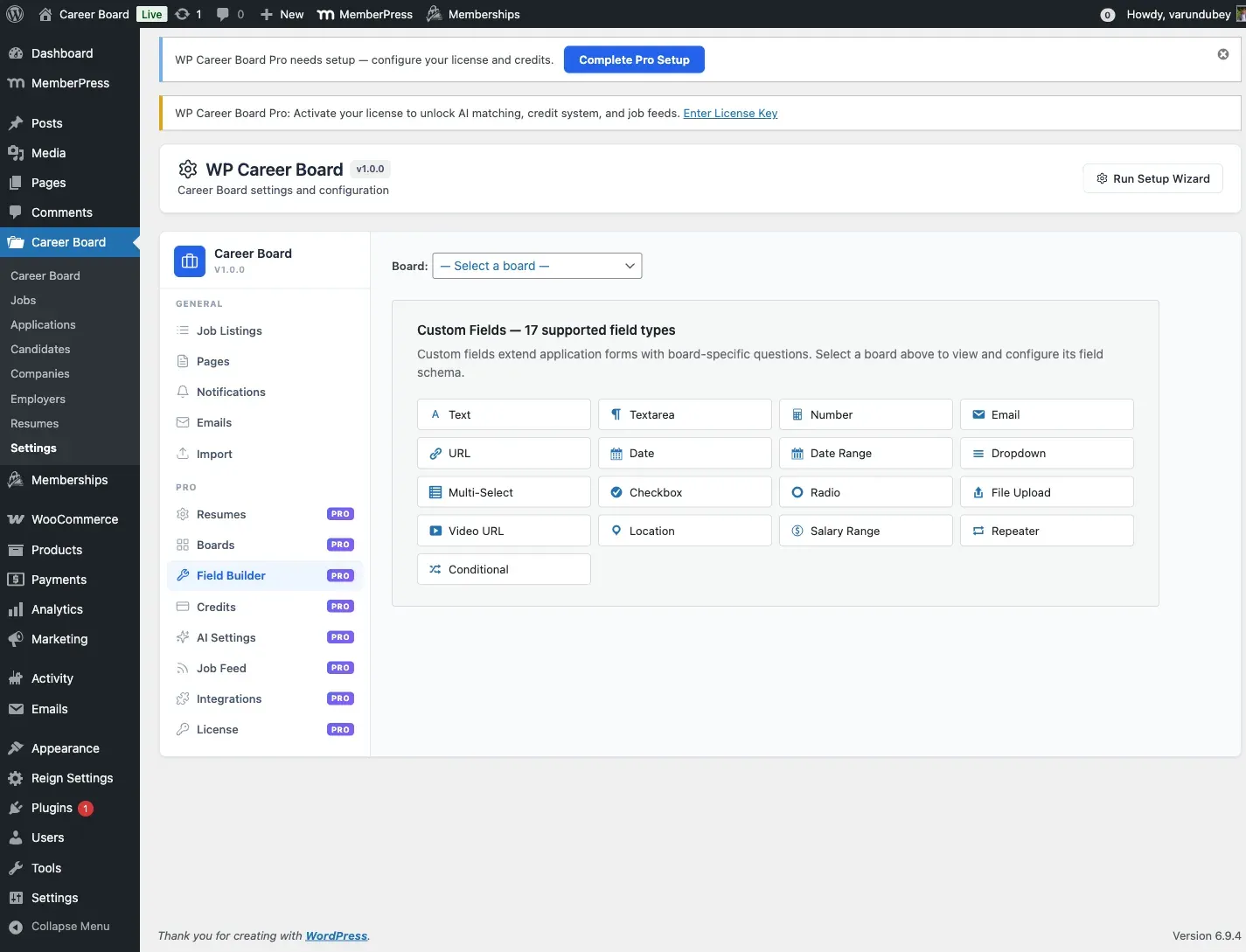
What You Can Do
Section titled “What You Can Do”- Add fields to job listings (e.g., Remote Policy, Visa Sponsorship, Tech Stack)
- Add fields to company profiles (e.g., Funding Stage, Glassdoor Rating, Benefits)
- Add fields to candidate profiles (e.g., Preferred Work Style, Notice Period, Portfolio URL)
- Add fields to resumes (e.g., Availability, Desired Salary, Certifications)
- Group related fields into collapsible sections
- Mark fields as required or optional
- Control who can see a field with a visibility setting
How It Works
Section titled “How It Works”Fields created in the Field Builder are:
- Injected into the relevant form - the matching entity form picks them up through a filter (
wcb_job_form_fields,wcb_company_form_fields,wcb_candidate_form_fields,wcb_resume_form_fields). - Saved with the post - job field values are written when a job is created or updated (
wcb_job_created/wcb_job_updated). - Returned in the API - custom job field values are appended to the job REST response (
wcb_job_response), so headless front-ends and integrations can read them. - Stored in a dedicated table - values are saved in WP Career Board’s
wcb_field_valuestable, keyed by post ID and field key.
No custom database columns, no custom meta box hacks.
Boards and Field Scope
Section titled “Boards and Field Scope”Custom fields are organized per board for job and company fields, and globally for candidate and resume fields:
- Job Fields and Company Fields belong to a specific board. Each board can have its own field schema. You select the board first, then define its fields.
- Candidate Fields and Resume Fields are global. They are not tied to a board and apply everywhere (stored under board
0internally).
If you have not created a board yet, the Field Builder prompts you to create one before you can add job or company fields.
Field Groups
Section titled “Field Groups”Within each entity type, fields are organized into groups. A group is a collapsible section with a label (e.g., “Compensation”, “Requirements”). You can create multiple groups per entity type.
Visibility Rules
Section titled “Visibility Rules”Each field has one of three visibility settings:
- Public - visible to everyone, including guests (the default)
- Employer Only - visible only in employer-facing contexts
- Admin Only - visible only to site administrators
Storage Model
Section titled “Storage Model”The Field Builder uses three Pro tables:
| Table | Holds |
|---|---|
wcb_field_groups |
Group definitions (board, entity type, label, sort order) |
wcb_field_definitions |
Individual field definitions (key, type, label, visibility, required) |
wcb_field_values |
Saved values, keyed by post ID and field key |
Field group and definition reads are cached in a 5-minute transient per board and entity type. The cache is cleared automatically whenever a group or field is saved or deleted, via the wcbp_field_group_saved, wcbp_field_group_deleted, wcbp_field_definition_saved, and wcbp_field_definition_deleted hooks.
When a field value is saved, the Field Builder also fires wcbp_field_value_saved, passing the owner post ID, the field key, and the submitted value. Addons hook this to sync field values to external systems (CRMs, ATSs, analytics pipelines) without wrapping the Pro REST endpoint.