

AI Moderation
Free + Pro - Core functionality is included free. Features marked with (Pro) require MediaVerse Pro.
MediaVerse integrates with OpenAI Vision (GPT-4o or GPT-4o Mini) to automatically analyze and moderate uploaded media. MediaVerse Pro adds support for Google Vision, AWS Rekognition, and Claude (Anthropic).
How AI Analysis Works
Section titled “How AI Analysis Works”When Auto-Analyze Uploads is enabled, MediaVerse sends each uploaded image to OpenAI immediately after storage. The analysis returns:
- A natural-language description of the image
- Suggested tags (comma-separated keywords)
- Safety categories with confidence scores (adult content, violence, etc.)
The description is saved to the ai_description media metadata key. If Auto-Apply Tags is enabled, the suggested tags are assigned to the mvs_tag taxonomy.
How AI Moderation Works
Section titled “How AI Moderation Works”When Auto-Moderate Uploads is enabled, MediaVerse checks the AI safety scores against configurable thresholds. If a policy violation is detected, the action defined in When AI Flags Content is applied:
| Action | What Happens |
|---|---|
| Flag for review | Media stays published but appears in the moderation queue |
| Hide | Media’s privacy is set to private |
| Reject | Media’s post_status is set to draft |
| Delete permanently | Media and its files are removed from local and cloud storage. Cannot be undone. |
Moderation status changes fire the mvs_moderation_changed action hook ($media_id, $status, $old_status, $user_id).
Triggering Analysis Manually
Section titled “Triggering Analysis Manually”Site administrators can re-analyze any media item from the moderation queue or via the REST API:
curl -X POST https://yoursite.com/wp-json/mvs/v1/moderation/123/analyze \ -H "X-WP-Nonce: NONCE"Approving or Rejecting from the Moderation Queue
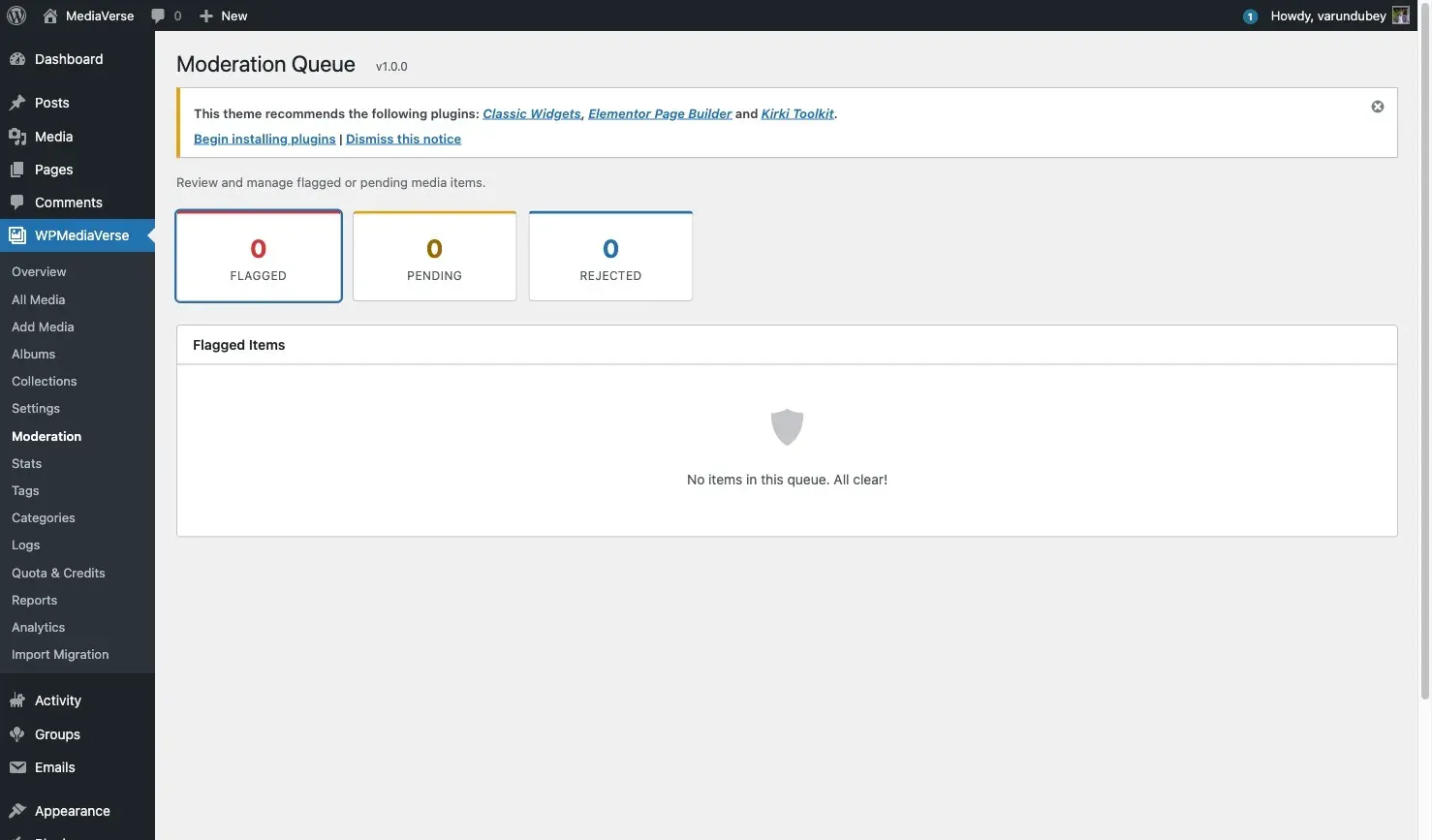
Section titled “Approving or Rejecting from the Moderation Queue”- Go to Media > Media Moderation (renamed from “Moderation” in 2.0.0).
- Review the flagged item and its AI analysis result.
- Click Approve to publish or Reject to move to draft.
Budget Control
Section titled “Budget Control”Set a monthly spending cap at Media > Settings > AI & Moderation > Monthly AI Budget ($). MediaVerse tracks estimated spending per call and stops making AI calls when the budget is reached.
To check current spending:
wp mvs statsRegistering a Custom AI Provider (Developer)
Section titled “Registering a Custom AI Provider (Developer)”Implement the AIProviderInterface and register your provider:
use WPMediaVerse\Services\AIProviderInterface;
class MyCustomProvider implements AIProviderInterface {
    public function get_id(): string {        return 'my_provider';    }
    public function is_available(): bool {        return (bool) get_option( 'my_provider_api_key' );    }
    public function analyze( int $media_id ): array|WP_Error {        // Return array with 'description', 'tags', 'flags'.    }}
add_action( 'mvs_ai_providers', function( $ai_service ) {    $ai_service->register_provider( new MyCustomProvider() );} );
Moderation & AI Metadata
Section titled “Moderation & AI Metadata”These keys live in MediaVerse’s mvs_media_meta table (accessed via the MediaRepository), not in WordPress post meta. moderation_status is also a column on the mvs_media_index table.
| Meta Key | Values | Description |
|---|---|---|
moderation_status |
approved, pending, flagged, rejected |
Current moderation status |
ai_description |
string | AI-generated description |
ai_tags |
string[] | AI-suggested tags |
ai_confidence |
float | Confidence score for the AI analysis |