

Installation
WP Career Board is distributed exclusively via wbcomdesigns.com. It is not available on WordPress.org.
Before You Begin
Section titled “Before You Begin”Make sure your site meets these requirements:
- WordPress 6.9 or higher
- PHP 8.1 or higher
- A modern block theme or classic theme (Reign or BuddyX Pro recommended)
Install the Plugin
Section titled “Install the Plugin”- Log in to your WordPress admin (
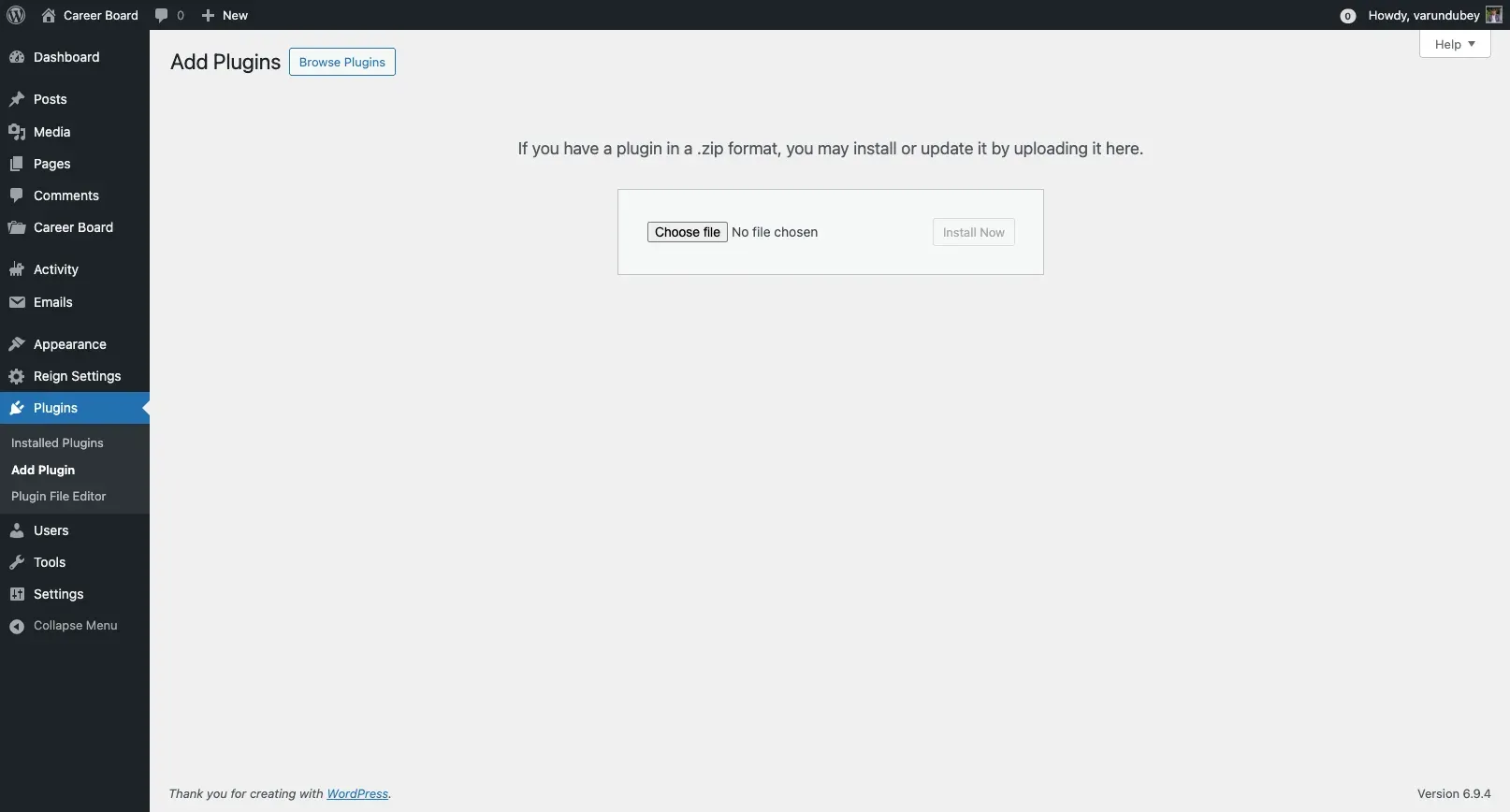
/wp-admin) - Go to Plugins → Add New → Upload Plugin
- Click Choose File and select the
wp-career-board.zipfile you downloaded from wbcomdesigns.com - Click Install Now
- Click Activate Plugin
After activation, you will see the Career Board menu item in your admin sidebar.
What Gets Created on Activation
Section titled “What Gets Created on Activation”When you activate the plugin for the first time, WP Career Board automatically:
- Creates five custom post types: Jobs, Companies, Applications, Resumes, and Boards
- Registers five job taxonomies: Category, Job Type, Location, Experience Level, and Tag
- Creates three user roles: Employer, Candidate, and Job Moderator
- Adds the Career Board top-level menu to wp-admin (with Jobs, Applications, Candidates, Companies, Employers, and Settings)
- Launches the Setup Wizard to help you create your pages
After Activation
Section titled “After Activation”You will be redirected to the Setup Wizard. The wizard creates all required pages with the correct blocks in about 30 seconds. See Setup Wizard for the full walkthrough.
If you dismiss the wizard, you can run it again any time from Career Board → Settings → Run Setup Wizard (the button in the page header).
Updating the Plugin
Section titled “Updating the Plugin”- Download the latest version from your account at wbcomdesigns.com
- Go to Plugins → Add New → Upload Plugin
- Upload the new zip - WordPress will ask if you want to replace the current version
- Click Replace current with uploaded
Note: Your settings, jobs, applications, and user data are preserved on updates.