

Roles, Moderators, and Permissions
Every space has three roles - owner, moderator, and member - that decide who can manage the space, who can moderate it, and who can simply take part. Space permissions then layer on top to decide who is allowed to post. Together they let one owner run a large space without doing everything alone.
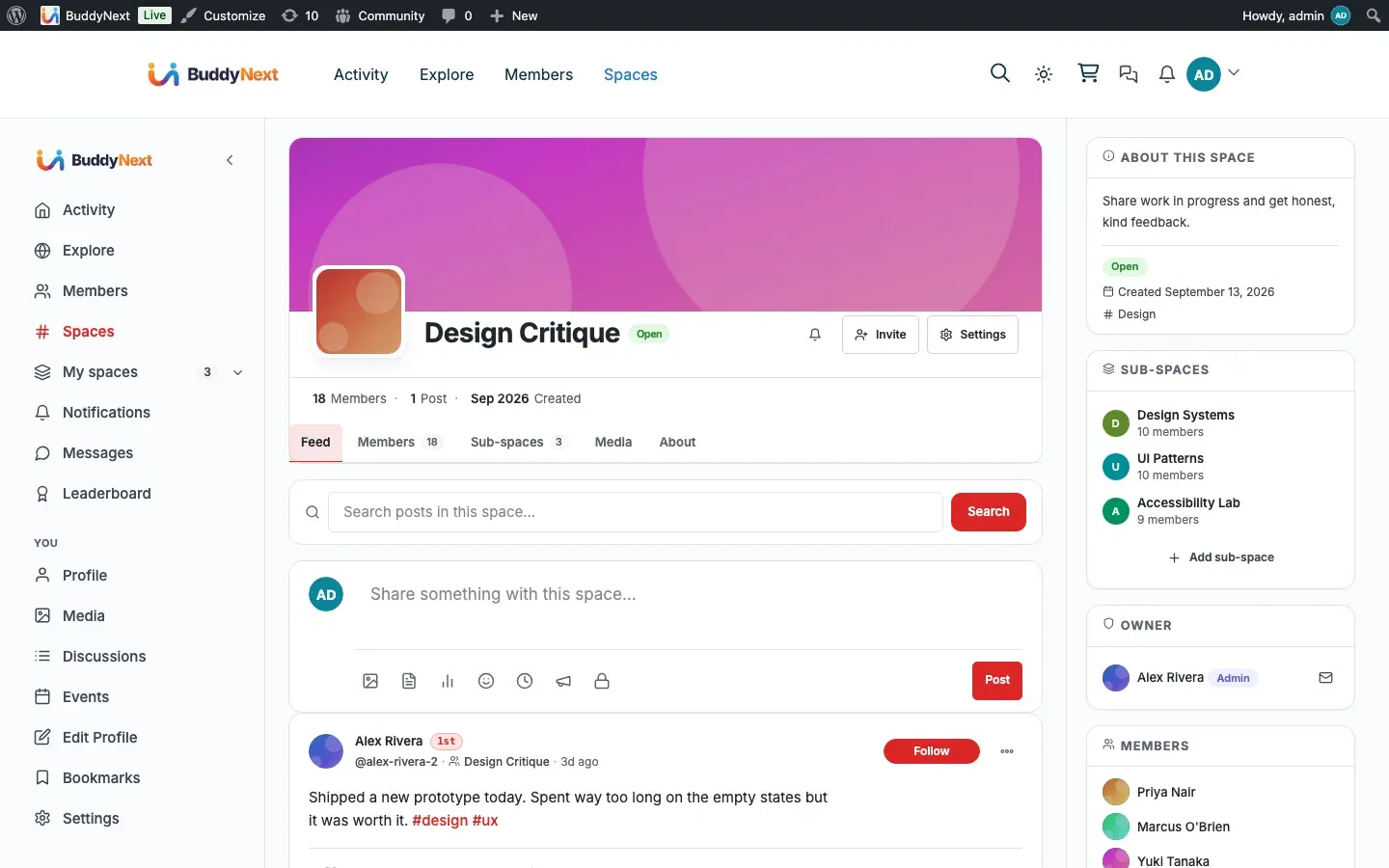
Why use it
Section titled “Why use it”A space with one owner and a hundred members does not scale. The owner cannot read every post, answer every join request, and keep every thread on-topic by themselves. Moderators solve that.
Promoting a trusted member to moderator hands them the day-to-day work - approving join requests, inviting people, and removing members - while the owner keeps the decisions that should stay with one person, such as changing permissions and transferring the space. Delegating moderators is how a small space grows into a large, well-run one without burning out the person who started it.
Permissions add a second lever. A space where every member can post feels open and lively; a space where only moderators post reads more like an announcement channel. Setting “Who can post” lets the owner pick the tone without changing anyone’s role.
How it works (for members)
Section titled “How it works (for members)”The three roles
Section titled “The three roles”| Role | Manage settings and permissions | Promote/demote moderators | Approve/decline join requests | Invite members | Remove members | Transfer ownership | Post (subject to permissions) |
|---|---|---|---|---|---|---|---|
| Owner | Yes | Yes | Yes | Yes | Yes | Yes | Yes |
| Moderator | No | No | Yes | Yes | Yes | No | Yes |
| Member | No | No | No | Only if the owner allows it | No | No | Yes, if permissions allow |
A few rules sit behind that table:
- There is exactly one owner per space at a time. The owner is the only role that can change permissions, manage moderators, and transfer the space.
- Moderators handle membership: they review the pending-requests queue, send invites, and remove members. They cannot change space settings or touch the owner.
- Members take part - they post (when permissions allow), react, and comment. They can invite only when the owner has opened invites to all members.
- Site administrators can manage any space regardless of their space role.
Promoting and demoting moderators
Section titled “Promoting and demoting moderators”Only the owner can change a member’s role. From the member roster, the owner promotes a member to moderator to give them the moderation tools above, or demotes a moderator back to member to take them away. The change takes effect immediately.
Transferring ownership
Section titled “Transferring ownership”The owner can hand the space to another member. Transferring ownership does two things at once: the current owner becomes a regular member, and the chosen member becomes the new owner. After the transfer, the new owner holds every owner capability and the previous owner holds none.
Warning: Transferring ownership is not shared ownership - it moves the role. Once you transfer, you are a member of your own space and cannot undo it yourself. The new owner would have to transfer it back.
Setting it up (for owners)
Section titled “Setting it up (for owners)”Posting and invite permissions live on the space’s Permissions settings panel.
| Setting | What it controls | Default |
|---|---|---|
| Who can post | Which roles may post in the space feed: all members, moderators and the owner only, or the owner only | All members |
| Who can invite new members | Which roles may send invites: all members, moderators and the owner, or the owner only | Moderators and owner |
| Require approval for new members | When on, every join becomes a request an owner or moderator must approve | Off |
Note: “Who can post” is enforced when a post is saved, not just hidden in the interface. A member below the required role who tries to post anyway is refused. Site administrators can always post.
Tip: Set “Who can post” to Moderators and owner only to turn a space into a curated announcement channel where members still read, react, and comment but only the team posts.
Good to know
Section titled “Good to know”- The owner’s role cannot be changed by a role edit. You cannot promote or demote the owner the way you would a moderator. The only way the owner role moves is through Transfer ownership, which assigns it to one specific member and demotes the old owner in the same step.
- The last owner cannot leave without transferring first. Because a space must always have an owner, the owner is blocked from leaving the space. To step away, transfer ownership to someone else first, or delete the space. Any member who is not the owner can leave at any time.
- Promotion and demotion are instant and reversible. Moving someone between member and moderator takes effect right away, and the owner can move them back just as easily.
- Role and posting permission are independent. Someone’s role decides what they can manage; “Who can post” decides who can post. A space can let every role post or restrict posting to moderators without changing anyone’s role.
Free vs Pro
Section titled “Free vs Pro”The three roles, promoting and demoting moderators, the capability split, “Who can post” and invite permissions, and transferring ownership are all part of BuddyNext Free. Pro adds higher-volume moderation tooling - such as bulk moderation actions and rule-based auto-moderation - that builds on these same roles, but the role model and permissions described here need nothing beyond Free.
Related
Section titled “Related”- Managing Space Members - the roster the moderator tools act on
- Space Bans - the stronger step beyond removing a member
- Roles and Permissions - the community-wide baseline these sit under