

Per-Member Opt-Out from BP Settings
Even when an admin’s role allow-list says a member can be contacted, every member keeps a personal opt-out switch. Privacy stays in the user’s hands.
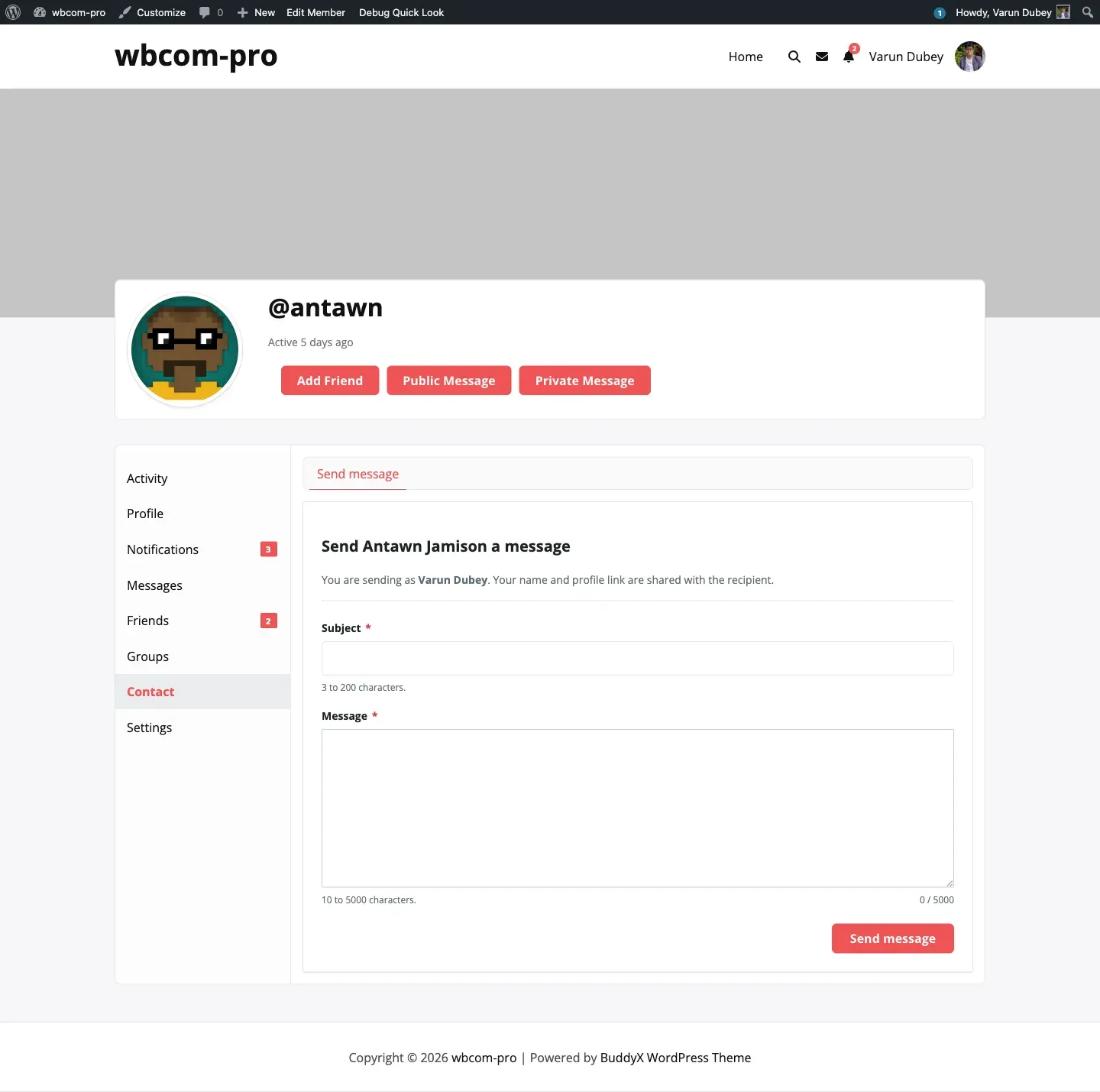
Where members find the toggle
Section titled “Where members find the toggle”- Member opens their own profile.
- Clicks Settings in the profile sub-nav, then General (this is BuddyPress’s standard settings screen).
- Scrolls to the line: Let other members contact me through a form on my profile.
- Unticks the box and clicks Save Changes.
The toggle is added to the BP Settings → General screen via the bp_core_general_settings_before_submit hook, so it sits alongside the user’s account-level preferences where members already look for privacy controls.
What “opt-out” actually does
Section titled “What “opt-out” actually does”When a member opts out, two things happen:
- The “Contact” tab disappears from their public profile.
- Submissions targeted at them via
[buddypress-contact-me id=...]shortcode return an empty render.
The user’s contact_me_button user-meta is set to 'off'. Every check (BCM_Frontend_Nav::user_accepts_contact()) short-circuits to false when this meta is 'off'.
Default behaviour
Section titled “Default behaviour”New users default to opted-in (the activator and the user_register hook both set the meta to 'on'), so the plugin is valuable out of the box without per-user configuration.
The 1.5.0 release migrated any pre-existing empty-string values to 'on' so the meta is self-consistent: 'off' means opted-out, anything else means opted-in.
Admin override
Section titled “Admin override”Admins (users with the administrator role) can always be contacted regardless of the role allow-list — but the per-user opt-out still applies. If an admin sets their own meta to 'off', their Contact tab disappears too.
Reactivating
Section titled “Reactivating”A member can re-tick the box at any time. The change takes effect immediately on the next request — no caching or scheduled job involved.
Programmatic check
Section titled “Programmatic check”If you need to check the opt-out state from code:
$accepts_contact = BCM_Frontend_Nav::user_accepts_contact( $user_id );The static method returns true when the user is opted-in and in an allowed role group, false otherwise. It is the same gate used by the nav and the form submission handlers, so it stays in lockstep with what the rest of the plugin sees.