

Widgets — Recent Visitors and Most Visited Users
The plugin ships two sidebar widgets. Add them via Appearance → Widgets, in the customizer, or in the block editor by searching “Recent Visitors” or “Most Visited Users”.
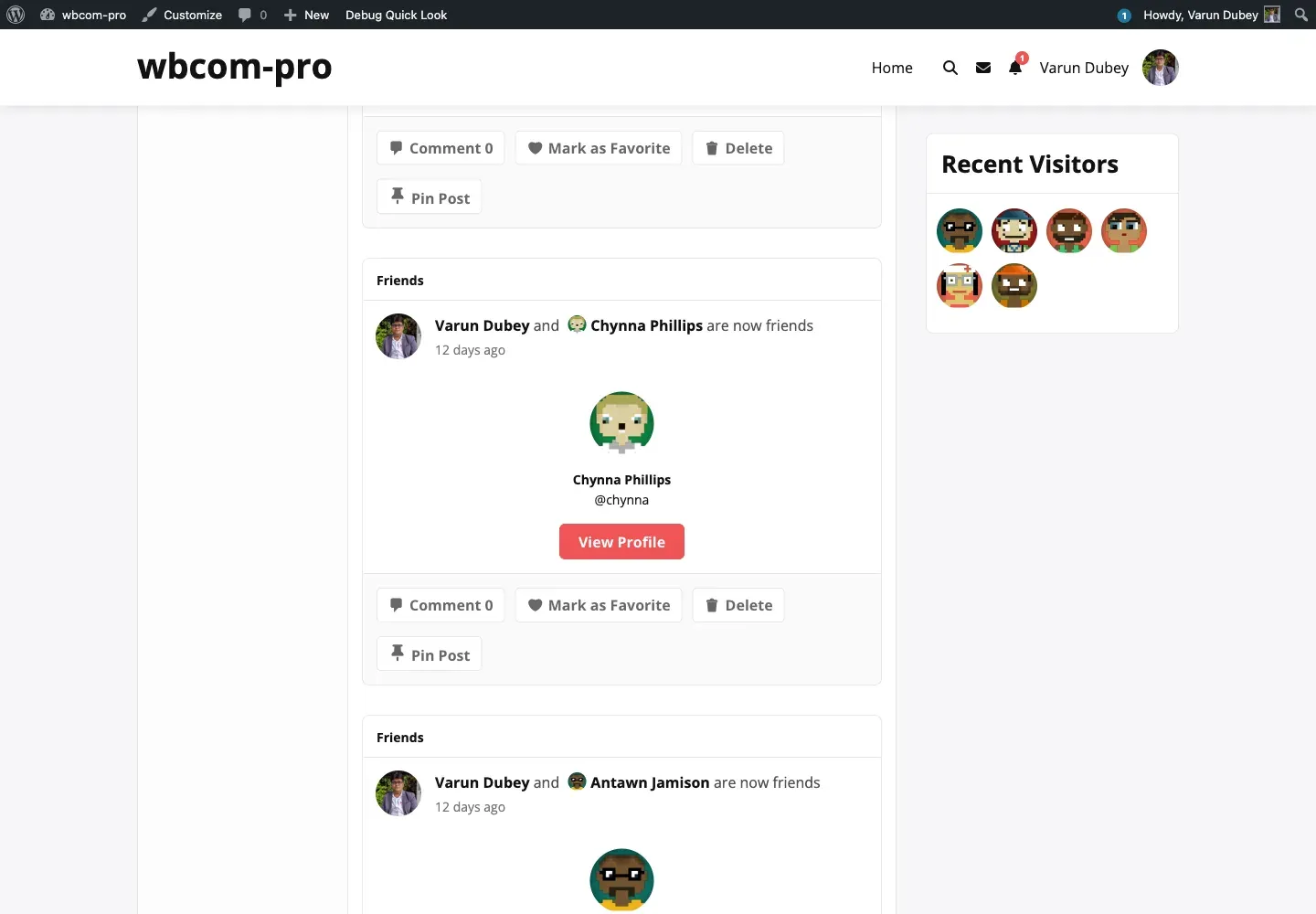
Recent Visitors widget
Section titled “Recent Visitors widget”Class: BPPV_Recent_Visitors_Widget
Display name: Recent Visitors
Lists the most recent visitors of the logged-in member’s profile. The widget is owner-only — when an unauthenticated visitor or another member views the page, the widget renders nothing.
Settings:
| Field | Default | Purpose |
|---|---|---|
| Title | “Recent Visitors” | Sidebar heading. |
| How many users to show | 15 | Maximum number of distinct visitors listed. |
The widget queries {prefix}bp_profile_views for the current user, dedupes viewer IDs, and renders a circular avatar grid. If exclude_logout_user_count is on, the query filters anonymous rows.
Most Visited Users widget
Section titled “Most Visited Users widget”Class: BPPV_Visitor_Most_Visited_Users_Widget
Display name: Most Visited Users
Lists the members with the most profile views site-wide over a configurable time window. Useful as a “trending profiles” sidebar block.
Settings:
| Field | Default | Purpose |
|---|---|---|
| Title | “Popular Users” | Sidebar heading. |
| Select View | List | Layout — list (vertical list) or slide (lightSlider carousel). |
| Max | 10 | How many top users to show. |
| Duration in days | 7 | Window for the leaderboard query (e.g. 7 = last week, 30 = last month). |
| Show visit count | On | Toggle the bold count next to each name. |
The widget queries {prefix}bp_profile_views grouped by user_id for rows in the duration window, sorts by count descending, and renders avatars + display names.
Block editor support
Section titled “Block editor support”In WordPress 5.8+, the Widgets screen uses the block editor. Both widgets register as Legacy Widget blocks — search for the names above in the block inserter. They behave identically to classic widgets; you’ll see the same form fields above.
To use the legacy widget admin instead, install the Classic Widgets plugin.
Where the widgets are wired in
Section titled “Where the widgets are wired in”Both widgets self-register on widgets_init:
register_widget( 'BPPV_Recent_Visitors_Widget' );register_widget( 'BPPV_Visitor_Most_Visited_Users_Widget' );Files: widget/widget-recent-visitor.php and widget/widget-popular-user.php.
Customising the output
Section titled “Customising the output”To restyle either widget, override its template by copying the partial into your theme. See Theme overrides. For deeper changes, subclass the widget class and replace the registration with register_widget('YourSubclass') after widgets_init priority 10.