

Your Pro Licence
Your Pro Licence
Section titled “Your Pro Licence”Pro feature. Available in Learnomy Pro.
Learnomy Pro ships as one product. One licence gives you all 23 extensions - there is no plan that withholds a feature from you. What the licence key does control is updates, support, and the companion app. This page lists everything included, explains what the key controls, and tells you what changes when a key is missing or expired.
What the licence key controls
Section titled “What the licence key controls”The licence key you enter in wp-admin buys three things:
- Automatic updates for Learnomy Pro through the WordPress Updates screen.
- Support from the store the key was bought from.
- The mobile and web app. The app is the one surface that checks the licence.
GET /app/configreturnsapp_enabled: falseunless the licence status isvalid, so the app cannot connect to a site with no key, an expired key, or Free alone.
It does not control access to any web feature. Every Pro extension loads, boots, and works on a site with no key at all. The Learnomy admin dashboard says so directly - with no valid key it shows a blue Pro features active badge, not a warning, plus the line “Add a licence key for automatic updates and support.”
Everything one Pro licence includes
Section titled “Everything one Pro licence includes”All 23 extensions come with every Learnomy Pro licence. They are grouped below by the tier name each one carries internally, purely because that grouping is a useful rough split between the everyday extensions and the specialist ones. The grouping does not affect what you get.
Everyday extensions
Section titled “Everyday extensions”| Extension | What it does |
|---|---|
| Advanced Quizzes | Adds matching, ordering, numeric, math, and calculated question types, timed questions, random pools, and rubric grading. |
| AI Authoring | Drafts courses, lessons, and questions with AI. Draft-first, and off until you turn it on. |
| Advanced Analytics | Revenue trends, course performance, student engagement, quiz statistics, and CSV/PDF export. |
| Assignments | Lesson-attached assignments with text submission and inline instructor grading. |
| Cohorts | Group learning with scheduled start and end dates and cohort-scoped enrollment. |
| Content Drip | Releases lessons by days after enrollment, a fixed date, or completion of an earlier lesson. |
| Memberships Pro | Plan changes with fair credit, pause and resume, payment retries, refunds, gifts, and revenue analytics. |
| Notes and Bookmarks | Searchable, tagged lesson notes and bookmarks for students, with an account hub. |
| User Journey | Skill scores, a learning timeline, achievements, and recommendations. |
| Webhooks Pro | Unlimited webhooks with automatic retry and delivery logs. |
| White Label | Rebrands the LMS with your own name, logo, and colours. |
| WP Fusion | Grants course access, auto-enrols, and applies CRM tags through WP Fusion. |
Specialist extensions
Section titled “Specialist extensions”| Extension | What it does |
|---|---|
| Certificates Pro | Open Badges 3.0, Credly push, a tamper-evident certificate hash registry, and employer verification. |
| Frontend Course Builder | Lets instructors create and manage courses from the front end, with no wp-admin access. |
| Gradebook | A weighted per-course grade from quiz, assignment, and SCORM scores, with instructor override and CSV export. |
| H5P | Attaches existing H5P interactive content as a lesson, through the official H5P plugin. |
| Learning Paths | Ordered course sequences with sequential gating and a path-level certificate. |
| LTI 1.3 | Lets Canvas, Moodle, or Blackboard launch Learnomy courses as an LTI tool, with grade passback. Beta. |
| QTI | Imports IMS QTI 2.x and 3.0 assessments as native questions and quizzes. |
| SCORM | Uploads SCORM 1.2 and 2004 packages as a lesson type, with completion and score flowing into progress. |
| Spaces | Branded mini-schools for a company or distributor, each with its own catalog and member roster. |
| Stripe Connect Payouts | Instructor payouts through Stripe Connect, with KYC and webhook status sync. |
| xAPI | Emits xAPI statements to your Learning Record Store as learners enrol, complete lessons, and answer quizzes. |
Two notes on this list. LTI 1.3 is the only extension marked Beta; it appears on the Modules page with a Beta badge and is opt-in. WP Fusion has no toggle of its own - it switches on with the WP Fusion plugin and is hidden from the Modules grid, because it does nothing without its companion plugin.
How many sites do I need?
Section titled “How many sites do I need?”No extension is locked to a plan, so the only thing that decides your purchase is how many sites you need to run Learnomy Pro on - a licence has a fixed number of activations, and the licence card shows how many you have used. Below is the extension that usually settles the decision for each kind of buyer, and the number of sites that goes with it.
- A solo course creator. One site. The deciding feature is usually Content Drip or Advanced Quizzes, both declared Starter, both included.
- A training company selling seats to businesses. One site, sometimes two with a staging copy. The deciding feature is Spaces - branded portals with their own rosters and seat limits. It is declared Growth, and it is included with any Learnomy Pro licence.
- An accredited certification body. One site. The deciding feature is Certificates Pro, for Open Badges 3.0 and the tamper-evident verification registry.
- A university department using SCORM or LTI. Often several sites, one per department or campus - buy a licence with enough activations for all of them. The deciding features are SCORM and LTI 1.3, and the SCORM lesson type pairs with Free’s “Auto: SCORM / standards package” completion gate.
What a missing or expired licence changes
Section titled “What a missing or expired licence changes”No extension is ever withheld for being on the wrong plan. A Modules toggle can be locked for three reasons - a required Core module is off, Pro is not installed, or a parent module is off - and your licence is not one of them.
When a licence lapses, the status becomes expired and three things change:
- Automatic updates stop. Learnomy Pro no longer offers new versions on the WordPress Updates screen.
- The app is blocked.
app_enabledgoes tofalse, so the mobile and web app fails at verify and cannot connect. This is deliberate and fail-closed. - Every web feature keeps working. Extensions stay enabled, admin pages stay in place, REST routes stay registered, and learner data is untouched.
Renewing and reactivating the key restores updates and the app immediately. Note that an activation attempt with a bad key does not overwrite a stored valid licence, so a typo on the form cannot demote a working site.
Checking your licence
Section titled “Checking your licence”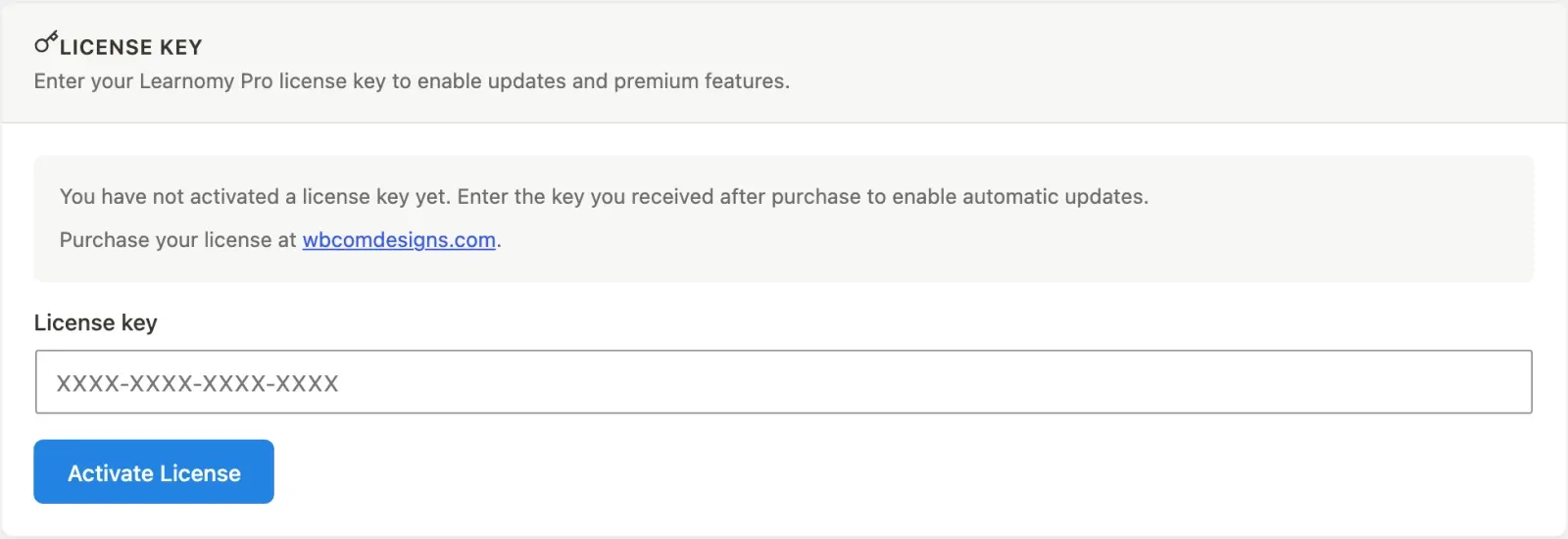
- Go to LMS Settings > Settings and open the License section in the left sidebar.
- The card shows a status badge: Active for a valid licence, Expired for a lapsed one, and no badge when no key has been entered.
- Under the badge, the card lists whatever your store returned on the last check - Product, Valid until (or “Lifetime - this license does not expire”), Sites used as “3 of 5”, Activations left, Licensed to, Order, the date you activated on this site, and the date the store was last consulted.
- To move a licence to a different site, use Deactivate here first. That releases the seat with the store; the button reports an error rather than a false success if the store cannot be reached.
Rows appear only when the store answered them, so a licence bought through a channel that returns no seat count shows no seat count rather than a guess.
For developers
Section titled “For developers”- Where the tier is declared: each extension declares
requirestwice - as a key inmeta()inincludes/extensions/{slug}/class-extension.php, and as"requires"in the same folder’smanifest.json.Learnomy_Pro\Extensiondocuments it as “a LICENCE TIER”, distinct fromrequires_free_module(), which is a feature dependency and is enforced. - Nothing reads it. No PHP or JS in either plugin consumes the
requiresvalue.Learnomy_Pro::contribute_modules_catalog()builds each Modules-page row frommeta()and passesname,description,category,status,requires_module, andsurfaces- notrequires. Treat the field as documentation until a gate is written for it. - The two declarations disagree for four extensions.
analytics(manifeststarter, metagrowth),user-journey(starter/growth),cohorts(starter/agency), andspaces(growth/agency). The tables above use the manifest value. Theanalyticsmismatch is already logged in the Pro repo’splan/archive/DOC-TRUTH-AUDIT-2026-07-03.mdas unreconciled. - The one licence gate:
Learnomy_Pro\App_Bridge::app_enabled()returnsLicense::is_valid()on thelearnomy_app_enabledfilter, which Free defaults tofalseinLearnomy\API\App_Config_Controller. The controller’s own comment is the rule to follow: “This is the single place the license gates anything; do not add license checks to feature code.” - Two stores, one status.
License::get_status()reads the plugin’s ownlearnomy_pro_licenseoption and falls back to the shared EDD SL SDK’slearnomy-pro_licenseoption, because the two activation surfaces write different keys. An SDK row that saysvalidbut is past itsexpiresdate is reported asexpired.License::forget()clears both stores pluslearnomy-pro_license_key.