

The Profile About Tab
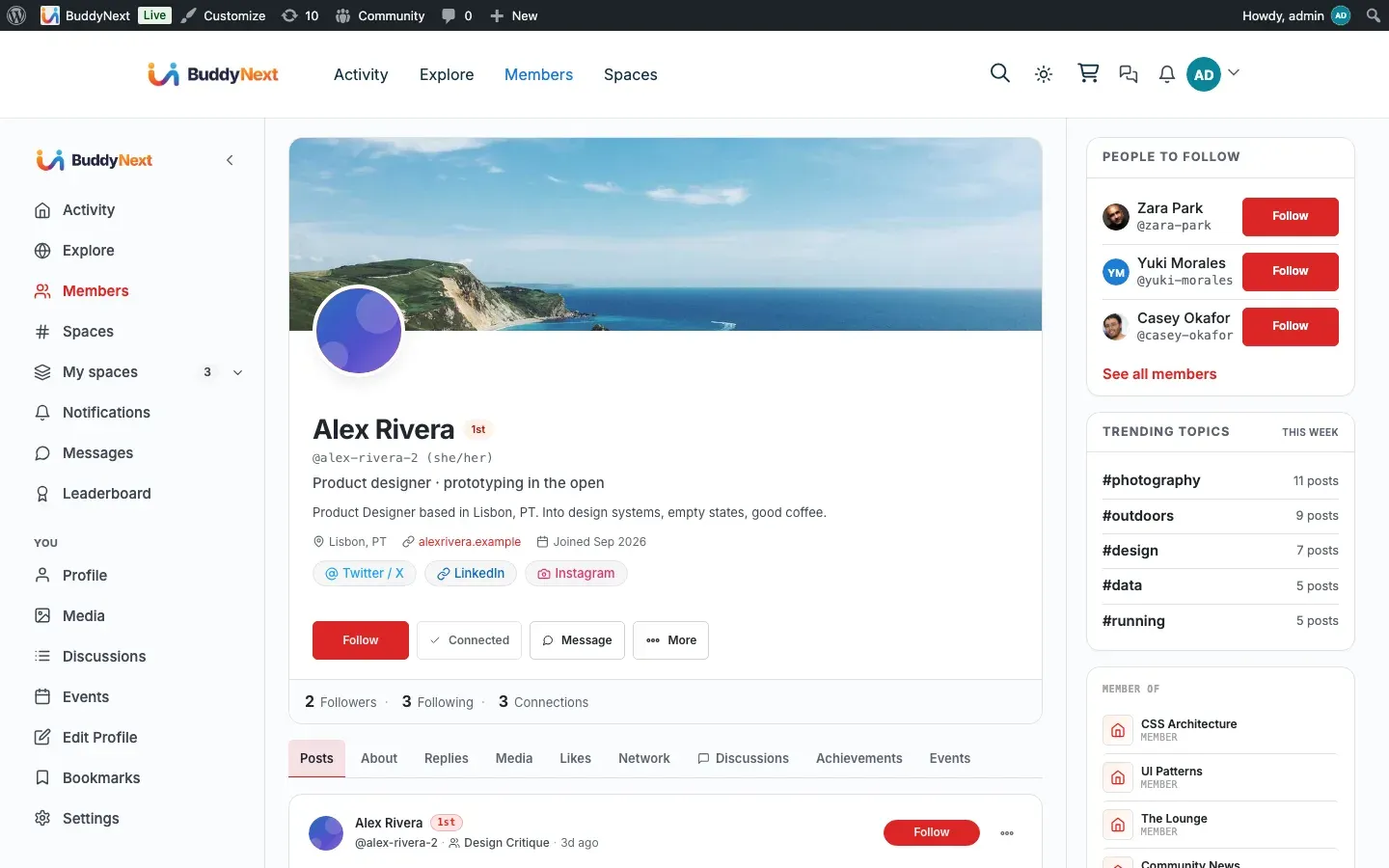
The About tab is the part of a member’s profile that lays out everything they have told the community about themselves. It takes the custom profile fields you set up as an owner - and the ones members fill in - and presents them as clean, readable sections: work history, education, interests, social links, and any group you invent yourself.
Why use it
Section titled “Why use it”A profile header tells you a name and a face. The About tab is where a member becomes a person: where they went to school, what they do for work, the skills they list, the sites they want you to visit. It is the difference between “some account” and “someone worth following.”
For the member, About is the reward for filling in their profile. Every field they complete shows up here, laid out properly, so the effort of writing a bio or listing three past jobs actually looks like something. For the owner, About is what makes your directory worth browsing - the more members complete their fields, the richer every profile reads.
The important change in 1.0.9 is that this now works for whatever fields YOU choose to collect, not just the ones BuddyNext ships with. If you build a “Coaching philosophy” group, a “Gaming setup” group, or a “Research interests” group, About lays it out as cleanly as it lays out the built-in Work Experience section. You are never stuck with only the sections we imagined.
How it works (for members)
Section titled “How it works (for members)”Open any member’s profile and switch to the About tab. Below the header, the member’s details appear grouped into sections - one card per field group, in the order the owner arranged them.
What you see is shaped by what kind of value each field holds, so everything reads the way that kind of information should:
- Longer writing (an “About me” paragraph, a description) shows as full paragraphs you can actually read, not squeezed onto one line.
- Lists of things (skills, interests, categories) show as a row of small chips, so a member with eight skills looks tidy instead of cluttered.
- Web addresses show as a clickable link that opens in a new tab, labelled by the site it points to.
- Everything else (a job title, a city, a phone number, a date, a yes/no answer, a choice from a list) shows on a single labelled line - the label on the left, the value on the right.
Repeating sections - like Work Experience or Education, where a member can add several entries - get a little more structure. Each entry is its own block with a bold heading (the job title or school), a quiet line of supporting detail, a date range collapsed into one neat “Jan 2020 - Present,” and a description underneath. So a member with four jobs reads as four clean cards, not a wall of repeated labels.
You only ever see the fields you are allowed to see. If the member set a field to followers-only or connections-only and you do not qualify, that field simply is not there - it is filtered out before the page is built, not just hidden from view. A logged-out visitor, a follower, a connection, and the member themselves can each see a different About tab on the same profile.
If a member has not filled anything in, the About tab does not show empty rows or a blank card. A section with nothing in it hides itself, and if there is nothing to show at all, the tab does not appear. A new profile looks clean, never broken.
How it works (for owners)
Section titled “How it works (for owners)”You do not configure the About tab directly - you shape it by shaping your profile fields (see Custom Profile Fields). Whatever groups and fields you create, and whatever order you put them in, is exactly how About renders them. Add a group, and a new section appears. Rename a field, and its label updates. Delete a group, and the section quietly disappears from every profile.
The part that changed in 1.0.9 is worth understanding, because it removes an old limit:
- Any group you create lays out properly. Earlier, About knew how to present a small set of built-in sections and treated everything else generically. Now it presents every group by the KIND of fields inside it. Your custom “Portfolio” group with a description and a couple of links looks as considered as the shipped Work Experience section - no special setup, no code, no waiting for us to add support for it.
- The right layout is chosen automatically. You do not pick “show this as chips” or “show this as a paragraph.” You pick the field type when you build the field - Paragraph, Multi-select, URL, Text, Date, and so on - and About chooses the matching layout for you. A Paragraph field always reads as paragraphs; a Multi-select always reads as chips; a URL is always a link.
- Repeating groups get the timeline treatment. Any group you mark as a repeater - not just the built-in ones - renders each entry as a heading, a supporting line, a collapsed date range, and a description. So a custom “Certifications” or “Projects” repeater gets the same polished entry cards as Work Experience.
- Sensitive dates stay reduced. If you set a date field (a birthday, say) to show only the year or only an age, the About tab honours that. The full date is never printed here, on the member card, or in the app. See Custom Profile Fields for the “Display as” control.
The header already shows the spine of Basic Info - name, headline, bio, pronouns, location, and website - so About does not repeat those. It picks up from there with everything else the member has filled in.
Good to know
Section titled “Good to know”- The tab hides itself when there is nothing to show. About only appears when the member has filled in at least one field the viewer is allowed to see. It never renders an empty shell.
- Privacy is applied before the page is built. A field a viewer cannot see is dropped on the server, so it is genuinely absent - not hidden with a style that could be peeked at. The strictest of the group setting, the field setting, and the member’s own per-field choice always wins.
- Custom sections are first-class. A group you invented sits alongside the built-in ones and renders with the same care. There is no “supported groups” list to stay inside.
- Chips for lists, links for links, paragraphs for prose. You never have to think about presentation - the field type you chose when building the field decides how it looks, consistently, on every profile.
Free vs Pro
Section titled “Free vs Pro”The schema-driven About tab - every field group and field type laid out by kind, custom groups included, repeating sections as entry cards, and per-field privacy enforced on read - is part of BuddyNext free. Pro’s advanced field types (such as Location and Conditional) render on the About tab through the same engine once Pro is active; see Advanced Profile Fields.
Related
Section titled “Related”- Custom Profile Fields - the groups and field types the About tab lays out
- Member Profiles - the profile header the About tab sits under
- Advanced Profile Field Types (Pro) - the Pro field types that render here too