

Explore
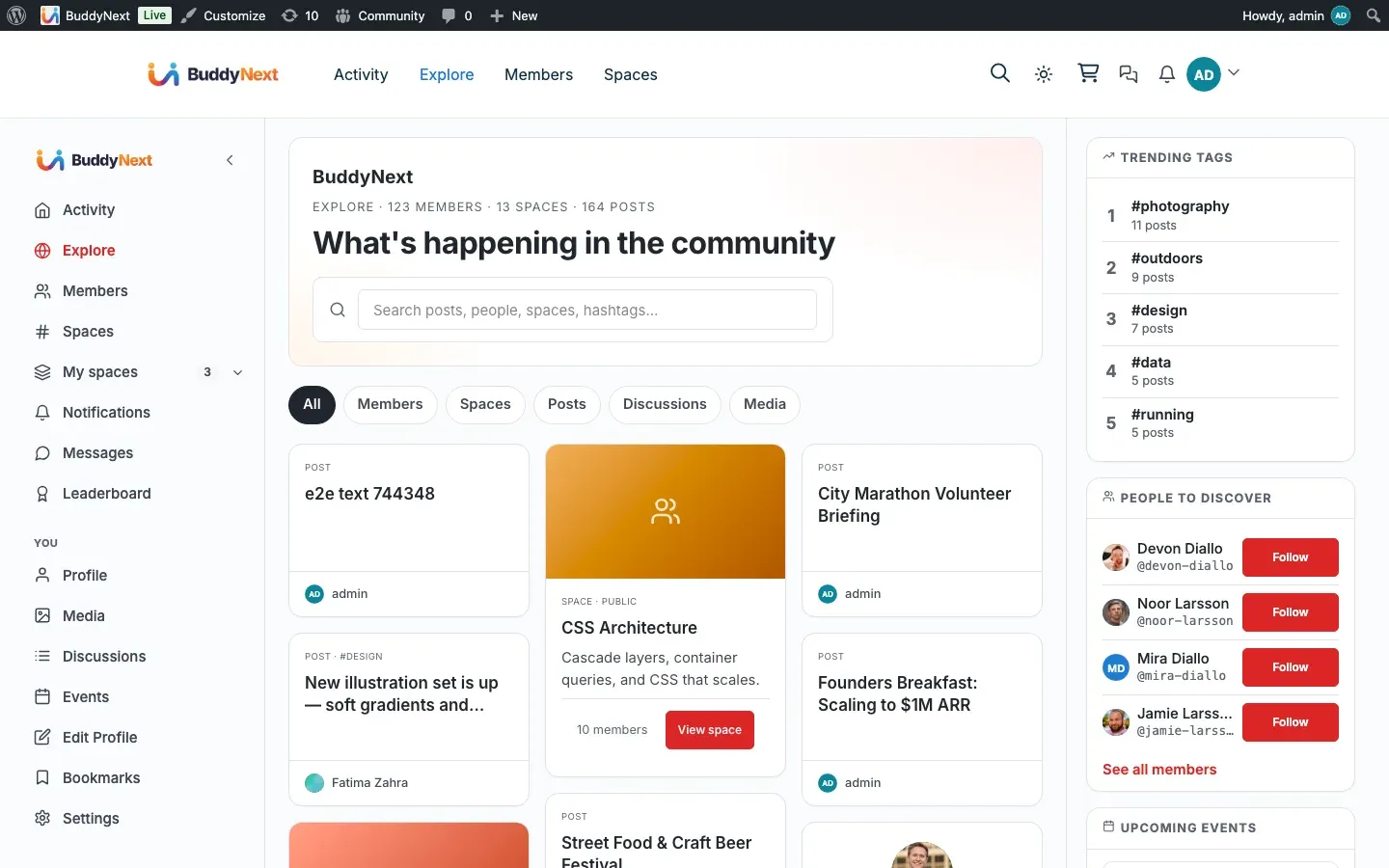
Explore is the community’s discovery deck - a stream of public activity from across the whole site, not just the people you follow. It is the “what’s new” view that helps newcomers and visitors see what the community is about.
Why use it
Section titled “Why use it”A new member who has not followed anyone yet has an empty personal feed. That is the worst possible first impression. Explore solves it: instead of showing only the people you already know, it shows public activity from everyone, so there is always something to read on day one. It is the difference between a community that looks alive and one that looks empty.
Explore also works for logged-out visitors. When you leave it public, anyone who lands on your site can browse real community activity before deciding to join. That public window is one of the strongest reasons people sign up - they can see the value first. For the owner, it doubles as a low-effort showcase of the community without exposing anything private.
In short: Home is for people you have chosen to follow; Explore is for discovering everyone else.
How it works (for members)
Section titled “How it works (for members)”Explore lives under your community’s activity area.
- It shows public activity from across the community, drawn from everyone, not only your follows.
- The deck arranges items in a gapless, masonry-style layout so a wide range of post types reads cleanly on one page.
- Scrolling loads more activity in pages, so a busy community keeps filling the deck as you move down.
How Explore differs from Home
Section titled “How Explore differs from Home”| Home feed | Explore | |
|---|---|---|
| Who it shows | People and spaces you follow | Public activity from across the whole community |
| Who can see it | Members only (it is personalized to you) | Anyone, including logged-out visitors, when public explore is on |
| Best for | Keeping up with your circle | Discovering new people, posts, and spaces |
Type filters
Section titled “Type filters”Explore carries type filters so you can focus the deck on one kind of content rather than the full mix. This keeps the discovery view useful when you only want to browse, say, a single type of activity.
What you will and will not see
Section titled “What you will and will not see”- Only public activity appears in Explore. Private posts and content from spaces you cannot see are never shown.
- Activity from members you have blocked is excluded.
- Activity from suspended or shadow-banned authors is excluded for everyone except admins.
Setting it up (for owners)
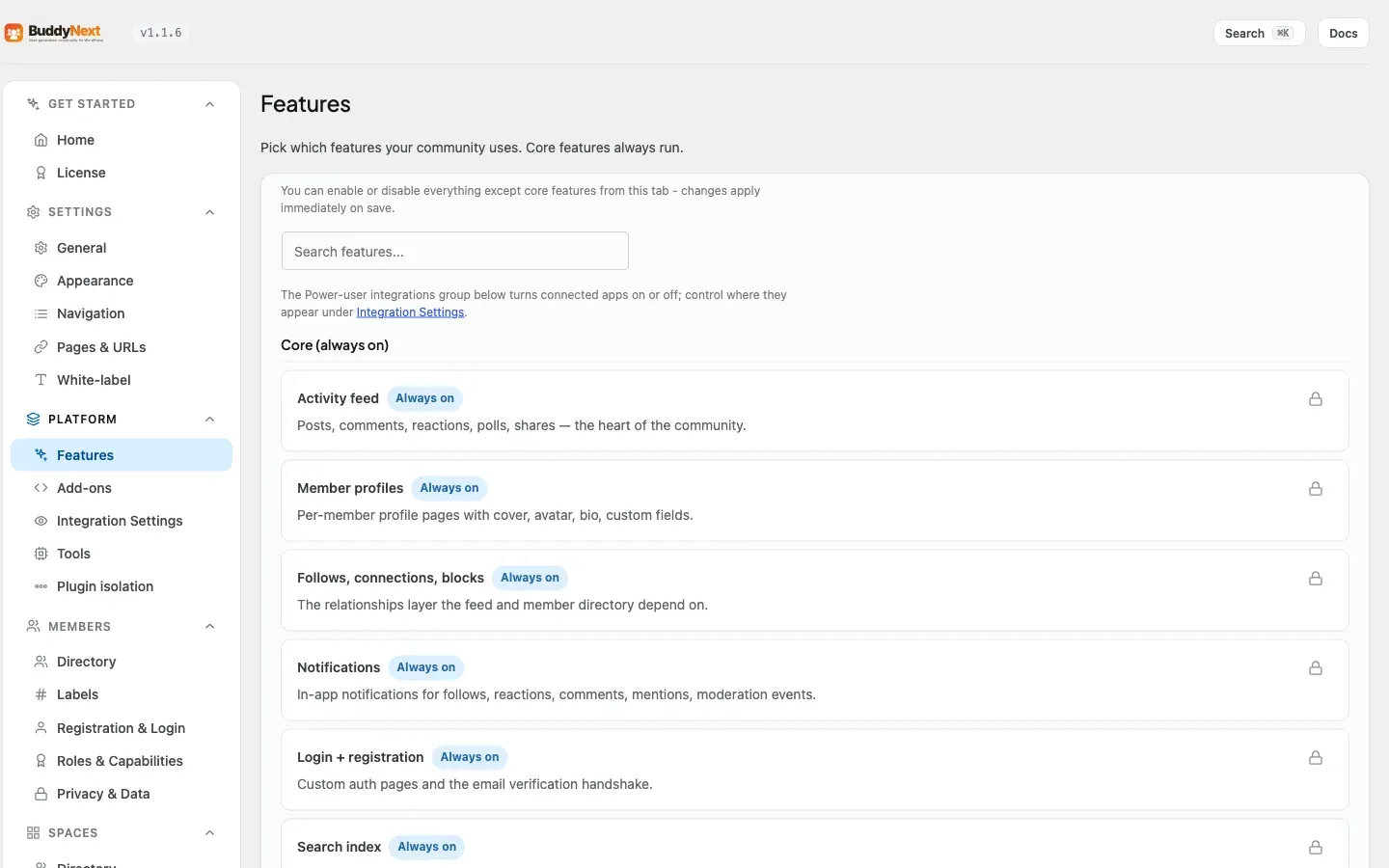
Section titled “Setting it up (for owners)”Explore is available as soon as BuddyNext is active. The one setting that matters is whether logged-out visitors can see it.
| Setting | What it controls | Default |
|---|---|---|
| Public explore feed | Whether logged-out visitors can view the Explore deck. When on, guests can browse public activity. When off, Explore becomes members-only and guests are sent to the sign-in page instead. | On |
When the public explore feed is off, two things change together so the behavior is consistent everywhere:
- A guest who opens the Explore page is redirected to the sign-in page.
- A guest app or API request for the explore feed is refused until they sign in.
Logged-in members can always see Explore regardless of this setting.
Tip: Leave the public explore feed on if you want your community to act as its own landing page - a visitor can see real activity before signing up. Turn it off only if your community is meant to be fully private.
Good to know
Section titled “Good to know”- No personalization needed. Because Explore does not depend on who you follow, it is never empty for a new member the way the Home feed can be.
- Guests see a true sample. Logged-out visitors see exactly the public, non-blocked, non-banned activity a member would see - never anything restricted.
- Per-page loading. The deck paginates as you scroll, so it stays responsive even on a community with a large volume of activity.
Free vs Pro
Section titled “Free vs Pro”Explore - the public-activity discovery deck, its type filters, and the public explore visibility setting - is included free. There is no separate Pro version of Explore; Pro features such as advanced filtering live on the Search page rather than on the Explore deck (see Search).
Related
Section titled “Related”- Activity Feed - the personalized Home feed Explore complements
- Search - where the Pro advanced filters live instead
- Member Interests - how interests shape what Explore suggests