

Enrolled Courses
Overview
Section titled “Overview”The Enrolled Courses section shows every course you’re signed up for. You can check your progress, jump back into a course you’ve started, and see which ones you’ve completed.
Screenshots
Section titled “Screenshots”How It Looks
Section titled “How It Looks”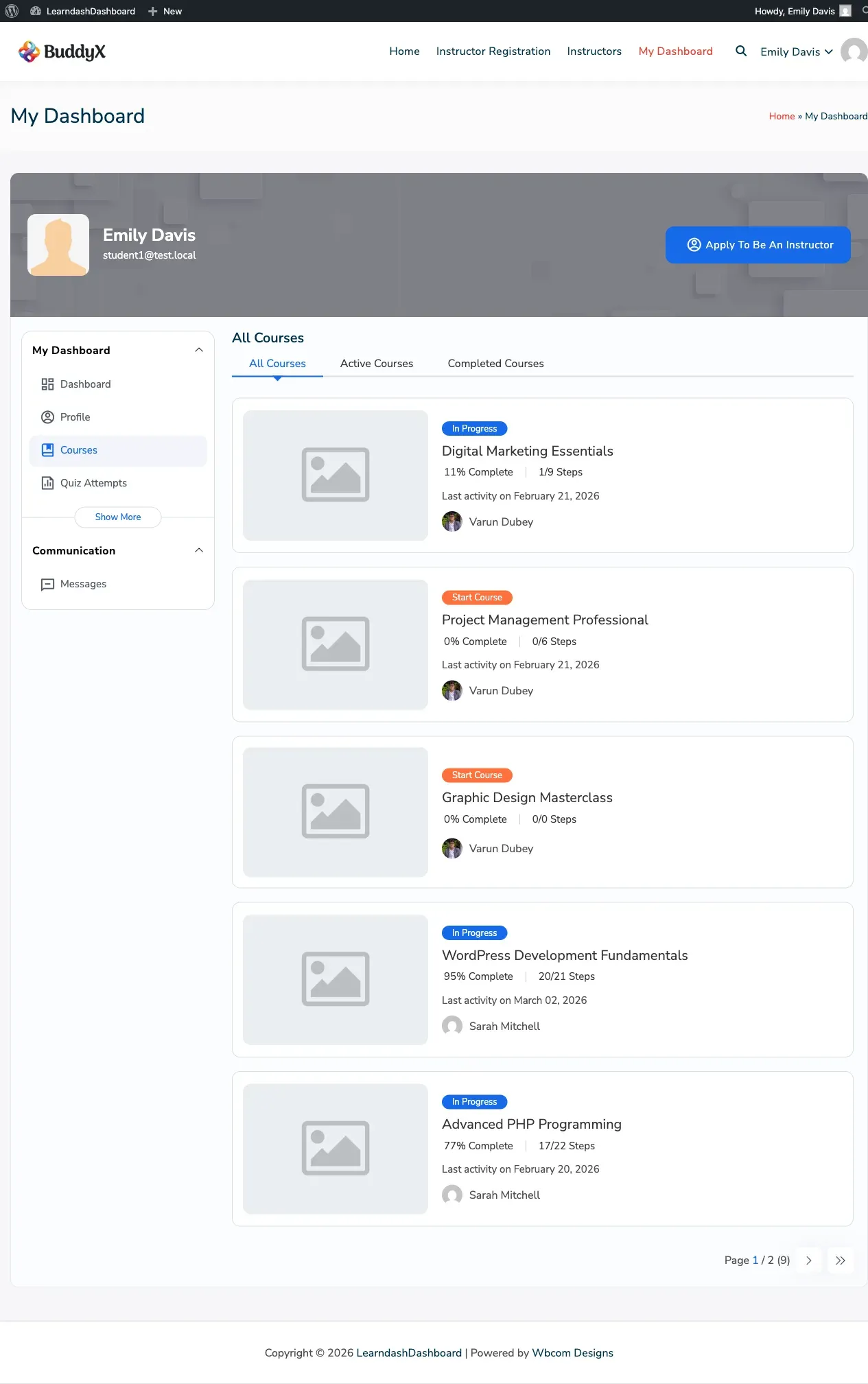
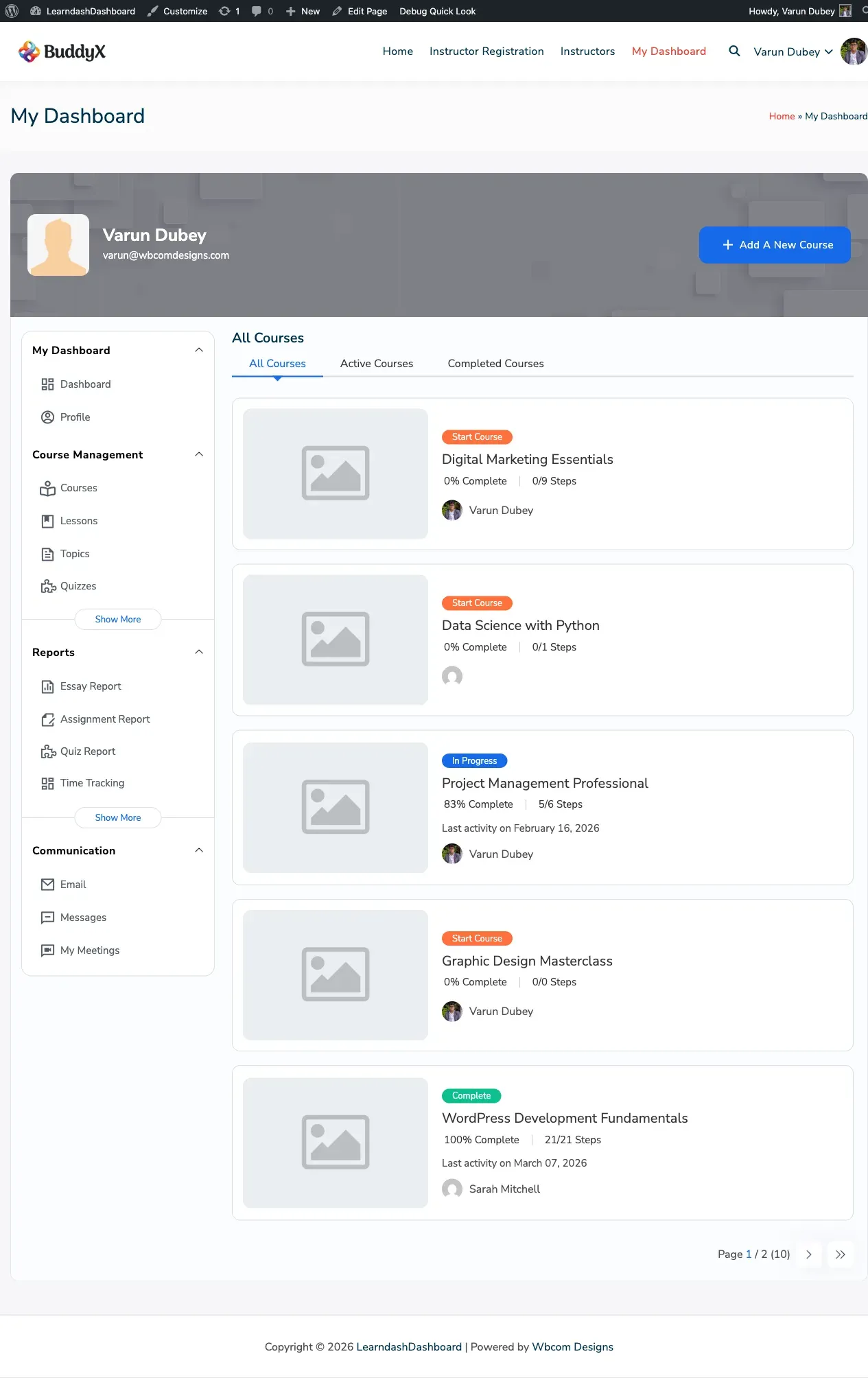
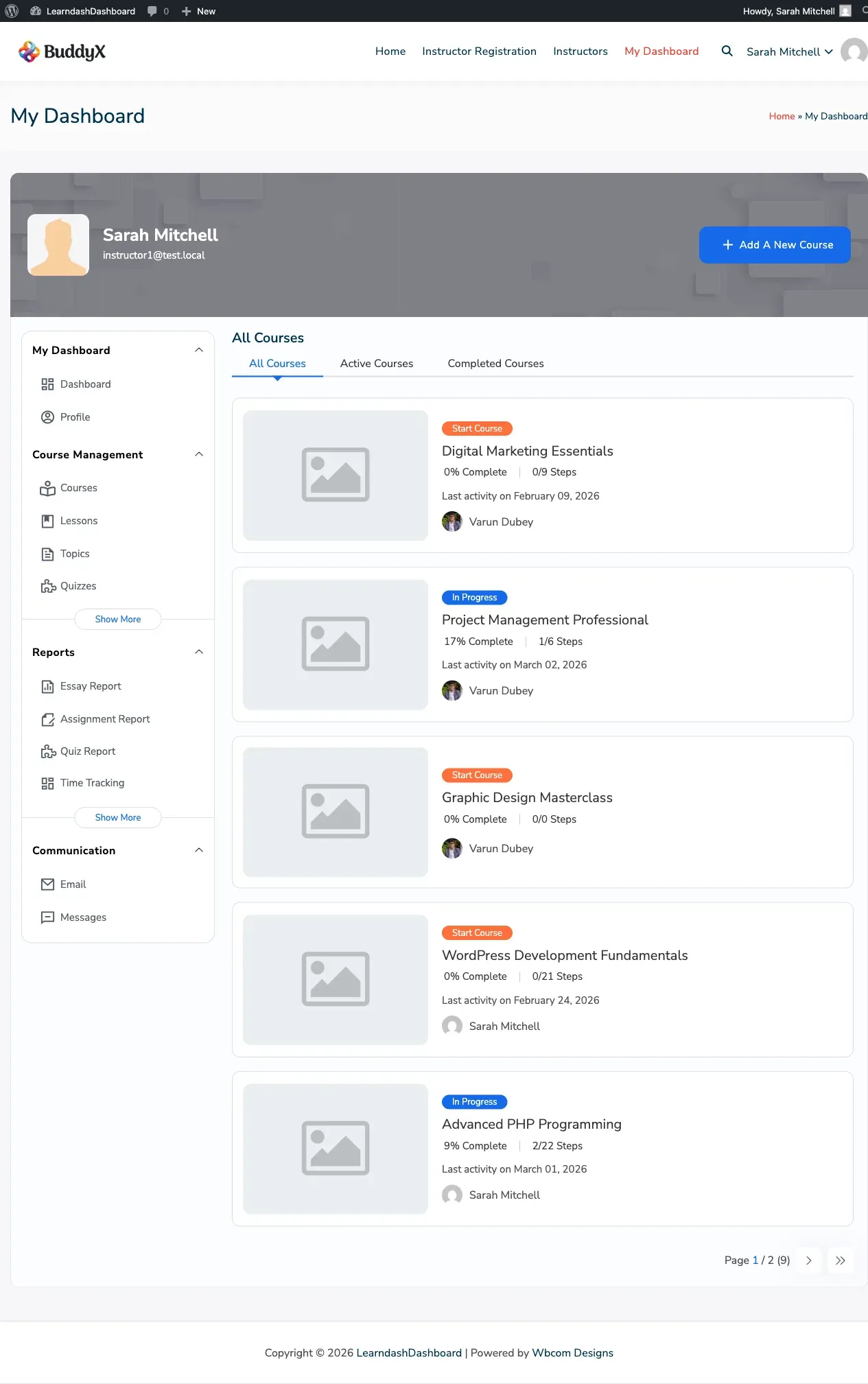
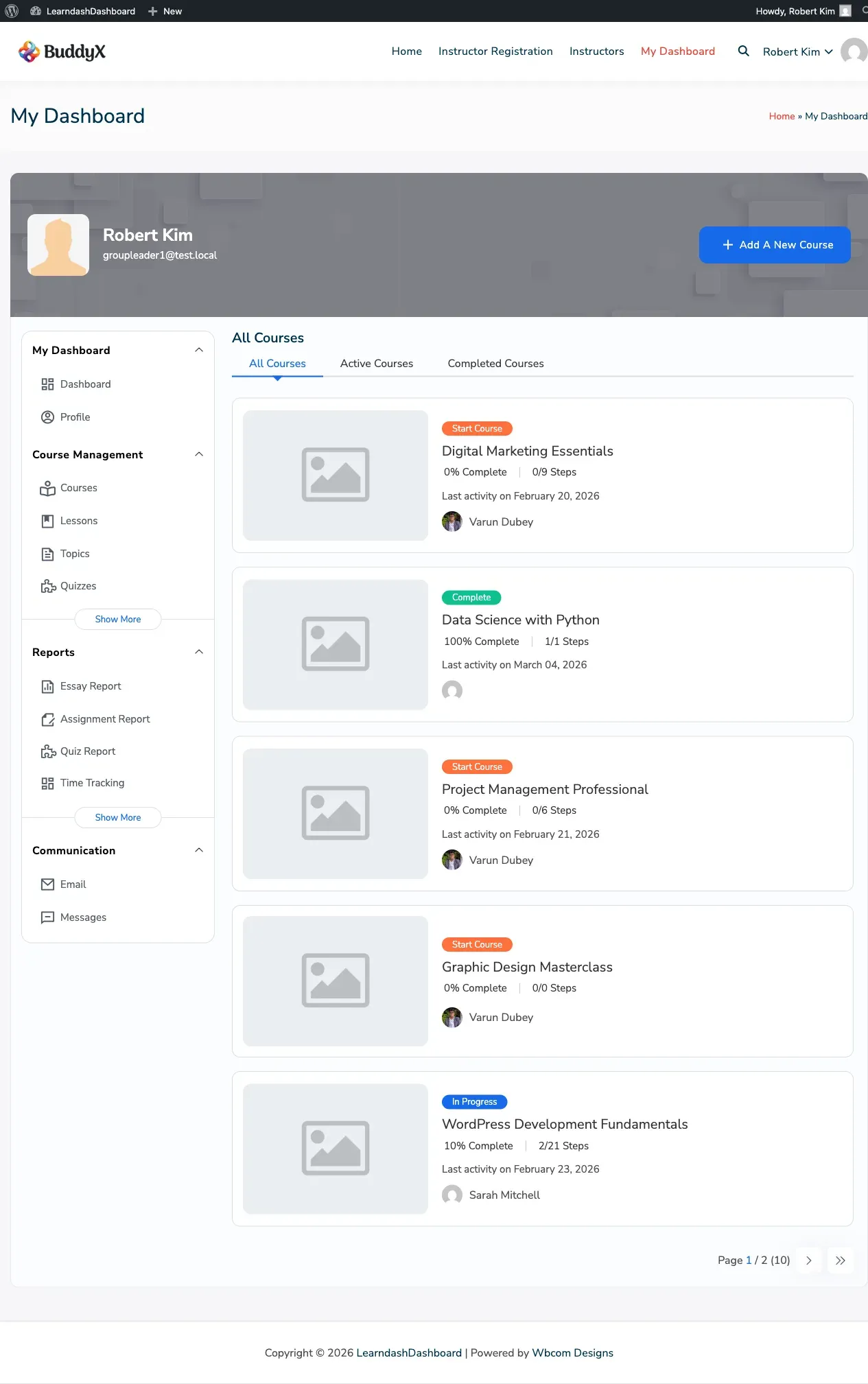
How to Access
Section titled “How to Access”Click Enrolled Courses in your dashboard sidebar.
What You’ll See
Section titled “What You’ll See”Each course appears as a card showing:
- Course image and title
- Your progress — how many steps you’ve completed out of the total
- A status badge: Start Course, In Progress, or Complete
- The date you last worked on the course
- Your instructor’s name and photo
Five courses appear per page. Use the navigation at the bottom to move between pages.
Filtering Your Courses
Section titled “Filtering Your Courses”Three tabs at the top let you quickly find what you’re looking for:
- All Courses — Every course you’re enrolled in
- Active Courses — Courses you’ve started but haven’t finished
- Completed Courses — Courses you’ve finished
Click any tab to switch views.
Resuming a Course
Section titled “Resuming a Course”If you’ve already started a course, a Resume button appears on the course card. Click it to go straight back to the lesson or topic you were on last.
Downloading Your Certificate
Section titled “Downloading Your Certificate”Once you complete a course, your certificate appears in the My Certificates section. Click My Certificates in the sidebar to find and download it.
For Instructors and Group Leaders
Section titled “For Instructors and Group Leaders”If you’re an instructor, you also see courses you’ve created or co-teach. Group leaders see courses linked to their assigned groups. All courses appear under the same three filter tabs.
Empty States
Section titled “Empty States”| Situation | Message |
|---|---|
| No courses at all | “You have not enrolled in any courses yet.” |
| No active courses | “You haven’t started any course yet.” |
| No completed courses | “You haven’t completed any course yet.” |