

Service Gallery and Media
Your service gallery is one of the first things buyers look at. Strong images and videos can be the difference between a click and a purchase. This guide covers what you can upload, the limits, and how to make your gallery work hard for you.
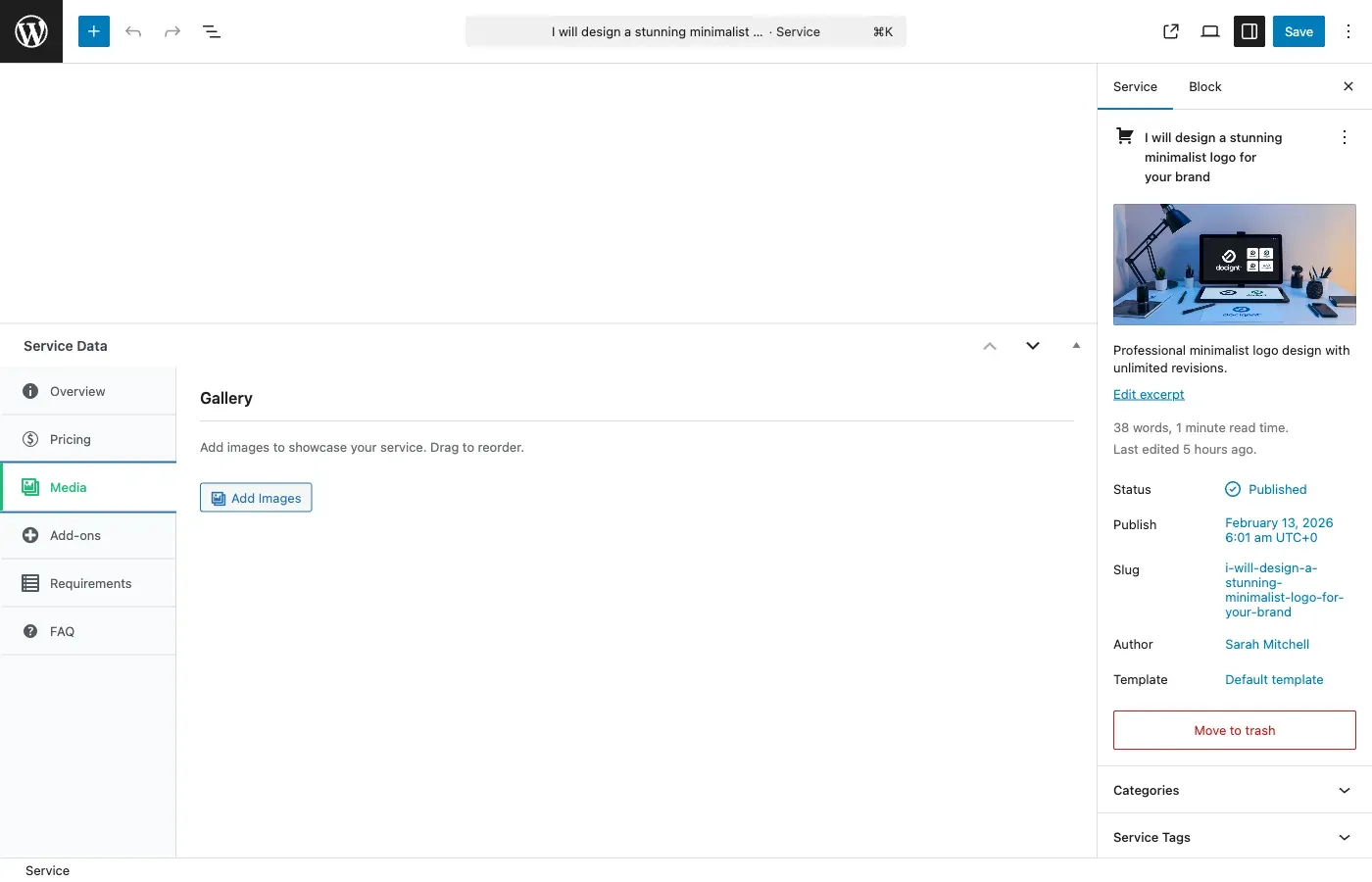
What You Can Upload
Section titled “What You Can Upload”| Media Type | Free | Pro |
|---|---|---|
| Main image | 1 (required) | 1 (required) |
| Additional images | Up to 4 | Unlimited [PRO] |
| Video embeds | 1 | Up to 3 [PRO] |
Main Image
Section titled “Main Image”Every service needs a main image. This is the hero image buyers see in search results, category pages, and at the top of the service page. It is required to publish your service.
Recommendations:
- Size: 800x600 pixels or larger
- Format: JPG, PNG, or WebP
- Keep it under 5MB
- Show your best work or a clear representation of what you deliver
Additional Gallery Images
Section titled “Additional Gallery Images”Gallery images let vendors showcase more of their work. Think of these as a portfolio within the service listing.
What to include:
- Samples of completed projects
- Before-and-after comparisons
- Different angles or variations of your work
- Process screenshots that show your approach
Supported formats: JPG, JPEG, PNG, GIF, WebP
Maximum file size: 5MB per image
In the free version, you can add up to 4 additional images. With [PRO], there is no limit.
Video Embeds
Section titled “Video Embeds”Videos are a powerful way to showcase work, especially for services like video editing, animation, web development, or any service that benefits from a walkthrough.
Supported platforms:
- YouTube
- Vimeo
Simply paste the video URL into the wizard. The video will embed automatically on your service page.
Limits:
- Free: 1 video
- [PRO]: Up to 3 videos
Note: Direct video file uploads (MP4, MOV, etc.) are not supported in the wizard. Use YouTube or Vimeo to host your videos and paste the link.
Tips for a Great Gallery
Section titled “Tips for a Great Gallery”Image Quality
Section titled “Image Quality”- Use high-resolution images (1200 pixels wide or more looks best)
- Show real work samples, not stock photos – buyers can tell the difference
- Keep a consistent style across your gallery for a professional look
- Compress images before uploading for faster page loads (tools like TinyPNG work well)
What to Show
Section titled “What to Show”- Lead with your strongest piece – The first gallery image matters most after the main image
- Show variety – Different styles, projects, or use cases demonstrate versatility
- Include context – Show work in its real-world setting (a website design on a laptop screen, a logo on a business card)
- Remove outdated work – Keep your gallery current with your best and most recent projects
Gallery Size
Section titled “Gallery Size”- 3-5 images is the sweet spot – enough to show range without overwhelming the page
- Quality always beats quantity
- Order images by relevance and quality, with the strongest pieces first
Video Tips
Section titled “Video Tips”- Keep videos under 3 minutes
- Show the end result, not just the process
- Add captions for accessibility
- Make sure the video is set to public on YouTube/Vimeo
Related Guides
Section titled “Related Guides”- Service Creation Wizard – The gallery step is part of the wizard
- Publishing and Moderation – Your main image is required before publishing