

Space Notifications
Each member chooses how much a space notifies them: every bit of activity, only the posts that mention them, or nothing at all. The choice is made per space, so a busy space and a quiet one can be tuned independently.
Why use it
Section titled “Why use it”When someone belongs to several spaces, a single notification setting for all of them is always wrong for some. The space they live in deserves every update; the high-volume space they joined for one thread becomes noise within a day. With one shared setting, the member’s only options are to drown in alerts or to mute everything and miss what matters.
Per-space control solves that. A member can keep full notifications on the spaces they care about, drop a loud space down to mentions only so they still hear when someone addresses them directly, and silence the spaces they only check occasionally. The result is that notifications stay useful instead of becoming something members learn to ignore, which keeps them coming back to the spaces that matter to them.
For the space owner, this means members are far more likely to stay in a high-traffic space rather than leaving to escape the alerts, because they can turn the volume down instead of walking out.
How it works (for members)
Section titled “How it works (for members)”You can set your preference for a space in two places. Both save the same setting, so changing it in one place updates the other.
The three levels
Section titled “The three levels”| Level | What you receive |
|---|---|
| All activity | Notifications for activity in the space. |
| Mentions only | Notifications only when someone mentions you in the space. |
| None | No notifications from the space. |
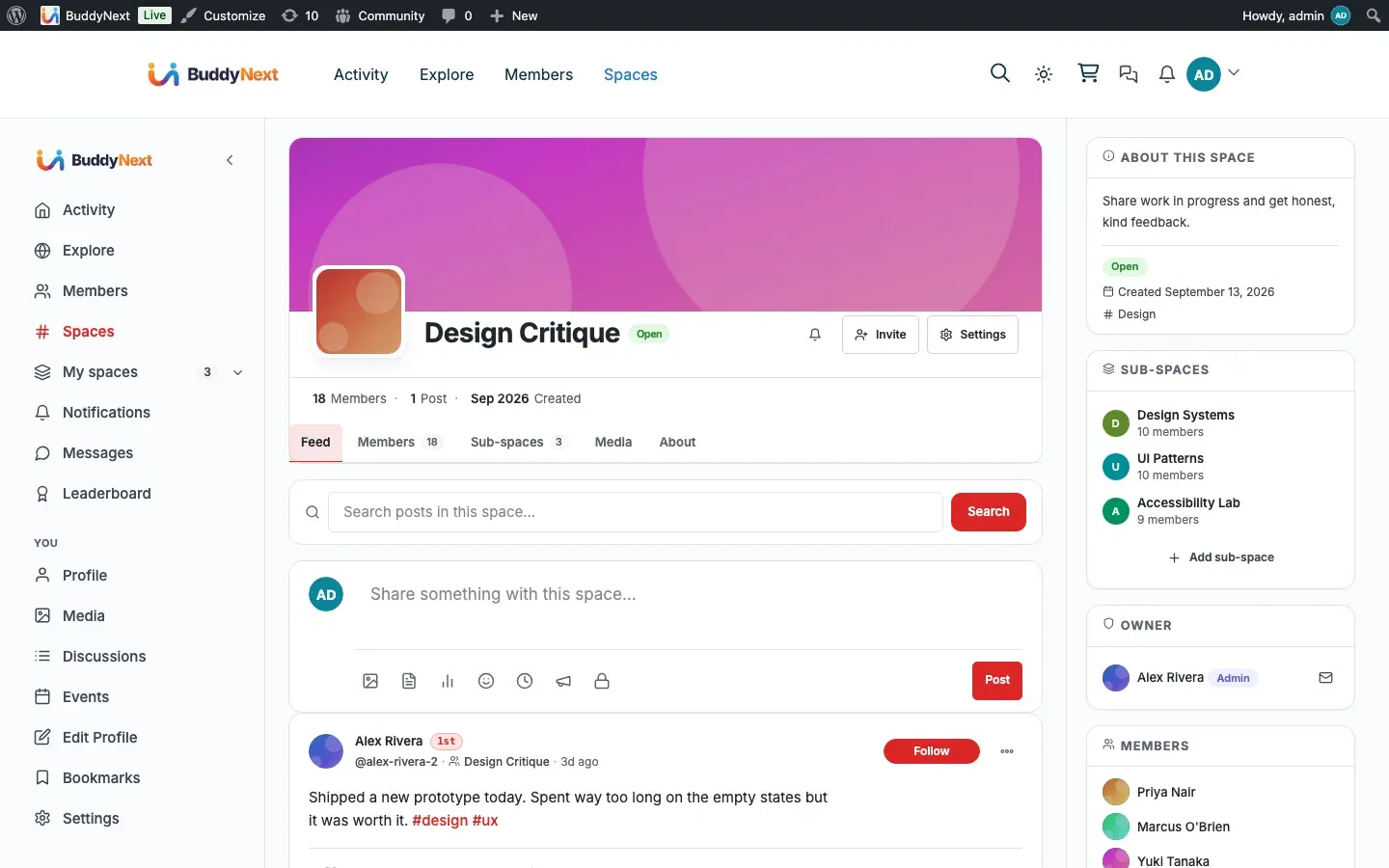
From the space itself
Section titled “From the space itself”- Open the space.
- Use the notification (bell) control in the space header.
- Choose All activity, Mentions only, or None.
Your choice is highlighted so you can see the current level at a glance.
From your notification preferences
Section titled “From your notification preferences”Your notification preferences page has a “Spaces you are in” section listing every space you are an active member of, each with its own All activity / Mentions only / None choice. This is the place to review and adjust all of your spaces side by side.
- Open your notification preferences.
- Scroll to Spaces you are in.
- For any space, choose the level you want.
The change saves immediately when you pick an option; there is no separate save button for this section. If you have not joined any spaces yet, the section shows a short prompt with a link to browse spaces.
Setting it up (for owners)
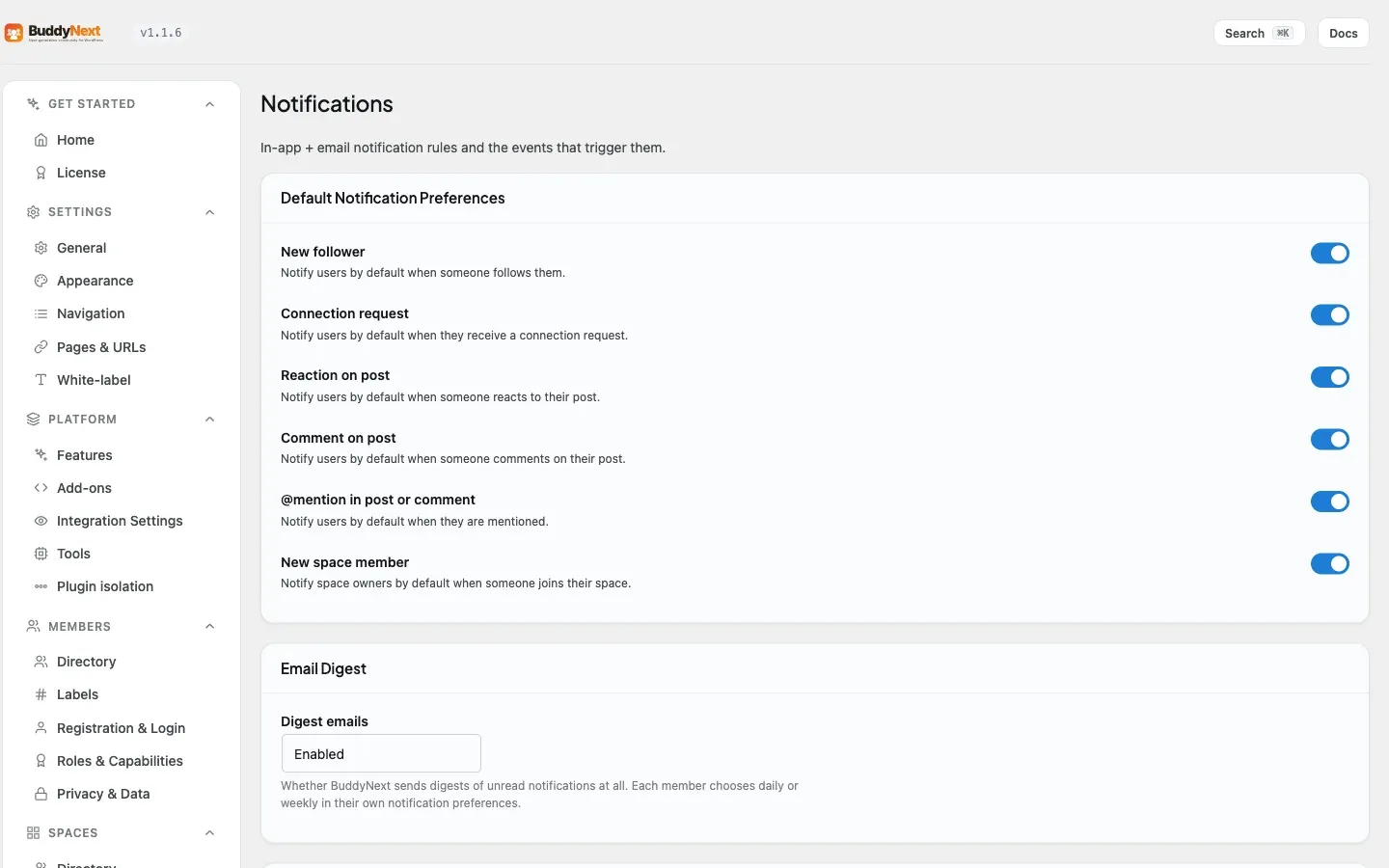
Section titled “Setting it up (for owners)”A space owner sets the default notification level that every new member starts on when they join the space. Members can change their own level afterward at any time, so this is a starting point, not a lock.
Open the space settings and go to the Notifications tab.
| Setting | What it does | Default |
|---|---|---|
| Default notification preference for new members | The notification level applied to a member when they first join this space: All activity, Mentions only, or None. Members can change it later. | Mentions only |
Tip: New members start on Mentions only, so a busy space does not overwhelm anyone on day one. For a small working space where everyone should see everything, consider raising the default to All activity to keep the whole group in the loop.
Good to know
Section titled “Good to know”- The default for any member who has not changed their own setting is Mentions only.
- The member control lives in two synced places: the bell control in the space header, and the “Spaces you are in” section of the notification preferences page.
- The “Spaces you are in” list only shows spaces you are an active member of. Pending requests and spaces you have left do not appear.
- Choosing a level in the preferences page saves right away, with no extra confirmation step.
- A member’s own choice always wins over the space default. The owner’s default only decides where a brand-new member starts.
Free vs Pro
Section titled “Free vs Pro”Per-space notification preferences, the in-space bell control, the bulk “Spaces you are in” view, and the owner default are all part of the free plugin.
Related
Section titled “Related”- Notification Preferences - the Spaces you are in section
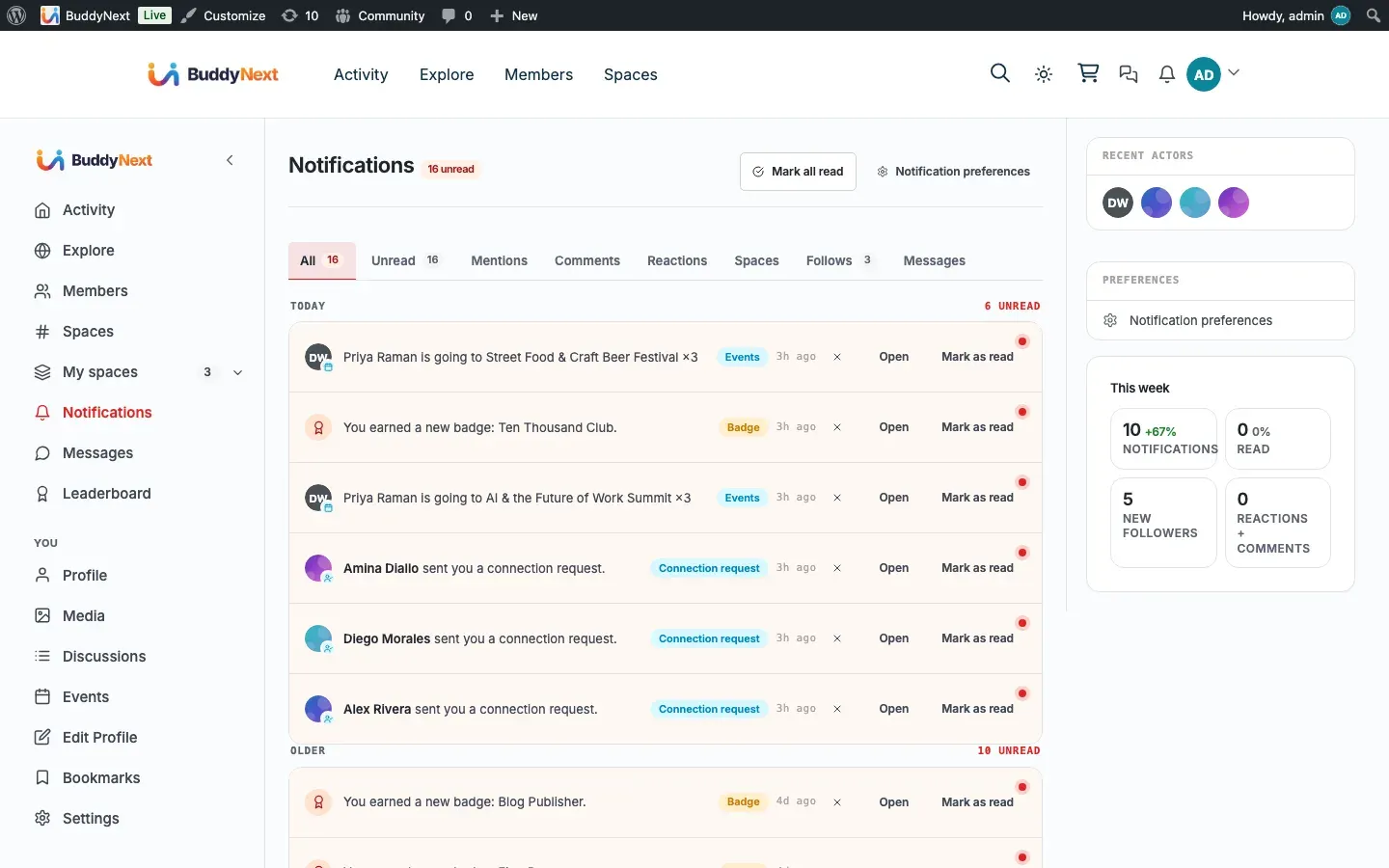
- Notifications - the alerts these levels control
- Mentions - what the Mentions only level delivers