

Auto-Moderation Rules
Auto-moderation rules let you set conditions that act on content automatically - blocking a banned word, flagging a spammy link, capping how fast someone can post, or removing content that gets reported too many times. Rules run on their own, the moment content is submitted or reported, so you are not the only line of defense. Auto-Moderation Rules is a Pro feature.
Why use it
Section titled “Why use it”A growing community produces more content than any human team can read in real time. Spam, abuse, and link-dumping arrive at all hours, and waiting for a moderator to notice means harmful content sits in the feed in the meantime. Manual moderation does not scale, and pre-screening every post by hand would make posting feel slow and hostile.
Rules close that gap. They encode your standards once and then enforce them on every submission instantly - rejecting the clearly-prohibited, quietly flagging the borderline for a human to review later, and throttling the accounts that flood the feed. This keeps trust-and-safety scalable: your moderators spend their time on judgment calls in the review queue instead of catching obvious spam, and members experience a cleaner community without a heavy-handed gate on every post. Owners enable this to hold a consistent line on content as the community grows past the point where one person can watch everything.
How it works (for members)
Section titled “How it works (for members)”Members never see the rules screen. They feel the rules only when something they submit matches one:
- Blocked content is rejected. When a member tries to post something a block-level rule matches (a prohibited word, a banned link), the post is refused with a message and never goes live.
- Flagged content still posts, quietly. When content matches a flag-level rule, it is published normally, but a report is filed in the background for a moderator to review. The member is not stopped.
- Posting too fast is throttled. If a rate-limit rule is in place and a member exceeds the hourly cap, further new posts are refused until enough time passes. They can still edit posts they have already published - see below.
- Heavily reported content can be auto-removed. If a piece of content collects enough reports within a set window, a threshold rule can remove it (or suspend its author for a set number of days) without waiting for a moderator.
The community sees the effect - less spam, fewer abusive posts - without any visible machinery.
Setting it up (for owners)
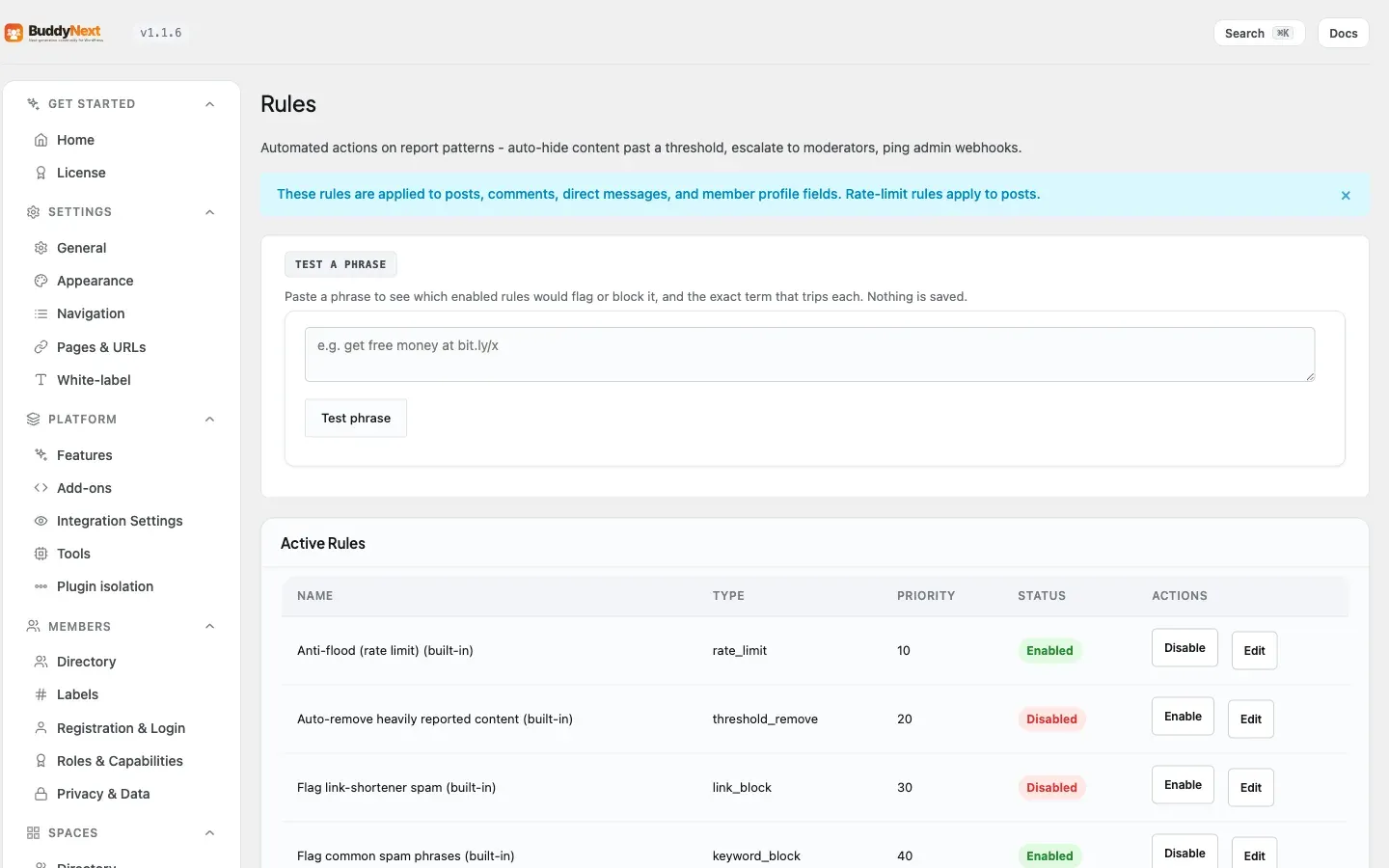
Section titled “Setting it up (for owners)”Auto-moderation rules are managed at BuddyNext > Moderation > Rules. BuddyNext ships a set of built-in default rules so the screen is never blank and sensible protection is in place from day one. You can toggle the defaults on or off, adjust their settings, and add your own rules alongside them.
Rule types
Section titled “Rule types”Every rule has a type that decides what it inspects and how it acts.
| Rule type | What it does | Acts by | Runs on |
|---|---|---|---|
| Keyword block | Scans content for any of a list of words or phrases. | Severity (warn / flag / block) | New posts and edits |
| Link block | Inspects links in a post against a list of domains (for example, link shorteners used by spam). | Action (flag / block) | New posts and edits |
| Rate limit | Caps how many new posts one member may publish per hour. | Refusing posts over the cap | New posts only |
| Threshold remove | Watches how many reports a piece of content collects in a time window. | Removing the content, or suspending its author | Report counts, not submission |
What happens when a member edits a post
Section titled “What happens when a member edits a post”The two kinds of rule behave differently on an edit, and the difference is deliberate.
Rules that inspect what was written keep running. Keyword block, link block, and AI moderation all re-check an edited post. If they did not, editing would become a way around moderation: post something harmless, then quietly edit the banned word back in.
Rules that count how much someone posted do not run. The rate limit is a question about new posts in the last hour. An edit is not a new post. So a member who has hit the hourly cap can still go back and fix a typo, correct a link, or improve the wording of something they already published - they simply cannot publish anything new until the hour rolls over. Applying the cap to edits would have meant a member who tripped the limit could not even edit the posts that tripped it, which is a punishment nobody intended and no owner would have predicted from a setting called “posts per hour.”
Severity and actions
Section titled “Severity and actions”How a rule responds when it matches:
| Setting | What it means |
|---|---|
| Block | Reject the submission outright. The content never goes live. |
| Flag | Let the content post, but file a report for moderator review. Reactive, not blocking. |
| Warn | Allow the content through (keyword rules only). |
| Remove | Take down content that crosses a report threshold (threshold rules). |
| Suspend | Suspend the offending author for a set number of days (threshold rules). |
Per-type settings
Section titled “Per-type settings”Each rule type takes its own configuration.
| Rule type | Setting | What it does | Default |
|---|---|---|---|
| Keyword block | Keywords | The words or phrases to match (required). | Empty (you must add at least one) |
| Keyword block | Severity | warn, flag, or block. | Flag |
| Link block | Domains | The domains to match (required). | Empty (you must add at least one) |
| Link block | Action | flag or block. | Flag |
| Rate limit | Max posts per hour | The hourly post cap (must be a positive number). | None (you must set it) |
| Threshold remove | Reports threshold | How many reports trigger the action (must be positive). | None (you must set it) |
| Threshold remove | Window (hours) | The time window the reports must fall within (must be positive). | None (you must set it) |
| Threshold remove | Action | remove or suspend. | Remove |
| Threshold remove | Suspension length (days) | How long to suspend when the action is suspend. | 7 |
Common settings
Section titled “Common settings”| Setting | What it does | Default |
|---|---|---|
| Name | A label so you can recognize the rule in the list. Required. | Empty (you must set it) |
| Priority | Decides evaluation order when several rules apply. Lower numbers run first. | 0 for new rules |
| Enabled | Whether the rule is active. A disabled rule does nothing. | Enabled when created |
Built-in default rules
Section titled “Built-in default rules”These ship ready to use. Toggle them on or off and adjust their settings like any rule; they cannot be deleted.
| Default rule | Type | On out of the box? |
|---|---|---|
| Anti-flood (rate limit) | Rate limit, 30 posts/hour | Yes |
| Auto-remove heavily reported content | Threshold remove, 5 reports / 24 hours | Yes |
| Flag link-shortener spam | Link block (bit.ly, tinyurl.com, t.co), flag | No |
| Flag common spam phrases | Keyword block, flag | No |
Manage rules
Section titled “Manage rules”- Create a rule: choose a type, give it a name and priority, fill in the type’s settings, and save.
- Edit a rule to change its name, priority, or configuration.
- Enable or disable a rule with its toggle. Disabling leaves the rule in place but stops it from acting.
- Delete a custom rule to remove it permanently. (Built-in defaults can be disabled but not deleted.)
Good to know
Section titled “Good to know”- Lower priority runs first. When more than one rule could apply, BuddyNext evaluates them in priority order, lowest number first, and the first blocking match wins. Order your strictest rules with the lowest numbers if you want them to take precedence.
- Keyword matching is whole-word. A keyword matches only as a complete word or phrase, not as a fragment inside another word - so blocking “ass” will not trip on “class” or “assist”. Matching is also case-insensitive.
- Disabled rules do nothing. A disabled rule is fully inert - it neither blocks, flags, nor counts toward anything until you re-enable it. This is the safe way to pause a rule without losing its configuration.
- Block stops, flag reviews. Block-level matches refuse the submission; flag-level matches let it through and file a report. Choose block for content that should never appear and flag for borderline cases you want a human to judge.
- Suspensions are temporary by default. A threshold rule set to suspend uses a set number of days (7 unless you change it), so an auto-suspension lifts on its own rather than becoming a permanent ban.
- Rules layer on top of free safeguards. Pro rules run alongside BuddyNext’s built-in content checks, not instead of them.
- The rate limit never blocks an edit. A member at or over the hourly cap can still edit their existing posts. Only new posts are refused. Content rules (keyword, link, AI) still apply to the edit, so this is not a loophole.
Free vs Pro
Section titled “Free vs Pro”The free plugin ships the core Content Safeguards - the always-on checks that protect submission, plus the moderator report queue and manual actions. Auto-Moderation Rules is the Pro layer on top: the configurable rule engine (keyword, link, rate-limit, and report-threshold rules), severities, priorities, and the built-in defaults. For automatic classification that scores content with AI rather than matching fixed keywords, see AI Moderation.
Related
Section titled “Related”- Content Safeguards - the free always-on checks these rules layer on.
- AI Feed and Moderation - AI scoring instead of fixed keywords.
- Bulk Moderation - act on many flagged items at once.
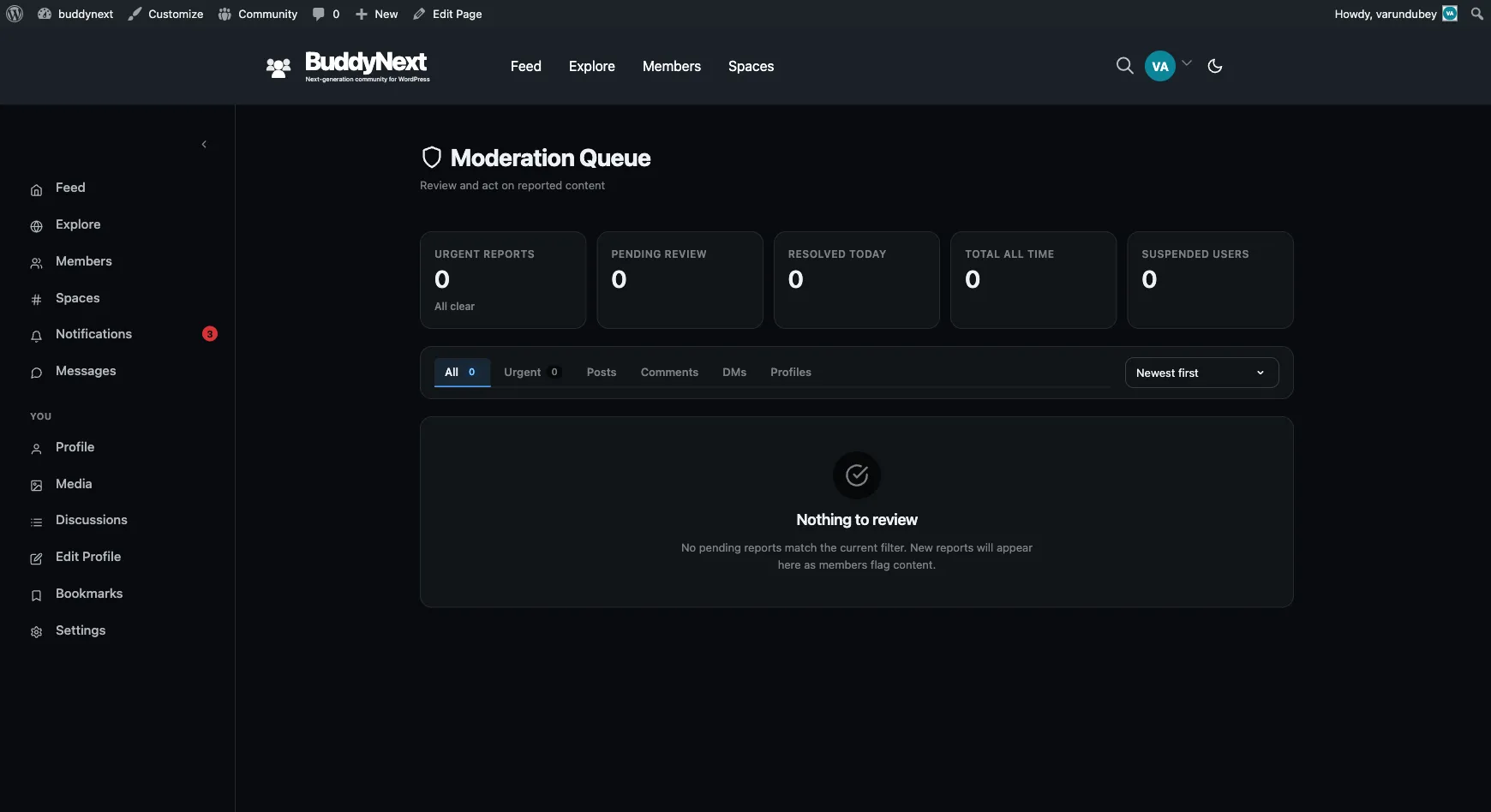
- Moderation Queue - where flagged content waits for review.