

Real-time WebSocket
Real-time WebSocket (Pro) connects your community to a WebSocket server so notifications, feed activity, and messaging update the instant they happen, instead of waiting for the next poll. It uses the Pusher protocol, so it works with Sockudo (free, self-hosted) or any other Pusher-compatible server.
Need to stand up a server? This page covers the feature and its settings. For step-by-step deployment - Docker Compose, systemd, Redis, TLS, and a first-connection checklist - see Deploying a realtime server.
Why it matters
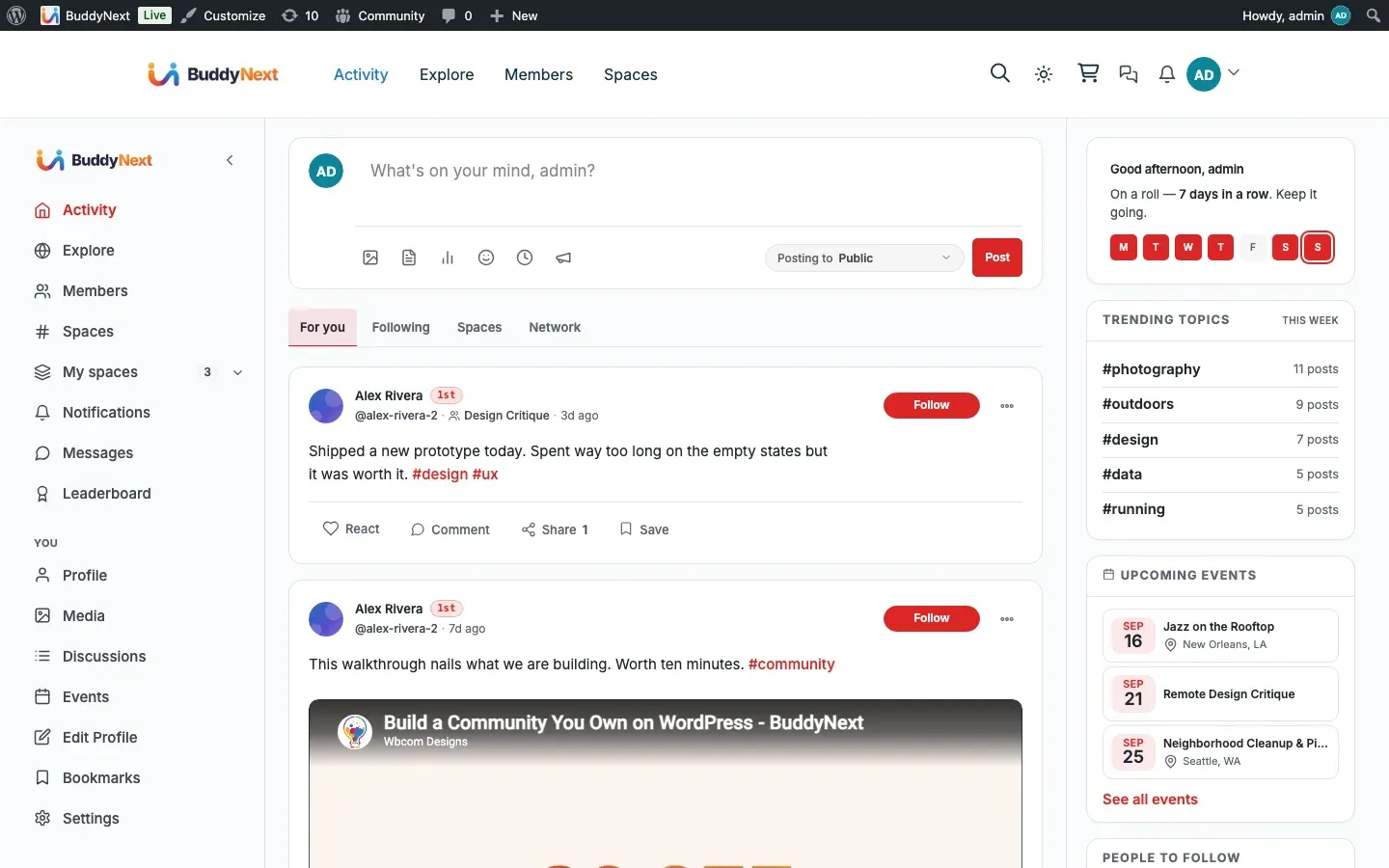
Section titled “Why it matters”The free plugin keeps the community live by polling: the notification bell checks for new items every few seconds, the feed checks for new posts roughly once a minute. That works and nothing is broken without Pro - it is just slower. A member can wait up to a minute to see a new post appear, and the bell only catches up on its next check.
Real-time removes that wait. When the WebSocket transport is connected, an event is delivered to the browser the moment the server fires it. A reaction, a comment, a new post in a space, a notification, an incoming direct message - they surface immediately, the way they do on a mainstream social app. That difference is what makes a community feel alive rather than static, and it is the single clearest signal that members are in a shared, active space rather than refreshing a page.
For the owner this is a transport upgrade, not a feature rebuild. The same events that polling reads are published over the socket, so turning real-time on makes existing surfaces faster without changing how they work. When real-time is off or the server is unreachable, the community quietly falls back to polling - no broken features, just the slower cadence.
Note: Real-time needs a WebSocket server you run or subscribe to. Until one is configured and enabled, the community runs on the free polling transport. Direct-message real-time additionally relies on the WPMediaVerse Pro messaging engine.
How it works (for members)
Section titled “How it works (for members)”There is nothing for a member to configure. Once the owner has connected a realtime server, the transport loads automatically for logged-in members. They simply notice that things update without a refresh:
- The notification bell badge updates as notifications arrive, on every page.
- New posts in the feed and in spaces appear live.
- Reactions and comments on posts they are viewing update in place.
- Direct messages arrive instantly in an open conversation, through the WPMediaVerse messaging engine.
If the server is unreachable, the member sees no error - the experience falls back to the standard polling updates.
Tip: Member online status and the “Online now” directory filter come from the community’s presence heartbeat, which runs in the free plugin. Real-time speeds up event delivery; it does not replace presence.
Setting it up (for owners)
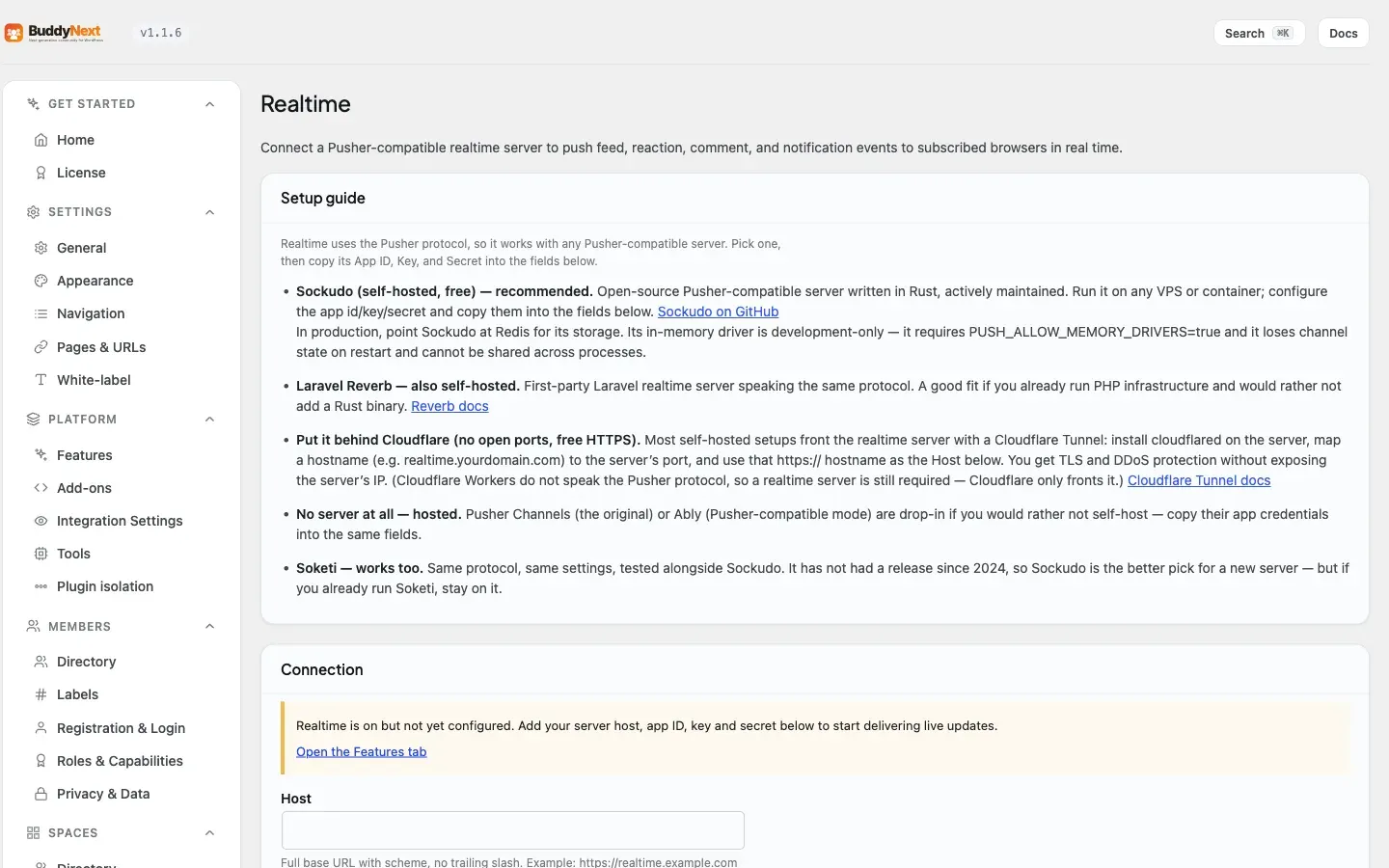
Section titled “Setting it up (for owners)”Realtime settings live under the BuddyNext admin, on the Realtime tab (Advanced section). The page opens with a setup guide for choosing a server.
Requirements
Section titled “Requirements”- A Pusher-compatible WebSocket server. Sockudo (open-source, self-hosted, actively maintained) is the recommended option and is free; Laravel Reverb is another self-hosted choice; Pusher Channels or Ably (in Pusher-compatible mode) are hosted drop-in alternatives that need no server of your own.
Choosing and connecting a server
Section titled “Choosing and connecting a server”- Stand up a server. The recommended path is Sockudo on any VPS or container. Full instructions are in Deploying a realtime server.
- Optionally front it with a Cloudflare Tunnel so you get HTTPS and DDoS protection without exposing the server’s IP or opening ports. Map a hostname (for example realtime.yourdomain.com) to the server’s port, and use that HTTPS hostname as the Host.
- Copy the server’s App ID, Key, and Secret into the fields below, set the Host, enable realtime, and save.
Note: Cloudflare Workers do not speak the Pusher protocol, so a realtime server is still required. Cloudflare only fronts it.
Sockudo and Soketi both work. Same protocol, same settings - we test against both. Soketi has not had a release since 2024, so Sockudo is the better pick for a new server; if you already run Soketi, stay on it.
Settings
Section titled “Settings”| Setting | What it does | Default |
|---|---|---|
| Enable realtime | Master switch. When on, BuddyNext Pro publishes lifecycle events (posts, reactions, comments, notifications, messages) to the configured server. When off, the community uses polling. | Off |
| Host | The server’s full base URL with scheme and no trailing slash, for example https://realtime.example.com. | Empty |
| App ID | The app id configured on your server. | Empty |
| Key | The public app key. It ships to the browser and identifies the connection. | Empty |
| Secret | The app secret. Used on the server to sign trigger requests and channel authorization tokens. It is never sent to the browser. | Empty |
Channel authorization
Section titled “Channel authorization”Member channels are private and must be authorized before a browser can subscribe to them. BuddyNext Pro handles this for you, using each member’s own logged-in session to check what they are allowed to receive.
It enforces, for each channel type:
- A member’s personal notification channel - only that member is authorized.
- A conversation channel - only participants in that conversation are authorized.
- A space channel for members-only spaces - only active members of that space are authorized.
Public feed and public-space activity uses open channels and needs no per-member authorization. You do not configure any of this - it works once the connection settings above are saved and the server secret is correct.
The connection self-test
Section titled “The connection self-test”The Realtime page has a Test connection button. It pings your configured server and reports the number of connected channels it sees, which confirms the Host, App ID, Key, and Secret are correct and the server is reachable before you rely on it.
Good to know
Section titled “Good to know”- Real-time is an upgrade to the free polling transport, not a replacement for the features it accelerates. Every live surface keeps working on polling when realtime is off or the server is down.
- The transport loads for logged-in members so the notification bell stays current site-wide, and on BuddyNext hub pages. An owner can refine where it loads if needed.
- Direct-message real-time is delivered through the WPMediaVerse Pro messaging engine on a per-conversation channel. The messaging engine must be present for DM live updates.
- Private channels (personal notifications, conversations, members-only spaces) are authorized per member, so a member can never subscribe to another member’s stream or a space they do not belong to.
- Posts in a members-only space are routed to that space’s private channel rather than a public one, so a non-member subscribing to public channels cannot read private-space activity.
- Member presence and the “Online now” filter are handled by the free presence heartbeat, independently of the WebSocket connection.
Free vs Pro
Section titled “Free vs Pro”The real-time WebSocket transport is a Pro feature. The free plugin keeps every live surface working over REST polling - the bell, the feed’s new-posts indicator, presence, and directory online status all function without Pro, just on a polling cadence. Pro swaps in the WebSocket transport so the same events arrive instantly, and provides the admin connection settings, the channel authorization, and the connection self-test.
For delivering notifications to a member’s device when they are not on the site at all, see Push Notifications.
Related
Section titled “Related”- Deploying a realtime server - stand up the WebSocket server.
- Push Notifications - reach members when they are off-site.
- Direct Messaging - messages that arrive live over the socket.
- Realtime Updates - the free polling transport this upgrades.