

Mentions
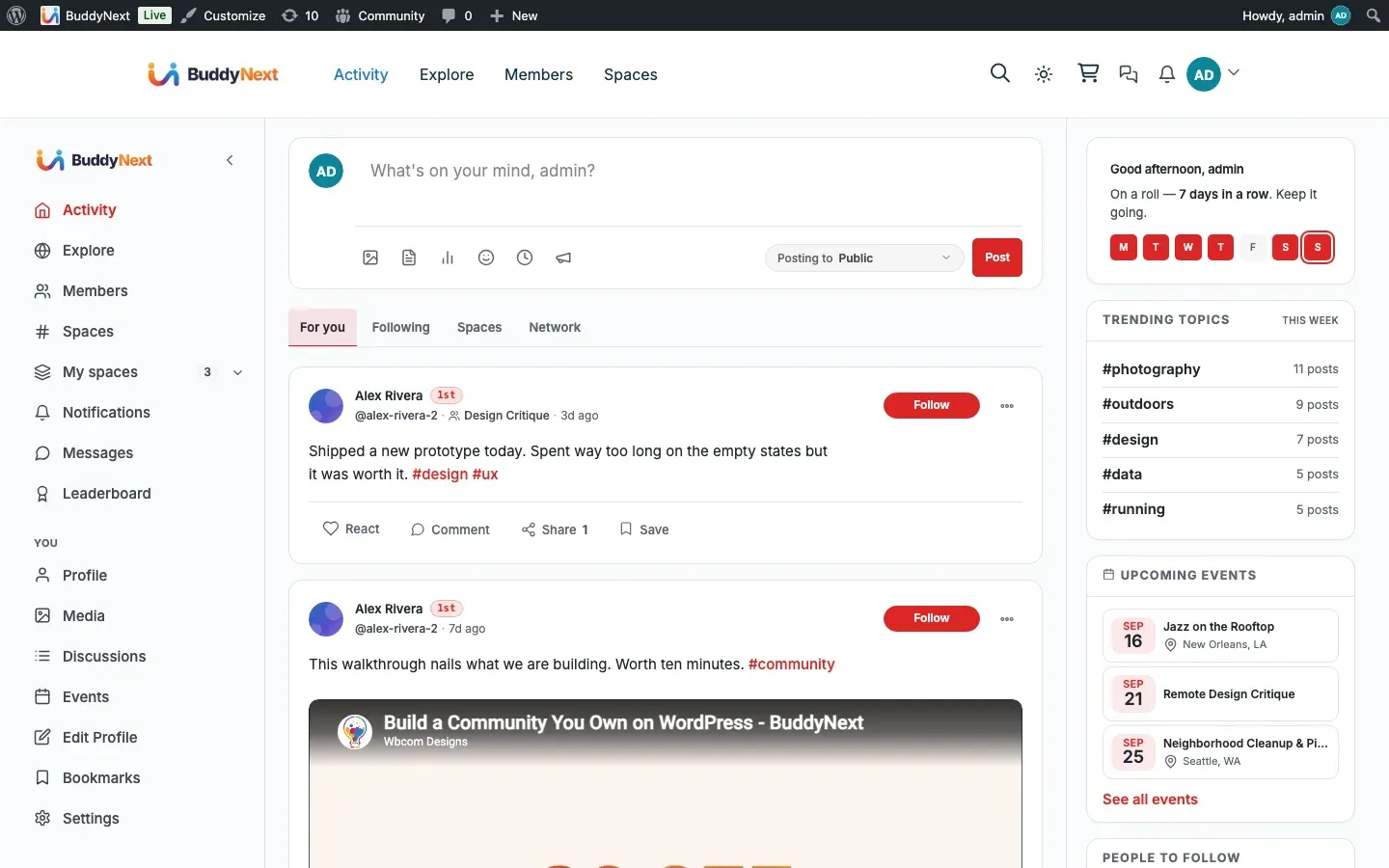
A mention is the way one member pulls another into a conversation by name. Type @ followed by a member’s username in a post or comment, and BuddyNext links it to that member’s profile and notifies them that they were mentioned.
Why use it
Section titled “Why use it”Conversations move faster when you can address someone directly. A mention is how a member says “this is for you” - asking a question, crediting a contributor, or looping a colleague into a thread they would otherwise miss. The mentioned member gets a notification, so they do not have to be watching the feed to know they were called on. That single signal is what turns a one-way post into a back-and-forth, and it is the same @name habit members already know from every mainstream social platform.
For the community as a whole, mentions keep discussions connected. A @username in a post or a reply becomes a link straight to that person’s profile, so anyone reading can see who is being talked about and follow the conversation to its participants.
How it works (for members)
Section titled “How it works (for members)”Mentioning someone
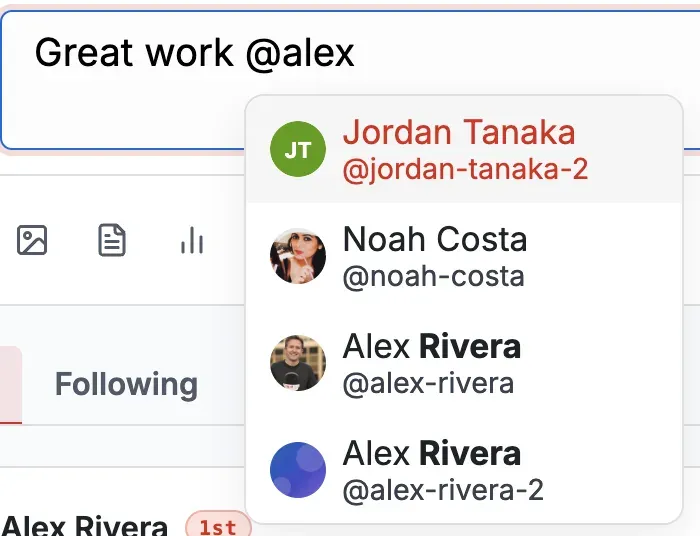
Section titled “Mentioning someone”Type @ followed by a member’s username - for example @jordan - anywhere in a post or a comment. When the content is saved, BuddyNext finds each @username, links it to that member’s profile, and notifies the mentioned member. You can mention more than one person in the same post or comment.
The link works the same in comments as in posts, so a @username in a reply is clickable and notifies that member too.
Who gets notified
Section titled “Who gets notified”Each mentioned member receives an in-app notification telling them they were mentioned, with a link to the post or comment. Whether a member also gets an email about it follows their own notification preferences for mentions.
What the mentioned member sees
Section titled “What the mentioned member sees”The mentioned member sees a notification that says they were mentioned in a post, and following it takes them straight to the post or comment where their name appears. The mention itself stays a clickable link to their profile for everyone who reads the content.
Good to know
Section titled “Good to know”- Mentioning yourself does nothing. If you write your own
@username, no self-notification is sent - the mention is skipped. - Mentions respect blocking. If the mentioned member has blocked the person writing the mention, no mention notification is delivered.
- Mentions respect a member’s mention privacy. Each member can decide who is allowed to mention them - everyone, any logged-in member, only their connections, or nobody. If someone is not allowed to mention a given member, writing their
@usernamedoes not notify them. This is a per-member privacy choice, not an owner setting. - The username has to match. A mention notifies a member only when the
@text matches a real member’s username. A misspelled or non-existent name still renders but reaches no one.
Setting it up (for owners)
Section titled “Setting it up (for owners)”Mentions work automatically - there is no feature to turn on and no per-site mention configuration. Members write @username, BuddyNext links and notifies, and each member governs who may mention them through their own privacy preference.
The one related owner-facing control is the default for mention notifications: whether new members start with mention notifications on. Members can change this for themselves afterward.
| Setting | What it does | Default |
|---|---|---|
| Default mention notification | Whether mention notifications are on by default for members. Each member can override it in their own notification settings. | On |
Related
Section titled “Related”- Notifications - the alert a mention delivers
- Notification Preferences - the per-member mention default
- Comments - mentions work the same in a reply