

Quiz Attempts
Overview
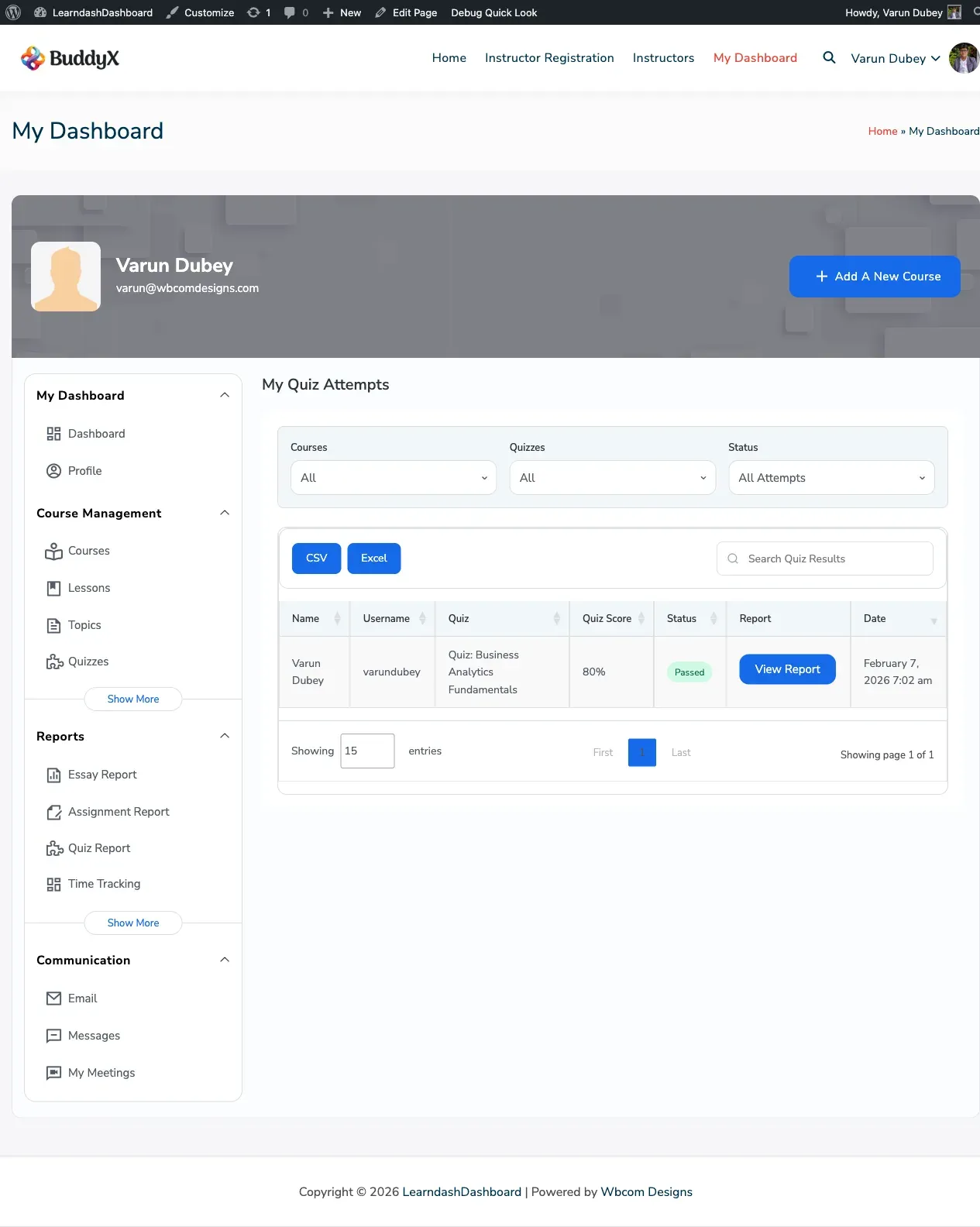
Section titled “Overview”The Quiz Attempts section keeps a full record of every quiz you’ve taken. You can filter by course, quiz name, or result status — and click any attempt to see a detailed breakdown of your answers.
Screenshots
Section titled “Screenshots”How It Looks
Section titled “How It Looks”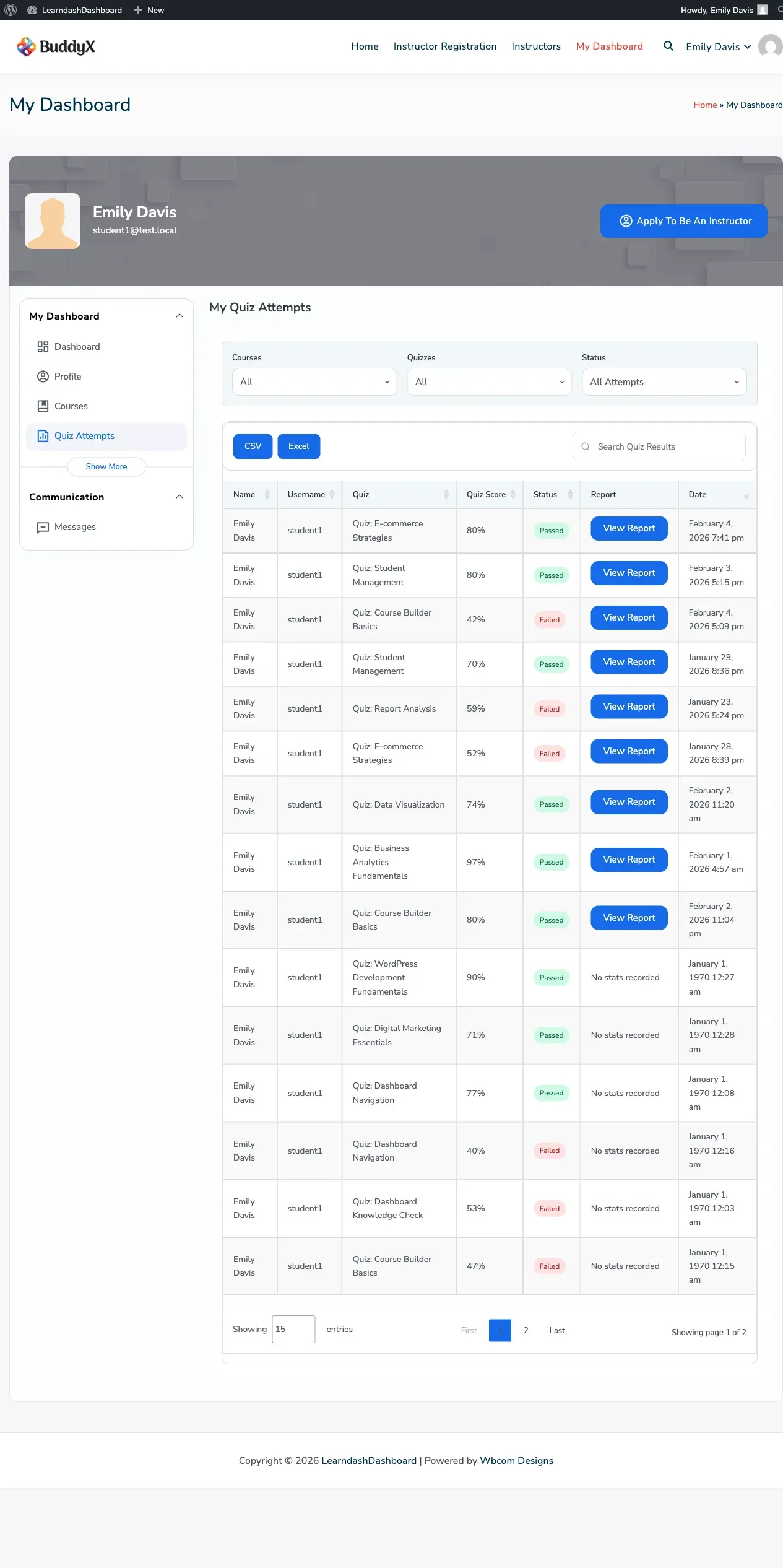
How to Access
Section titled “How to Access”Click Quiz Attempts in your dashboard sidebar.
What You’ll See
Section titled “What You’ll See”Your quiz history appears in a table showing:
- Quiz name
- The course it belongs to
- Your score
- Whether you passed or failed
- The date and time of the attempt
- A status badge
Understanding the Status Badges
Section titled “Understanding the Status Badges”Each attempt is marked with a color-coded badge:
| Badge | Meaning |
|---|---|
| Passed | You met or exceeded the passing score |
| Failed | You did not meet the passing score |
| Pending | An essay or graded answer is awaiting your instructor’s review |
| Not Attempted | The quiz is available but you haven’t taken it yet |
Filtering Your Results
Section titled “Filtering Your Results”Three dropdowns above the table help you find specific attempts quickly:
- Course — Filter by a specific course
- Quiz — Filter by a specific quiz
- Status — Show only Passed, Failed, or Pending results
Select any combination and the table updates automatically.
Viewing Your Detailed Results
Section titled “Viewing Your Detailed Results”Click the statistics icon on any attempt row to open a detailed view of that quiz. You’ll see:
- A question-by-question breakdown
- Your answers compared to the correct answers
- Points earned for each question
- How long you spent on the attempt
Click Close or click outside the panel to return to your list.