

What BuddyPress Sticky Post Does
BuddyPress Sticky Post lets administrators, group leaders, and members pin activity posts to the top of the activity stream so important content stays visible. It works on the sitewide stream, inside groups, and on individual member profiles.
Why pin activities
Section titled “Why pin activities”Activity feeds move fast. Announcements get buried, group rules scroll out of view, and members never see the post you wanted them to see. Pinning fixes that — pinned posts stay on top, marked with a “Pinned” ribbon, until they are unpinned or auto-expire.
Three pin scopes
Section titled “Three pin scopes”The plugin supports three independent pin scopes so each kind of content lives where it belongs.
| Scope | Who pins it | Where it shows |
|---|---|---|
| Sitewide | Site administrators | Main /activity/ stream for everyone |
| Personal | Members on their own profile | The member’s profile activity tab only |
| Group | Group admins and moderators | That group’s activity feed |
A sitewide pin never leaks onto a personal profile, and a personal pin never appears in the global stream.
What ships in v2.3.8
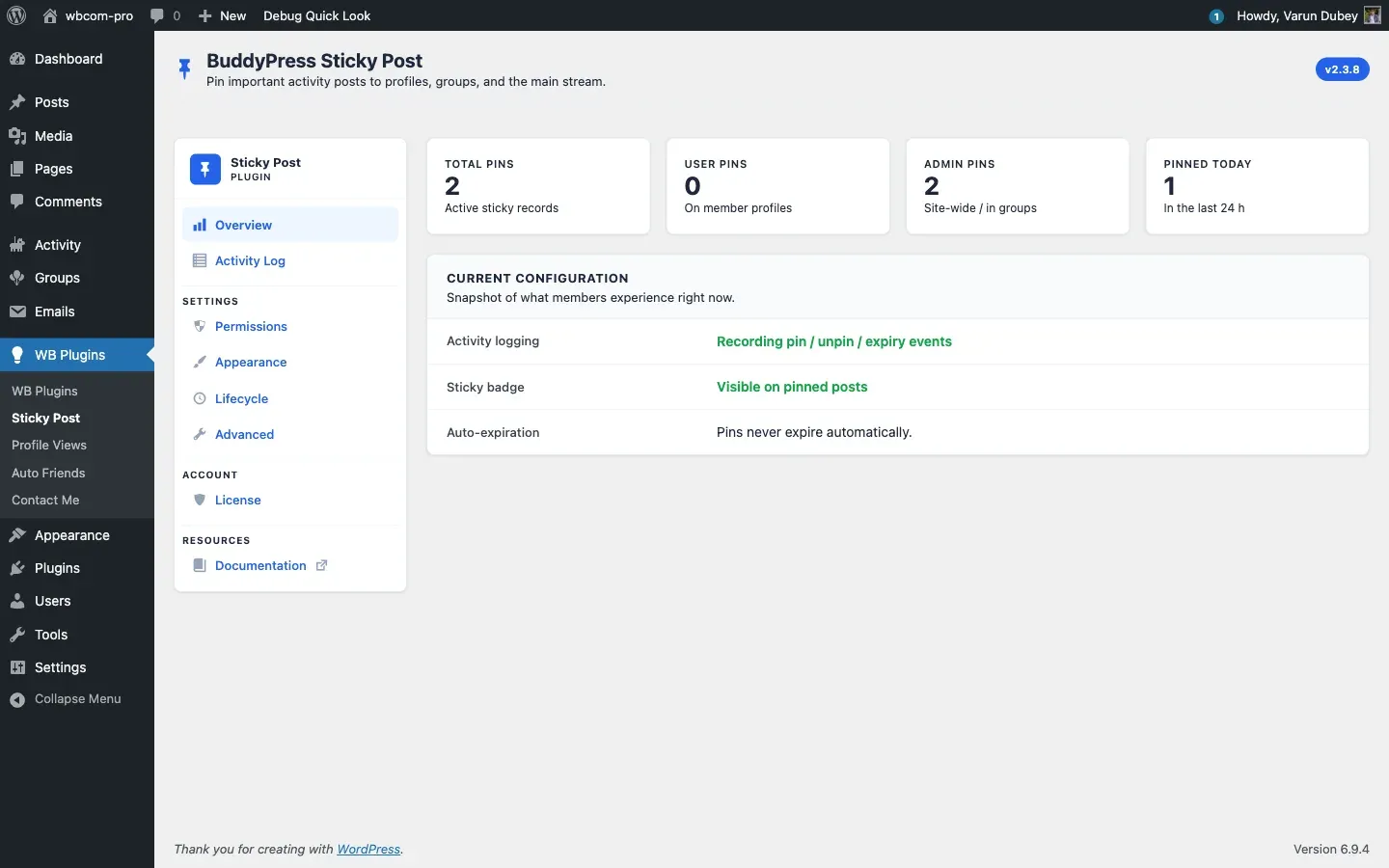
Section titled “What ships in v2.3.8”- Card-panel admin UI with Overview, Activity Log, Permissions, Appearance, Lifecycle, Advanced, and License tabs.
- Pin quotas — separate per-user and per-admin caps; group admins bypass the per-user limit inside their groups.
- Auto-expiration — pins auto-unpin after N days via an hourly cron.
- Activity log — every pin / unpin / auto-expiry is recorded with timestamp and actor; export to CSV or clear from the Activity Log tab.
- Gamification hooks — built-in events for myCRED, GamiPress, and AutomatorWP.
- REST API —
GET / POST / DELETE/buddypress/v1/activity/{id}/stickyplus a list endpoint, all enforcing pin quotas. - WP-CLI —
wp bpsp pin|unpin|listwith sitewide / personal / group scopes. - Shortcode —
[bp_sticky_posts]to render pinned posts anywhere. - Theme support — Reign, BuddyX / BuddyX Pro, BuddyBoss Theme, Flavor, OneCommunity.
Requirements
Section titled “Requirements”| Requirement | Minimum |
|---|---|
| WordPress | 5.0 (tested up to 6.9) |
| PHP | 7.4 |
| BuddyPress | 5.0 — or BuddyBoss Platform 2.0+ |
| Activity component | Enabled |
Next step
Section titled “Next step”Install the plugin and configure it: see Installation.