

Pin Activities From the Stream
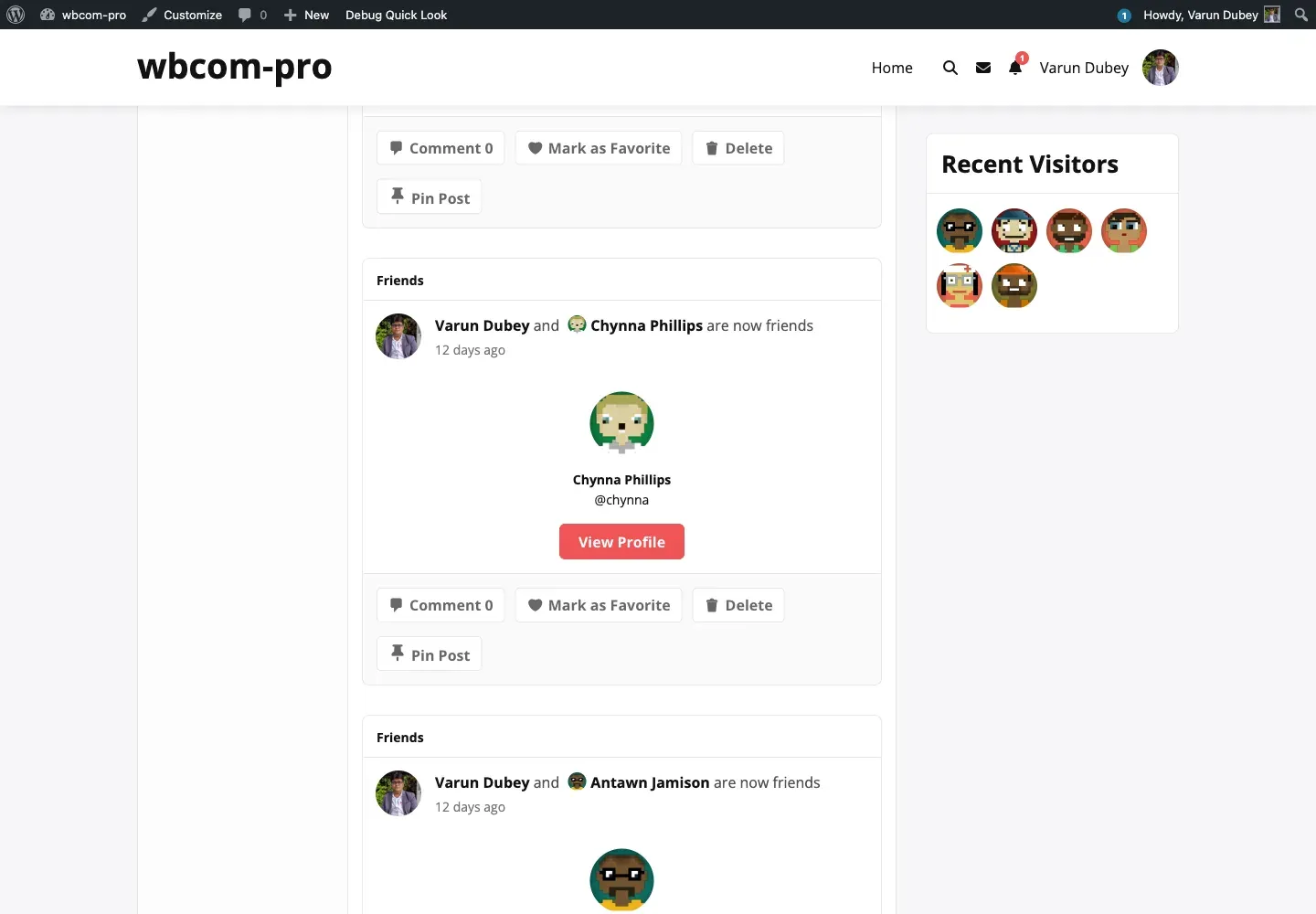
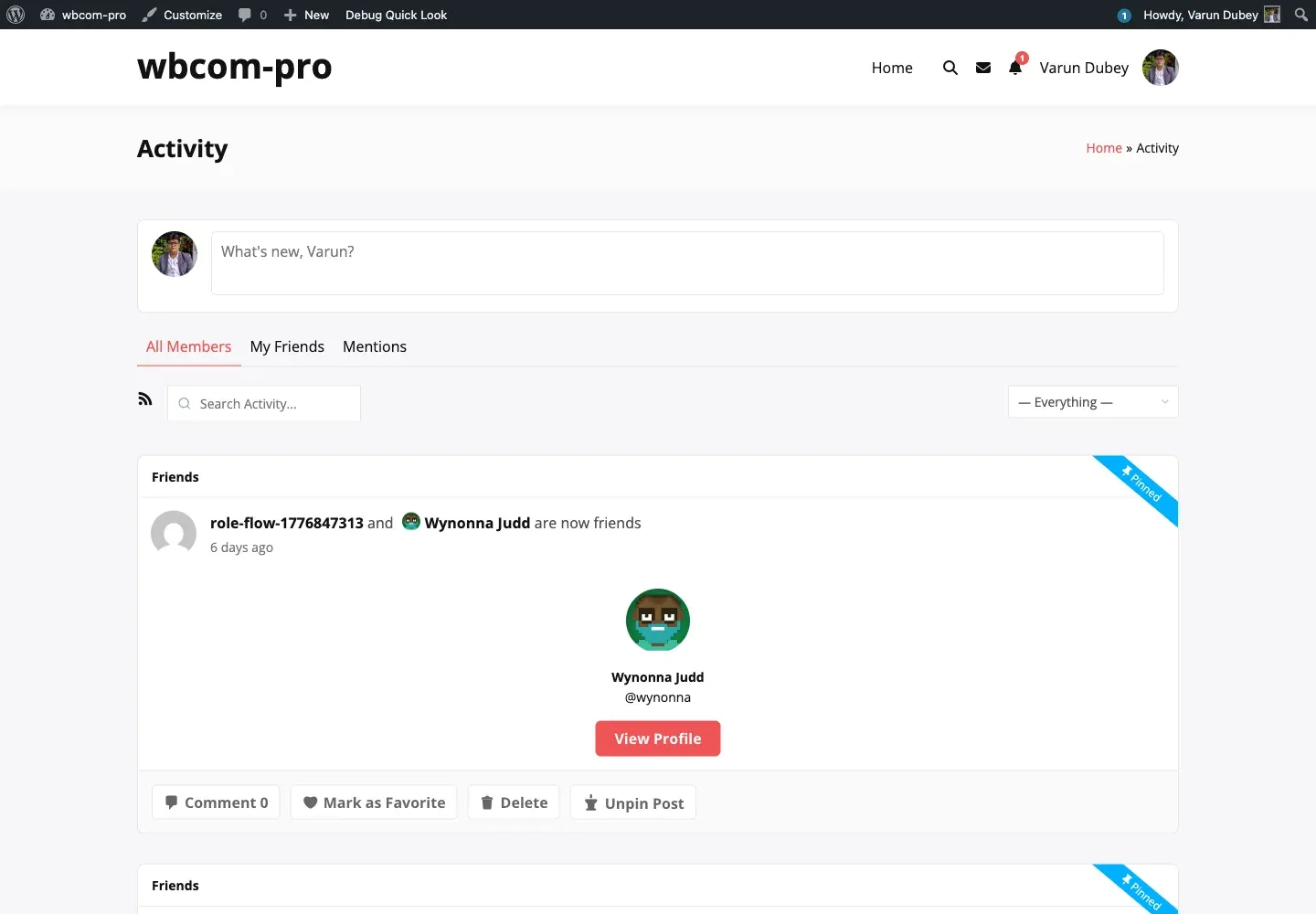
Pinning is a one-click action from the activity meta of any post. Whoever has permission sees a Pin Post button in the activity actions; once pinned, the same post shows a Pinned ribbon and the button flips to Unpin Post.
How members pin
Section titled “How members pin”- Open the activity stream —
/activity/, a group’s Activity tab, or a profile’s Activity tab. - Find the activity to pin.
- Click Pin Post under the activity.
The activity stream updates in place — no page reload occurs. The activity jumps to the top of whichever stream it belongs to and a blue “Pinned” ribbon appears in the top-right corner.
How members unpin
Section titled “How members unpin”Click Unpin Post under the same activity. The ribbon disappears and the activity returns to its normal chronological position.
Who sees the Pin button
Section titled “Who sees the Pin button”The button only renders for users who:
- Are logged in.
- Have the
bp_moderatecapability or belong to a role ticked in Permissions → Who Can Pin. - Are looking at an eligible activity for that scope (sitewide on
/activity/, their own posts on a profile, group activity inside a group).
A logged-out visitor never sees the button. A regular member viewing someone else’s profile activity never sees it either — only the profile owner can pin to their own profile.
Pin labels
Section titled “Pin labels”The button text is configurable. Defaults are Pin Post and Unpin Post, set in Appearance → Button Labels. Many communities rename them to match their voice — Feature, Highlight, Star. Short verbs work best.
What “pinned” actually does
Section titled “What “pinned” actually does”When you pin an activity:
- A row is written to
{prefix}bpsp_sticky_postswith the activity ID, scope (component + group), pin type (administrator/user), pinner ID, and timestamp. - The activity gets
_bpsp_pinned_timeand_bpsp_pinned_byactivity meta. - If the Activity Log is enabled, a
pinrow goes into{prefix}bpsp_activity_logs. - Caches keyed on
bpsp_sticky_posts_{component}_{id}are flushed. - Optional gamification hooks fire — see Gamification.
Unpinning reverses each step.
Related
Section titled “Related”- Pin Scopes — what “sitewide / personal / group” means in detail.
- Pin Quotas — how the per-user / per-admin caps work.
- Activity Log — audit trail for every pin / unpin.