

The community leaderboard
The leaderboard ranks your community’s members by the points they have earned, so the most active people rise to the top. It shows a ranked list of top members with their points and badges, plus the viewer’s own rank, level, streak, and next milestone.
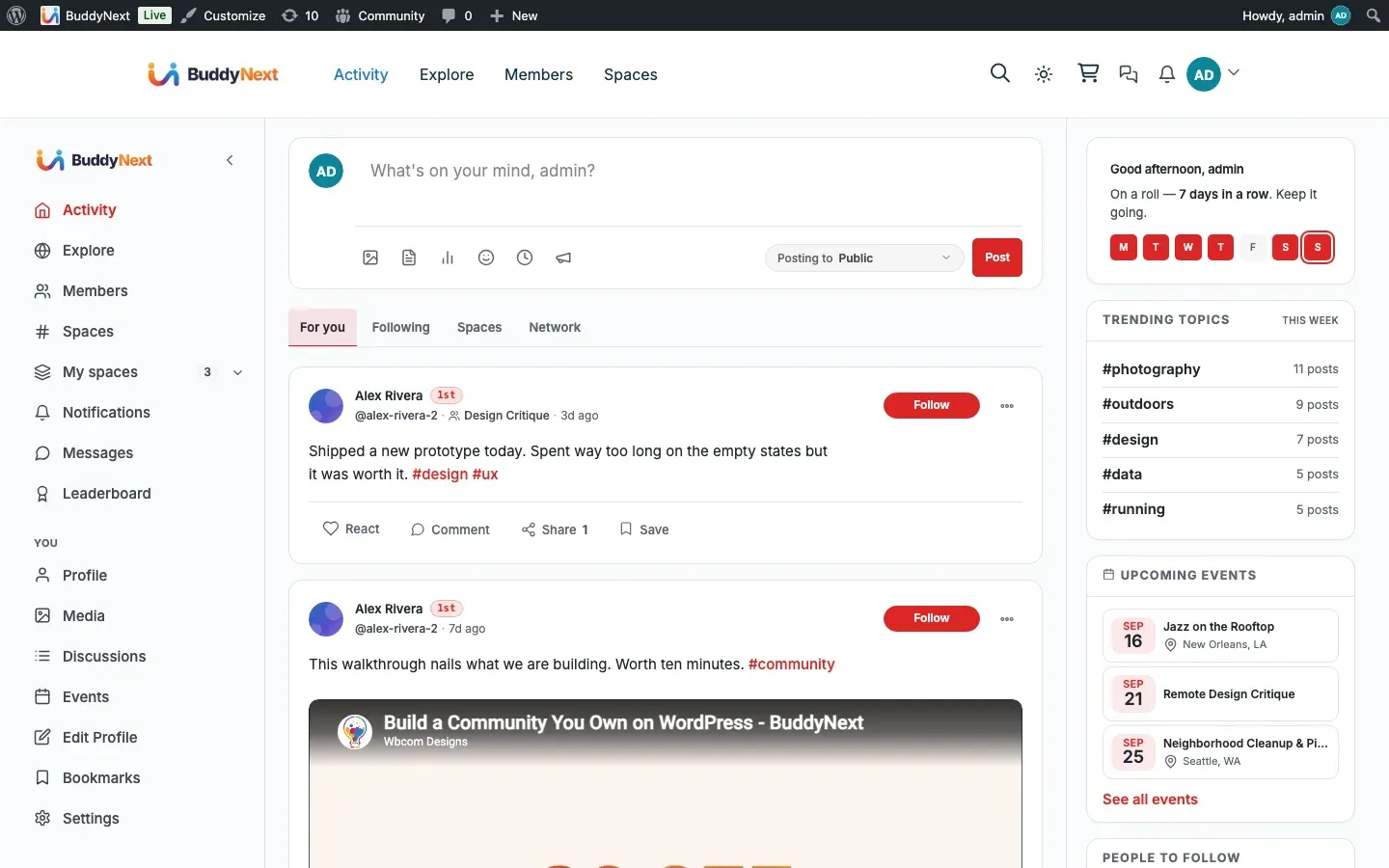
The leaderboard is part of BuddyNext’s gamification, which is provided by the WB Gamification companion plugin. The board reads its rankings from that plugin, so it appears once WB Gamification is installed and members have started earning points. For how points are earned, see Gamification: points, badges, and levels.
Why use it
Section titled “Why use it”A leaderboard turns participation into friendly competition. When members can see where they stand and who is leading, they have a concrete reason to come back and contribute one more post or reaction. It rewards your most engaged people with public recognition, which is one of the strongest reasons regulars stay loyal to a community.
Owners enable the leaderboard when they want to spotlight active members and give newcomers a goal to climb toward. A member who joins, sees the board, and notices they are close to the next milestone has a clear nudge to participate again.
Keeping it healthy
Section titled “Keeping it healthy”A leaderboard can tip from motivating to toxic if it only ever rewards the same few people or pushes members to game the system. A few habits keep it positive:
- Lean on the rolling time windows (see the scoring window below) so newer members can top the weekly or monthly board even if long-time members own the all-time ranking. A fresh window gives everyone a winnable race.
- Tune point values in WB Gamification so quality actions, like completing a profile or earning reactions on good content, are worth more than easy repeat actions. BuddyNext already excludes self-reactions from scoring, so members cannot inflate their rank by reacting to themselves.
- Treat the board as recognition, not the point of the community. It works best as a quiet nudge alongside real conversation, not the headline of every page.
How it works (for members)
Section titled “How it works (for members)”Members do not set anything up. They open the leaderboard and read it.
- Open the leaderboard from the “View leaderboard” link on a profile, or from a leaderboard menu item if the owner has added one to the site navigation.
- See the ranked list of top members, each with their points and earned badges.
- See your own standing at the top of the page: your rank, points, level, current streak, and your next milestone.
- Switch the scoring window with the period tabs to rank members by this week, this month, or all time.
The scoring window
Section titled “The scoring window”The leaderboard can rank members over three windows, chosen with the period tabs:
| Window | What it ranks |
|---|---|
| This week | Points earned in the current week |
| This month | Points earned in the current month (the default view) |
| All time | Points earned since the member joined |
The board opens on “This month” by default. The window is part of the link, so a member can share a leaderboard view and the recipient sees the same window. The list shows the top members for the selected window.
Setting it up (for owners)
Section titled “Setting it up (for owners)”The leaderboard is part of gamification, so its setup is the gamification setup: install the WB Gamification companion and set the gamification hub page. Full steps are in Gamification: points, badges, and levels, and the install walkthrough is on the Gamification integration page.
| Setting | What it does | Default |
|---|---|---|
| WB Gamification companion | Provides the points, badges, levels, and the leaderboard rankings. The leaderboard cannot show data until this is active. | Not installed |
| Gamification hub page | The page that hosts the leaderboard. BuddyNext links members to it from their profile. | None set until you choose a page |
Tip: You can add the leaderboard to your site navigation as a menu item so members can reach it without opening a profile first. Add it from your site’s Menus screen, where BuddyNext offers the leaderboard as a selectable item.
Good to know
Section titled “Good to know”- Empty state. Before any member has earned points, the board has nothing to rank and shows an empty result rather than an error. As members start posting and reacting, the rankings fill in.
- Without the companion. If WB Gamification is not installed or active, the leaderboard shows a friendly notice instead of rankings and waits quietly until the companion is in place. Nothing breaks.
- Built for large communities. The board shows a fixed set of top members and reads each member’s details only for those visible rows, so it stays fast whether your community has fifty members or fifty thousand. It does not load every member to render the page.
- Where the numbers come from. Rankings, points, levels, streaks, and badges all come from WB Gamification. BuddyNext displays them; it does not keep its own separate score, so the leaderboard always matches what the gamification engine has recorded.
Free vs Pro
Section titled “Free vs Pro”The leaderboard is available in the free plugin and does not require BuddyNext Pro. It needs the WB Gamification companion to supply the rankings, but not a Pro license.
Related
Section titled “Related”- Gamification: points, badges, and levels - how the points behind the board are earned
- WB Gamification - the companion plugin that supplies rankings
- Per-surface sidebar widgets - where the leaderboard spotlight appears